|
| Copyright © Cloud Software Group, Inc. All Rights Reserved |
The Reset to Defaults button restores all properties to the values defined in the enterprise archive file.
1. In TIBCO Administrator, click Application Management.
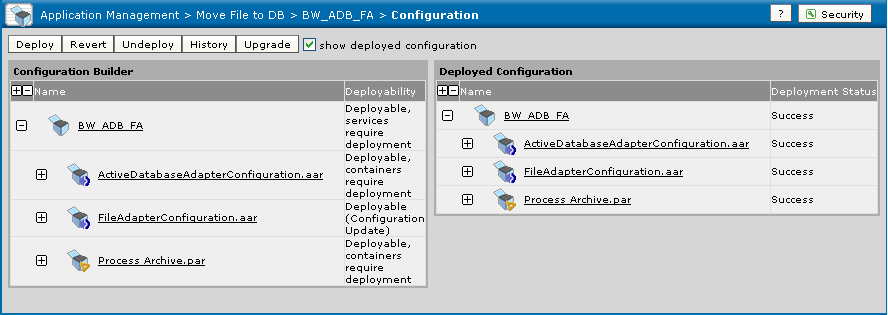
2. Click Application > Configuration, where Application is the application created when you loaded the enterprise archive file. See Creating an Application.
3. In the Configuration Builder pane, select the Application name.
4. Click the General tab to change the application name, description or contact information.
5. Click the Advanced tab to change global variables or deployment repository instance properties.
6. Click Save.
8. Click Deploy.See Edit Application Configuration Dialog for more information.See Global Variables for descriptions.
|
| Copyright © Cloud Software Group, Inc. All Rights Reserved |