|
| Copyright © Cloud Software Group, Inc. All Rights Reserved |
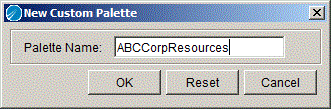
a. Select Palettes > My Palettes > New Palette from the TIBCO Designer menu.
2. Copy the .mypalette file(s) to the custom palette directory on the machines you wish to use the custom palette.
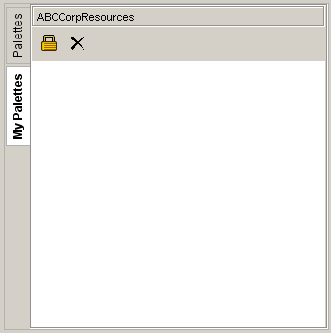
3. Start TIBCO Designer and click the My Palettes tab to see the custom palette. If TIBCO Designer is already running, choose Palettes>My Palettes>Reload Palettes from the menu to retrieve the new custom palette.
|
| Copyright © Cloud Software Group, Inc. All Rights Reserved |