Running OSGi Commands Using HTTP Client
You can run OSGi commands using HTTP client. Preffered way is using curl.
Execute the following OSGi command using curl in the following format:
curl -v http://<IP address>:<port on which AppNode is running>/bw/framework.json/osgi?command=<OSGi command>
For Example:
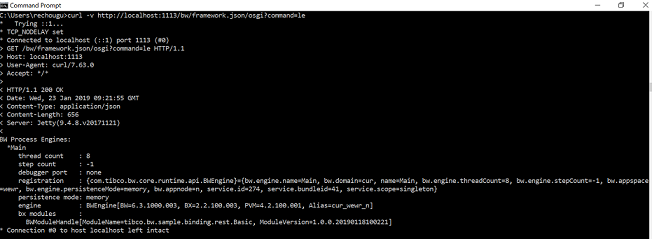
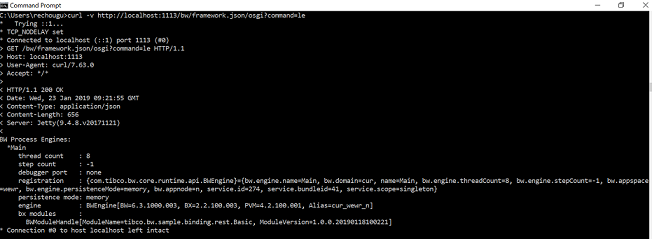
- To print information about BWEngines:
curl -v http://localhost:2224/bw/framework.json/osgi?command=le
- To pause all jobs of
TIBCO ActiveMatrix BusinessWorks™ applications:
curl -v http://localhost:1113/bw/framework.json/osgi?command=pauseapp%20-v%201.0%20tibco.bw.sample.binding.rest.BookStore.application