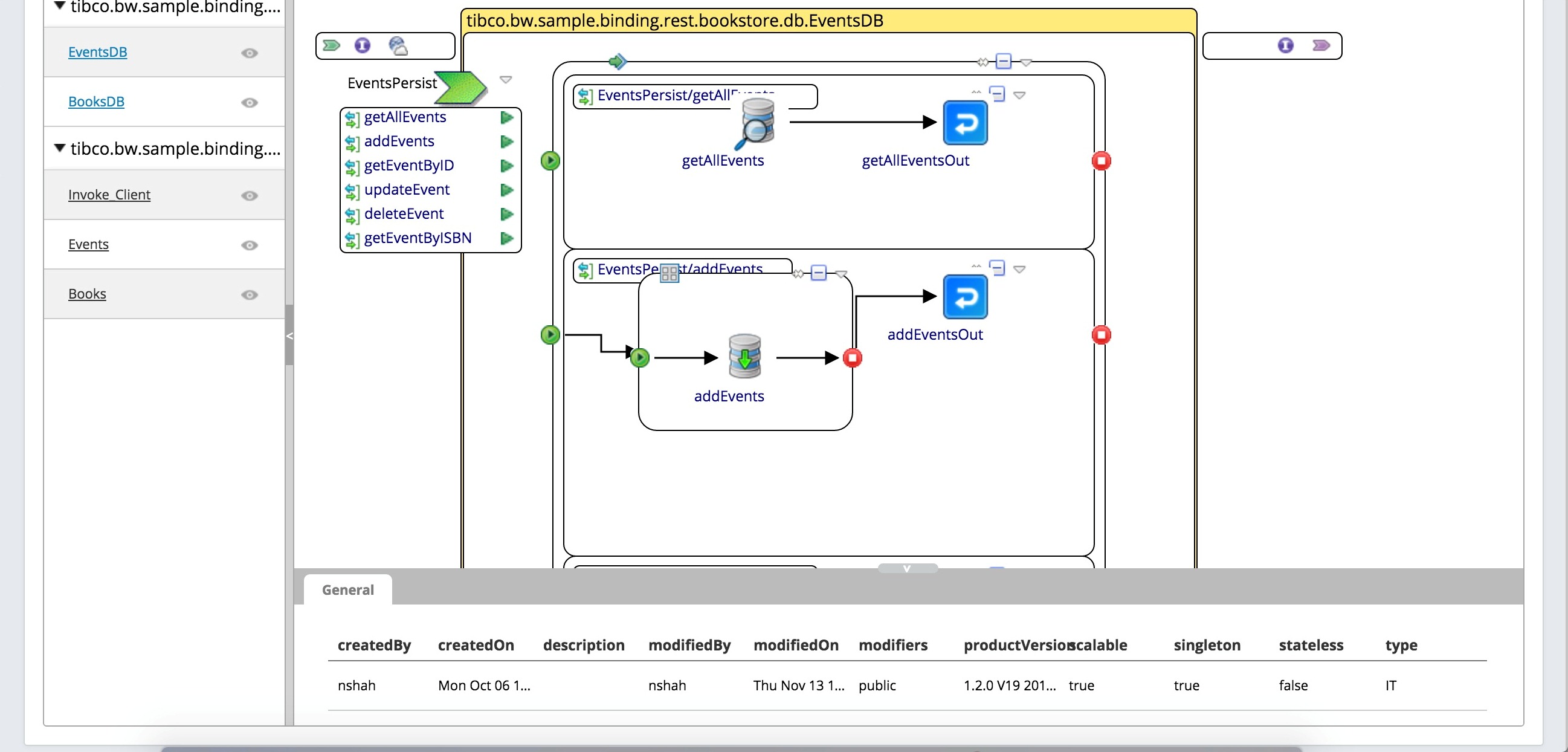
Viewing Endpoints, Components, Processes and Command History
You can view endpoints, components, processes and the command history for a running application from the Admin UI.
Admin UI
- Procedure
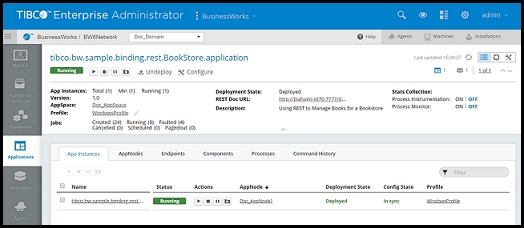
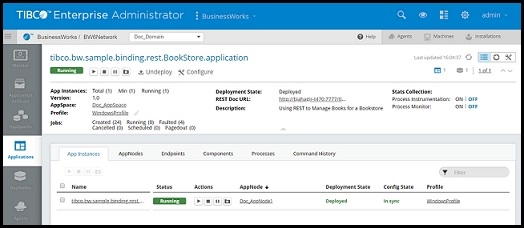
- Select the running application you want to view details for configure on the
Applications page.
- Open the
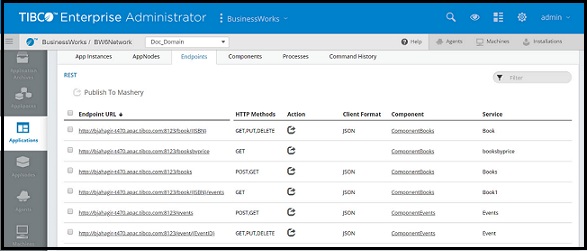
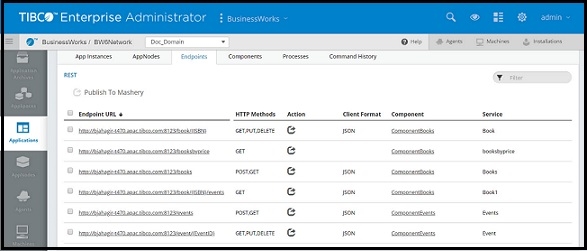
Endpoints tab to view endpoints exposed by the application. The type of endpoint is displayed at the top of the tab.
- Open the
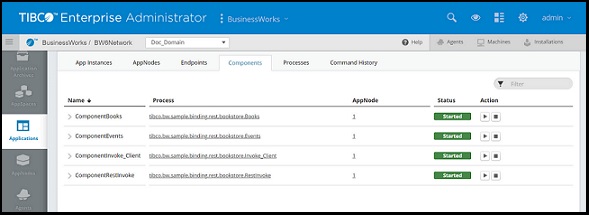
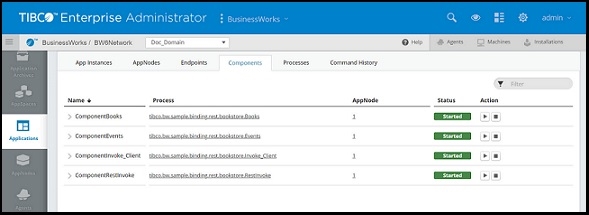
Components tab to view components in the application.
- Open the
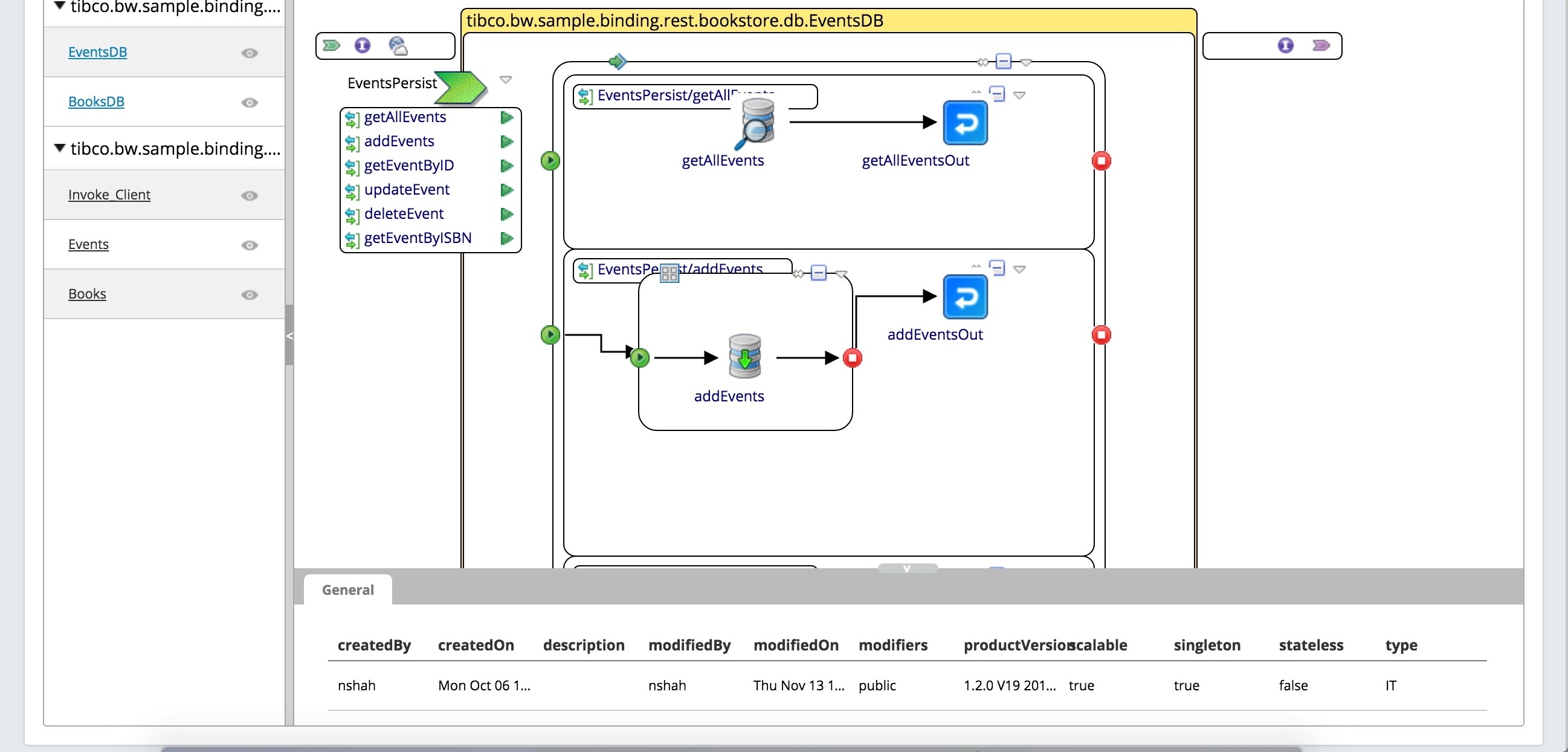
Processes tab to view application processes.
- Open the
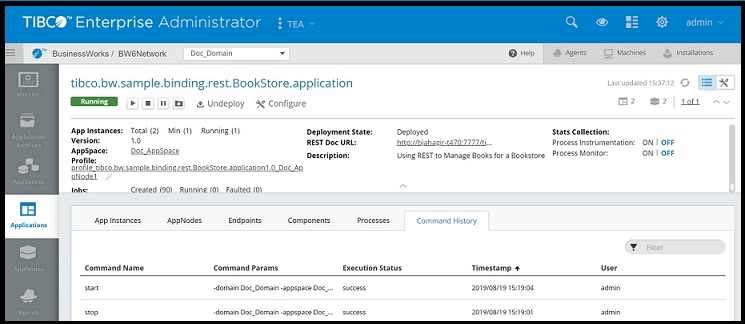
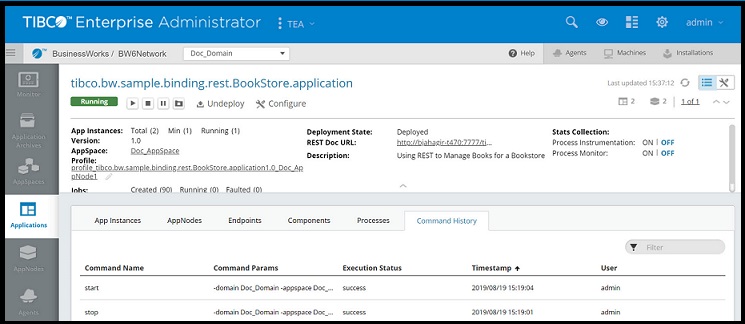
Command History tab to view the commands or operations that were performed on an Application.