
Registering an Adapter Agent with a TEA Server
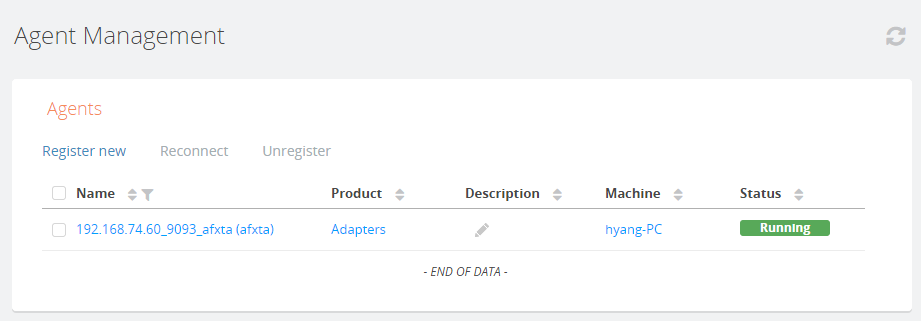
To view and monitor entities in the Admin UI, you must register an adapter agent with a TIBCO Enterprise Administrator server.
TIBCO ActiveMatrix Adapter Framework is exposed to the TIBCO Enterprise Administrator server through an adapter agent. After registering the adapter agent, you can start and stop adapter applications in the Admin UI.
Prerequisites
- start the hawk agent:
On a command line, navigate to the TIBCO_HOME\afx\version_number\bin directory and enter tibhawkagent.
- start the adapter agent that you want to register:
On a command line, navigate to the TIBCO_HOME\afx\version_number\bin directory and enter adapteragent.
- start the TIBCO Enterprise Administrator server that you want to register the adapter agent with:
On a command line, navigate to the TIBCO_HOME\tea\version_number\bin\ directory and enter tea.
Procedure
Copyright © Cloud Software Group, Inc. All Rights Reserved.