|
| Copyright © TIBCO Software Inc. All Rights Reserved |
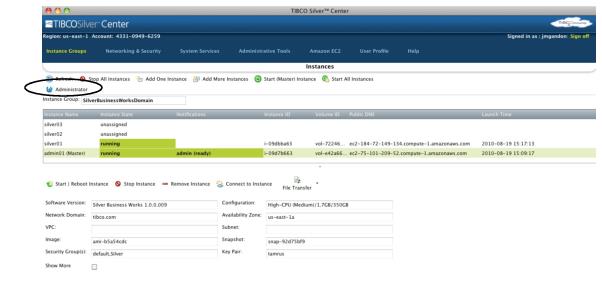
Chapter 2 To access to the TIBCO Administrator GUI, click the Administrator button in Silver Center as shown next.
1. On the command line, change to TIBCO_HOME/administrator/domain/domain/bin.
2. Execute: tibcoadmin_domain -stop.
1. In a command prompt, execute the following command, where hostname is the name of the administration server host and port is the shutdown port:telnet hostname port
|
| Copyright © TIBCO Software Inc. All Rights Reserved |