Creating an Application
To create an application in TIBCO Administrator, you must import an enterprise archive file, which is created in TIBCO Designer. An archive file typically contains a project that includes one or more configured adapter services, TIBCO BusinessWorks processes, or both.
After creating the application, you specify deployment configuration information, such as which machines should run which services and processes in the application. You then deploy and start the services and processes from TIBCO Administrator.
You can use the same enterprise archive file to create multiple applications and configure and deploy each application separately with different deployment options. You can also modify a deployed application and redeploy, and then revert to an earlier deployment if the changes you made do not have the desired result.
To Create an Application
- Procedure
-
Select either Application Management, a previously created folder or All Applications.
-
Click New Application.
-
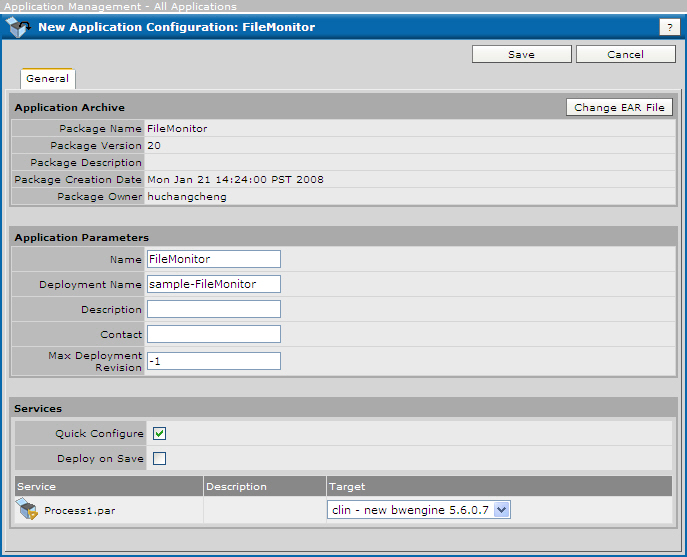
Click Browse and select an enterprise archive file, and then click OK. For example, the next diagram shows a new application, ready for deployment.
Note: It is recommended to use alphanumeric characters, dash (-), and underscore (_) for the application names and deployment names.Figure 36: Creating an Application
-
Click Save.