Granting Super User Access
By default, the domain administrator user has Super User privileges. The domain administrator user can assign other users to the Super User role. Members of the Super Users role can assign other users to the role.
A user must exist before being added to the Super Users role.
To Grant Super User Access
- Procedure
-
Select User Management > Security.
-
Click Super Users.
-
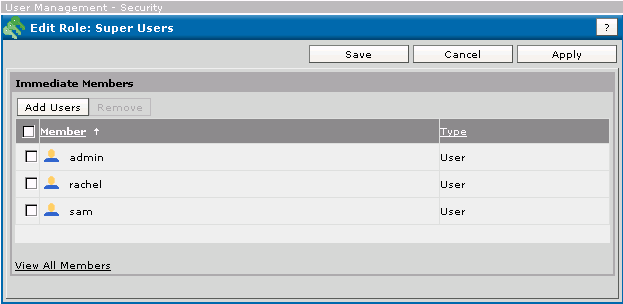
Click Add Users.
-
In the Add Users window, select the users you wish to add to the Super User role either by clicking on the underlined user name or by selecting one or multiple users, and then clicking Add. To remove access, select the user and click Remove.
-
Click Save.