Creating a New Entry
Use the Create a new entry option to create a participant instance.
- Procedure
- Click
Create a new entry.
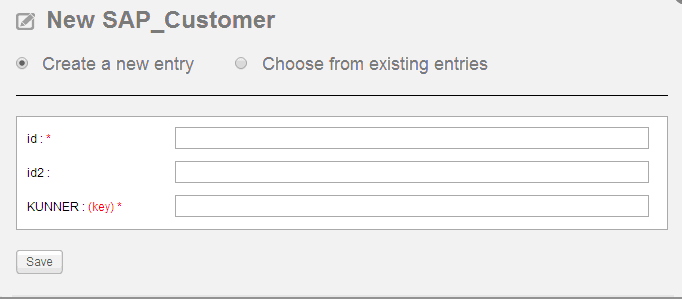
- Provide a value for each predefined attribute.
If an attribute is followed by a word
keyin red, it indicates that the attribute is a key field. If not, the attribute is a non-key field. Besides, if an attribute is marked with an asterisk (*), it indicates that the attribute is required. - Click Save.