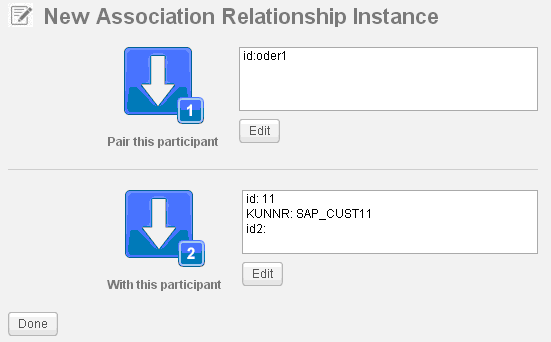
Creating an Association Relationship Instance
An association relationship contains only two participants. To create an association relationship instance, you are required to add two participant instances at one time.
- Procedure
- On the Association Relationship Management page, click
 in the left panel.
The New Association Relationship Instance dialog is displayed.
in the left panel.
The New Association Relationship Instance dialog is displayed.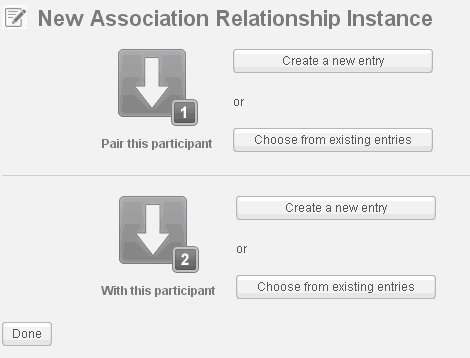
- Select a method to add a participant instance in the
Pair this participant area.
See Adding a Participant Instance for more details.
- Select a method to add the other participant instance in the
With this participant area.
See Adding a Participant Instance for more details.
- Click
Done when both the participant instances are added.