Accessing Swagger UI from the Application Monitor
In TIBCO ActiveMatrix Service Grid, you can generate the Swagger from (REST binding type) endpoints exposed in an application. Similarly, in ActiveMatrix Service Grid - Container Edition, you can view the Swagger response of the exposed REST endpoint. By using this feature, you can validate the response generation of the REST request by using the Swagger UI.
Before you begin
- You must have Swagger UI hosted externally.
- You must provide the link to the Swagger UI hosted externally by using the environment variable
amxce_swaggeruiin the fileamsgce-runtime-<version>\samples\kubernetes\Application_Monitor\tea-agent.yaml. -
To disable default Swagger UI validator, set
VALIDATOR_URLto none in thetea-agent.yamlfile.
- Procedure
- In the Application Monitor sidebar, click Applications. A list of all the applications is displayed.
- Select the required application.
-
Click the Endpoints tab.
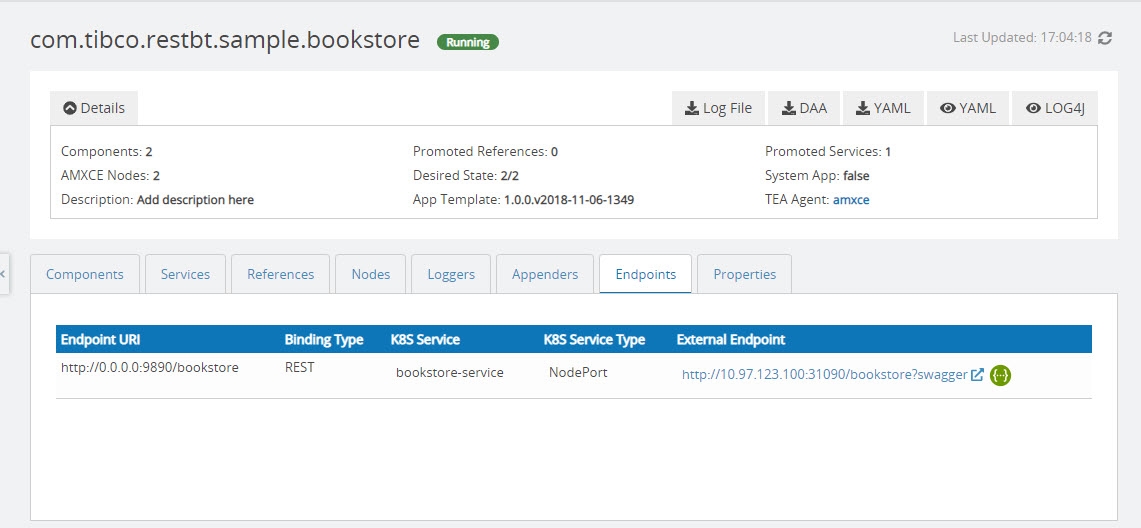
- Click the Swagger UI icon
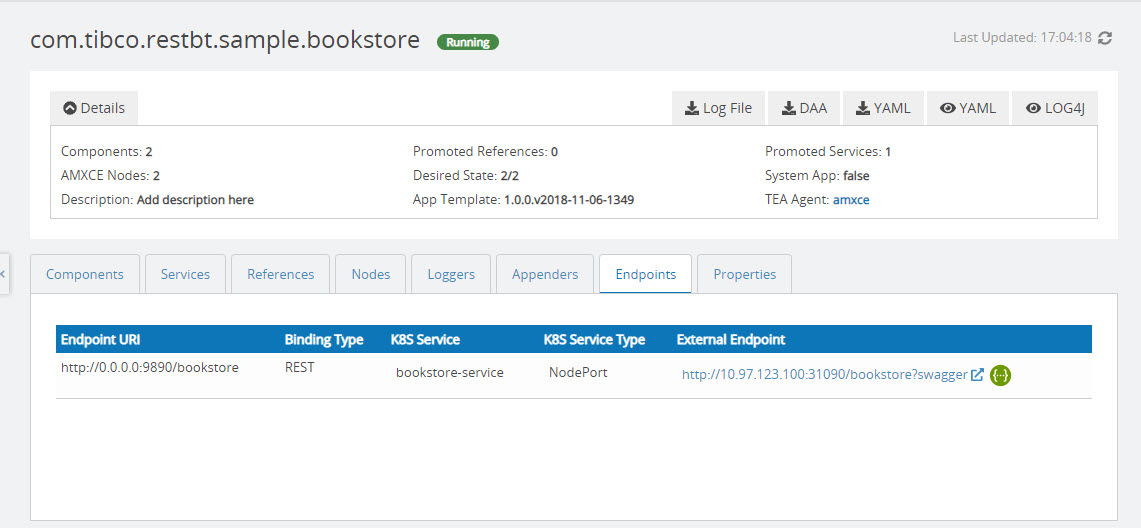
 next to REST service binding.

The Swagger UI is generated for the selected REST binding.
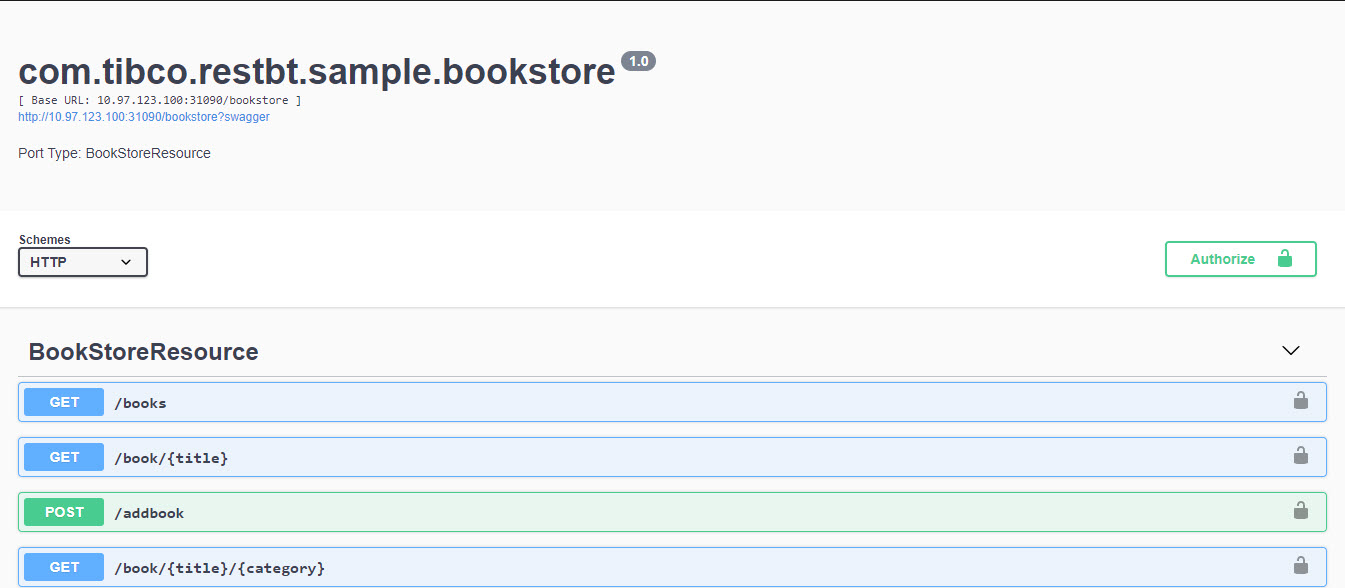
You can also access the Swagger UI from the Service Discovery page.