Common Tasks
This section describes how you can perform some common tasks in a Git repository directly from Application Configurator.
Uploading DAA and Configuration Files from Repository
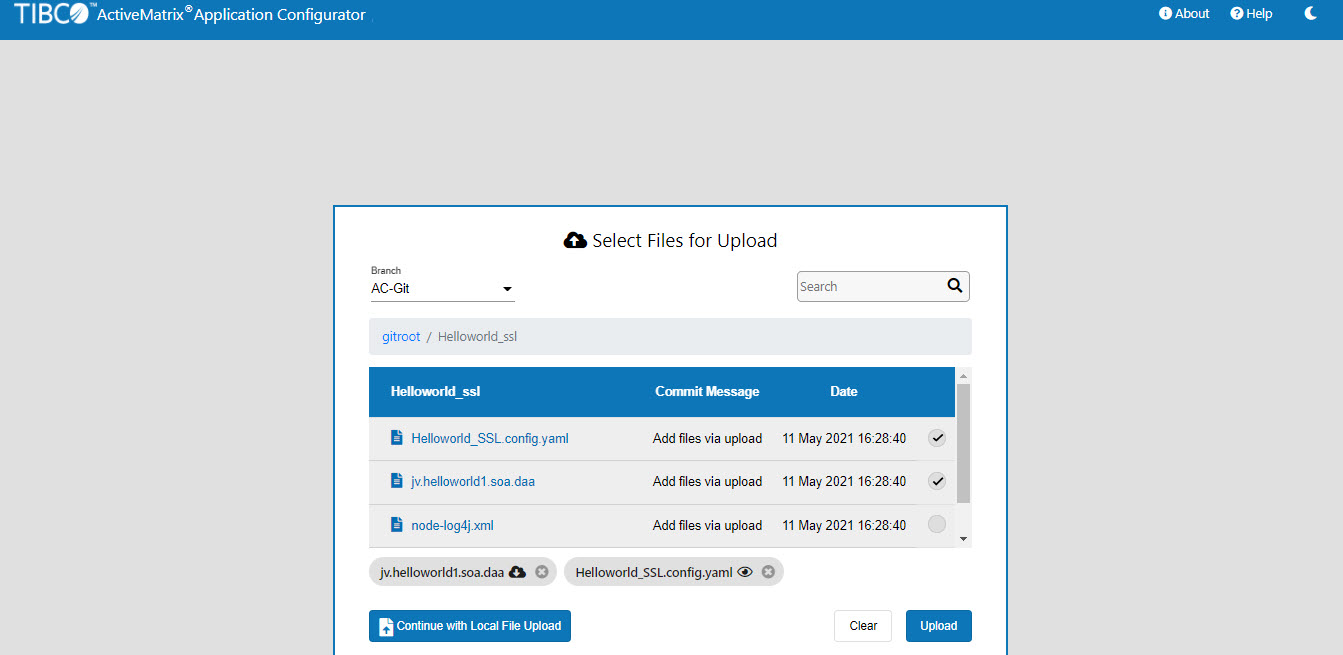
You can select and upload DAA, configuration YAML file, Log4j configuration file from the Git repository. Selected files are listed at the bottom. You can select the files from different directories. You cannot select the files from different Git branches. You can search files or folders by using the search box. You can download the DAA by clicking the Download icon next to the DAA. You can view the Log4j configuration file and Node JVM parameters file in a browser by clicking the View
 icon next to the files.
Switching Branches
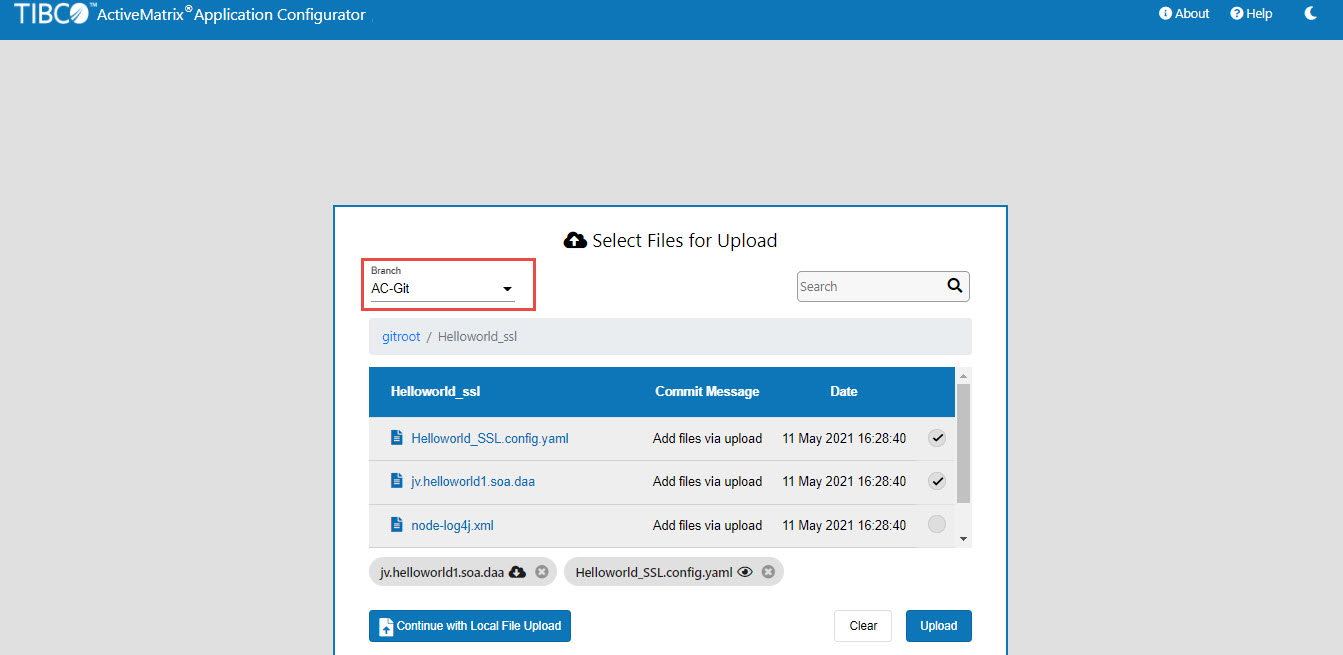
You can switch between the branches by selecting a branch from the drop-down list.
Committing Files to Git Repository
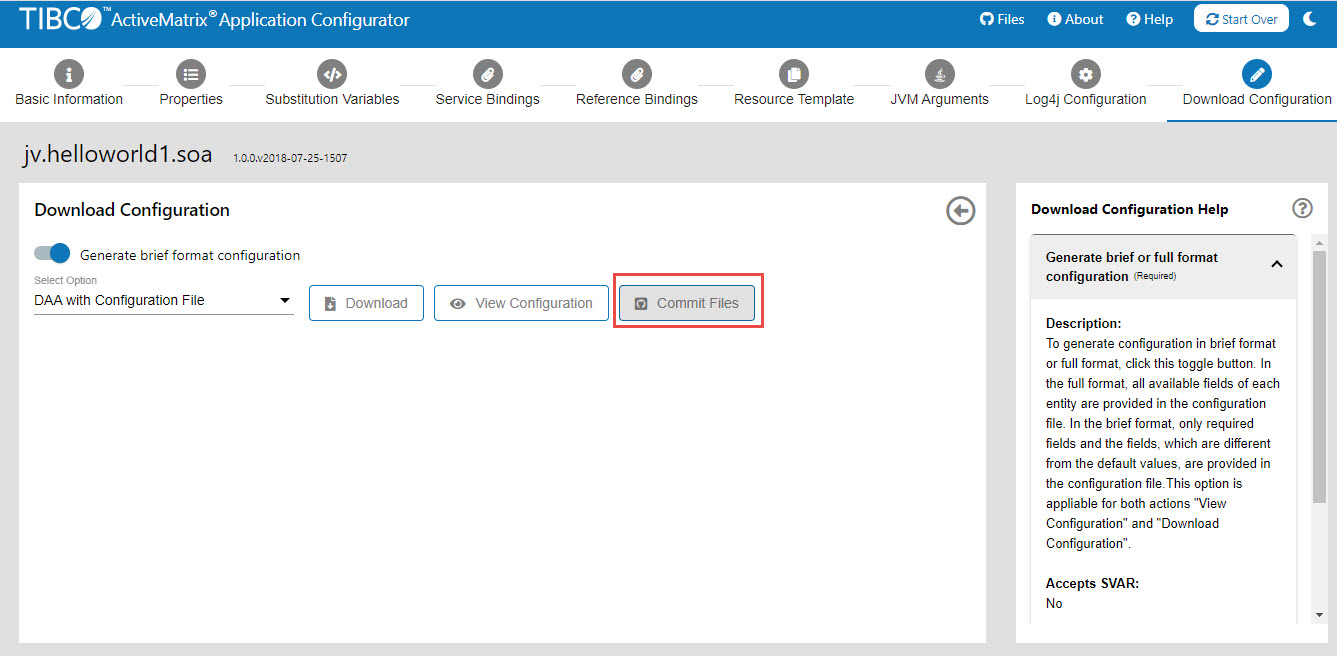
You can commit the generated configuration YAML file, Log4j configuration file, Node JVM parameters file, and keystore file to the Git repository by using the Commit Files button on the Download Configuration tab. The Commit Files button is enabled only if you have uploaded the configuration from the Git repository and the configuration is complete. DAA is not committed to the Git repository.
If you have uploaded the configuration YAML file and Log4j configuration file to the Application Configurator, they are committed to the same location from where you have uploaded them. Node JVM parameters file is committed to the same location of the DAA.
On the Commit Files window, enter the Name, Email, and Commit message. You can view the list of available files that are modified and can be committed. To commit the Node JVM parameters file at the same location as DAA, select the Commit JVM ARGS Configuration at DAA Location check box. To commit the keystore file at the same location as DAA, select the Commit Keystore Files at DAA Location check box.
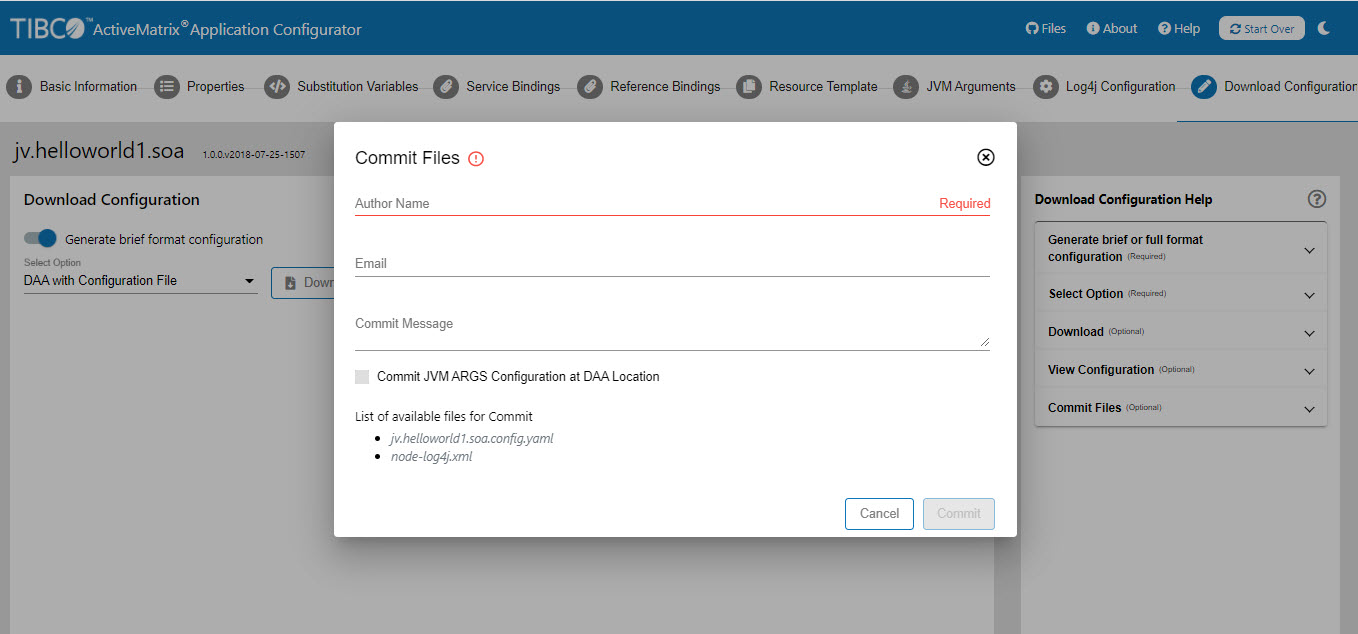
amsgce-runtime-<version>/runtime/scripts/node.properties file.Viewing the Commit History
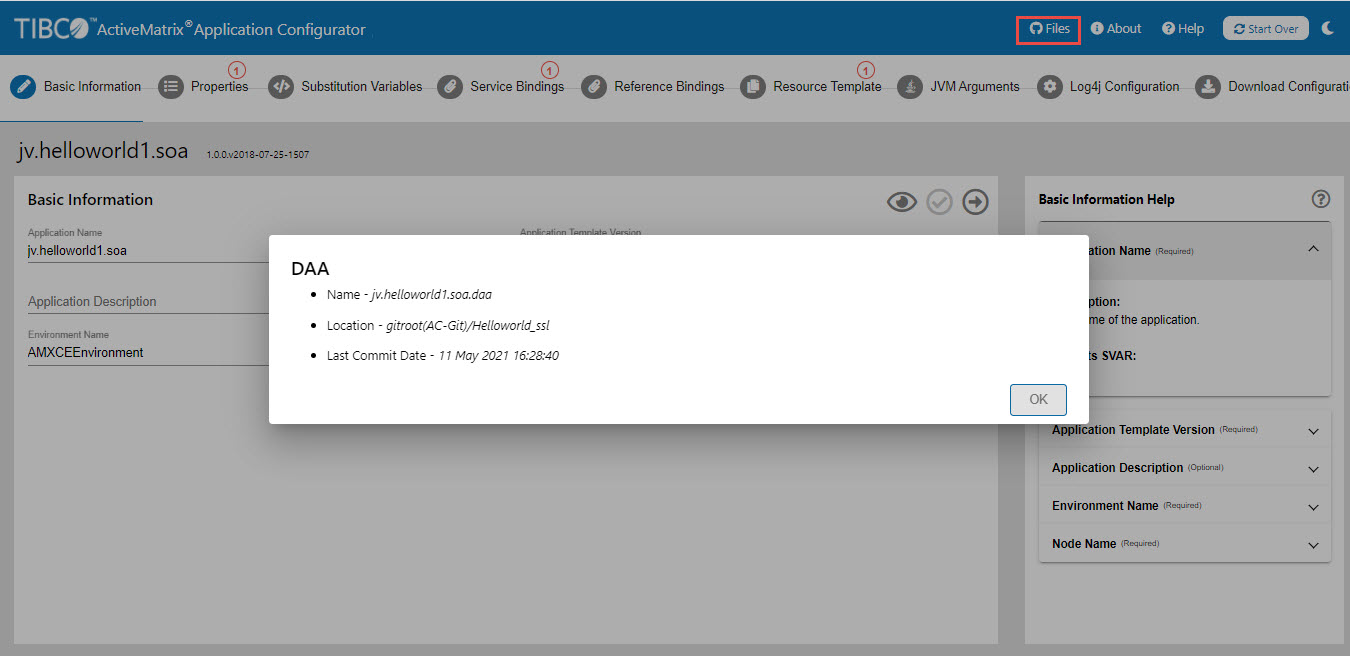
You can view the commit history by clicking Files in the top-right corner.