Editing a Reference Binding
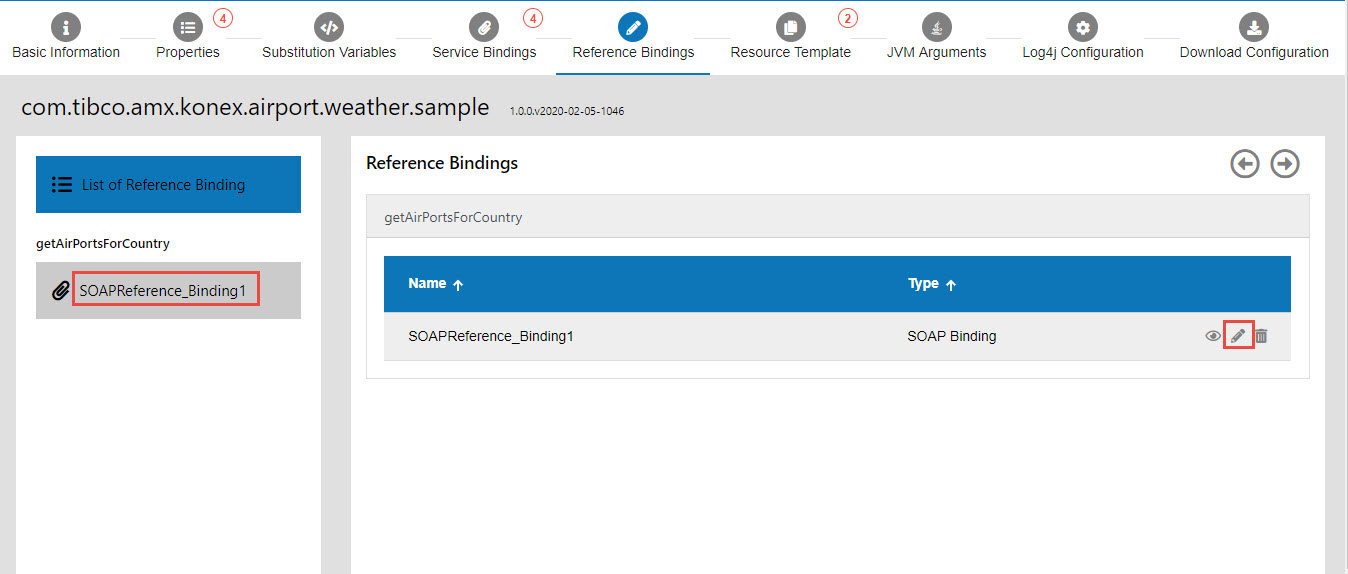
You can edit a binding on the Reference Bindings tab.
-
In the Application Configurator, click the Reference Bindings tab.
-
Click the name of the binding in the left pane or click Edit
 next to the binding in the right pane.

-
Edit the configuration information and click Save
 . For information about the fields, see SOAP Reference Binding Properties.