View the Audit Log
To view the audit log on the Initiator machine, perform the following steps:
Log in to TIBCO BusinessConnect™ Container Edition.
-
Click Data Viewer > Audit Trail.
-
Click the EDIFACT link.
-
Search for Status and Time columns.
-
Click Find.
-
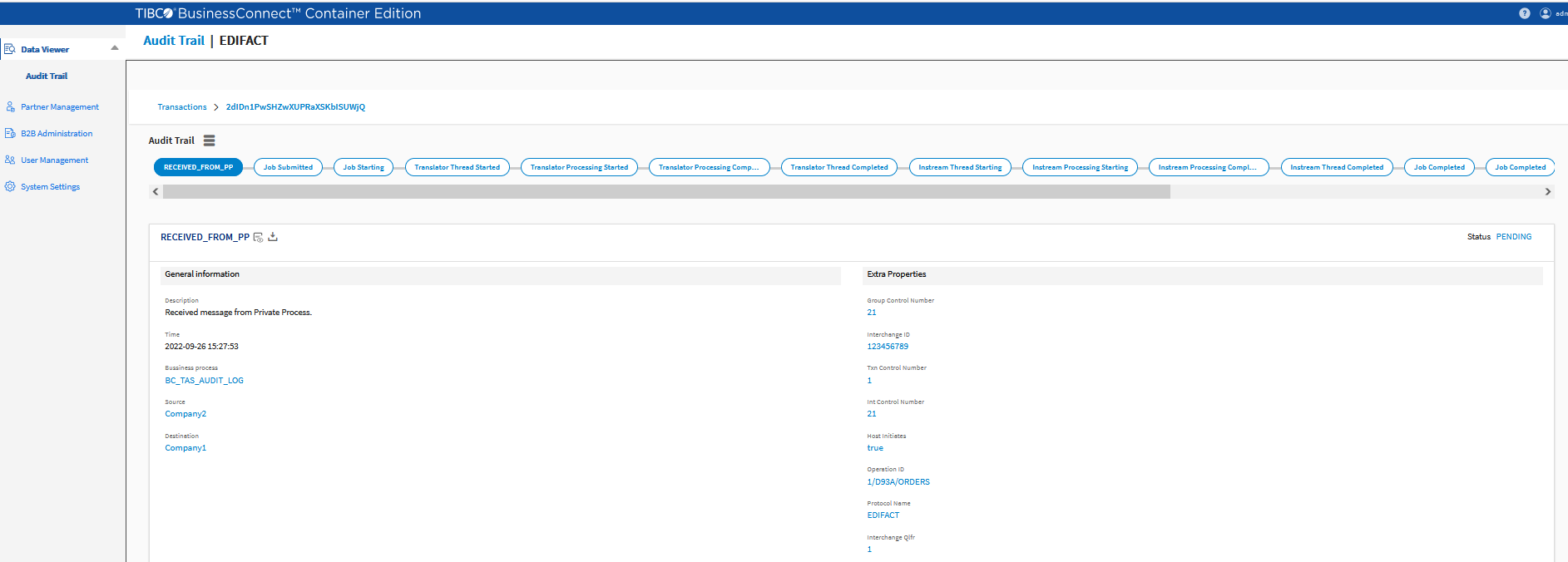
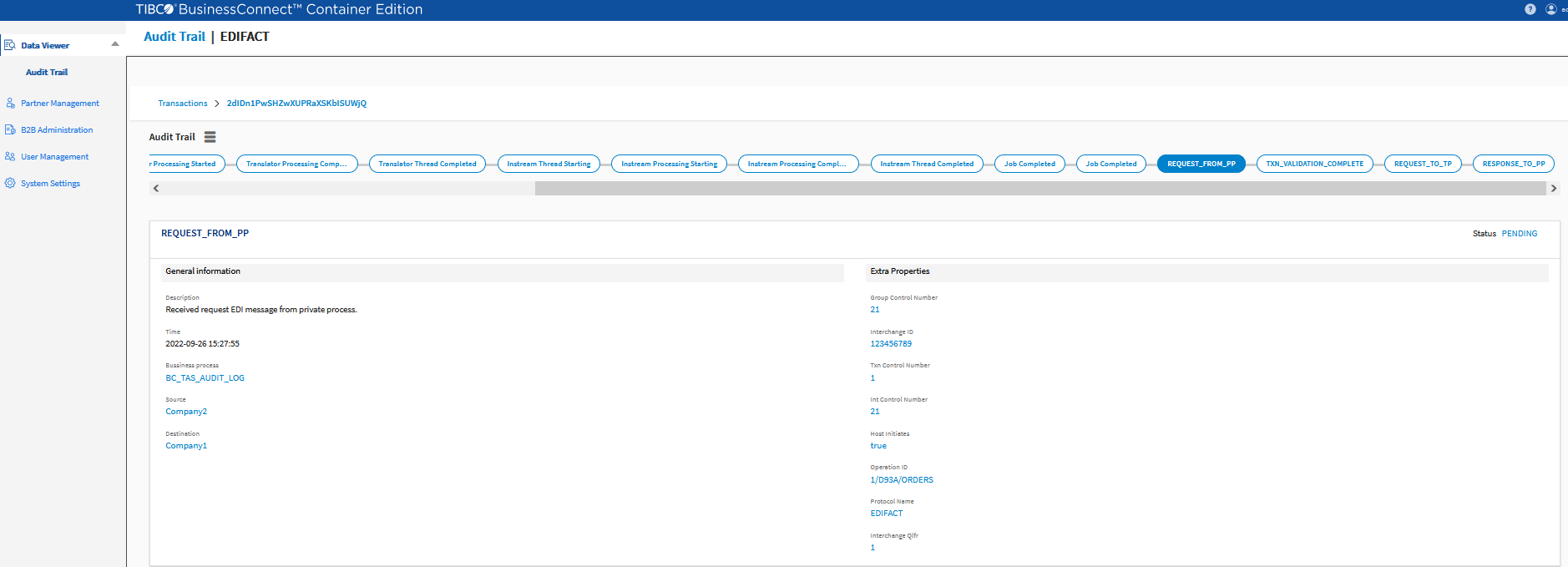
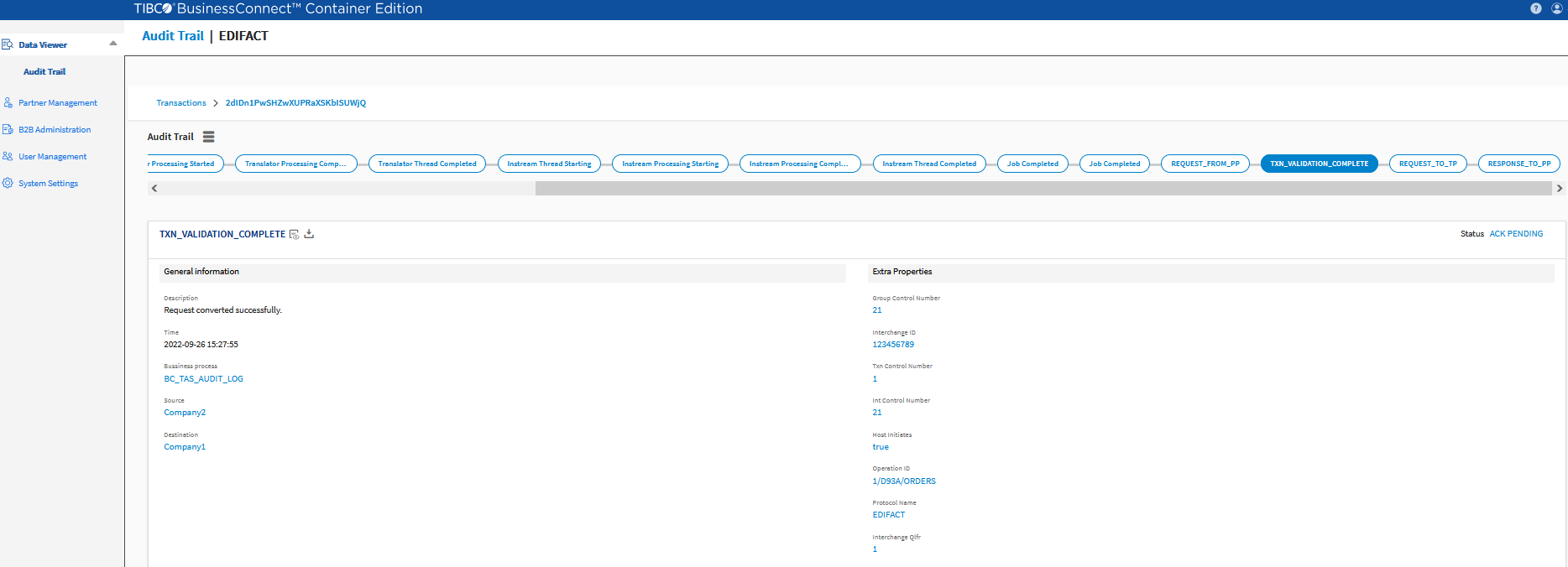
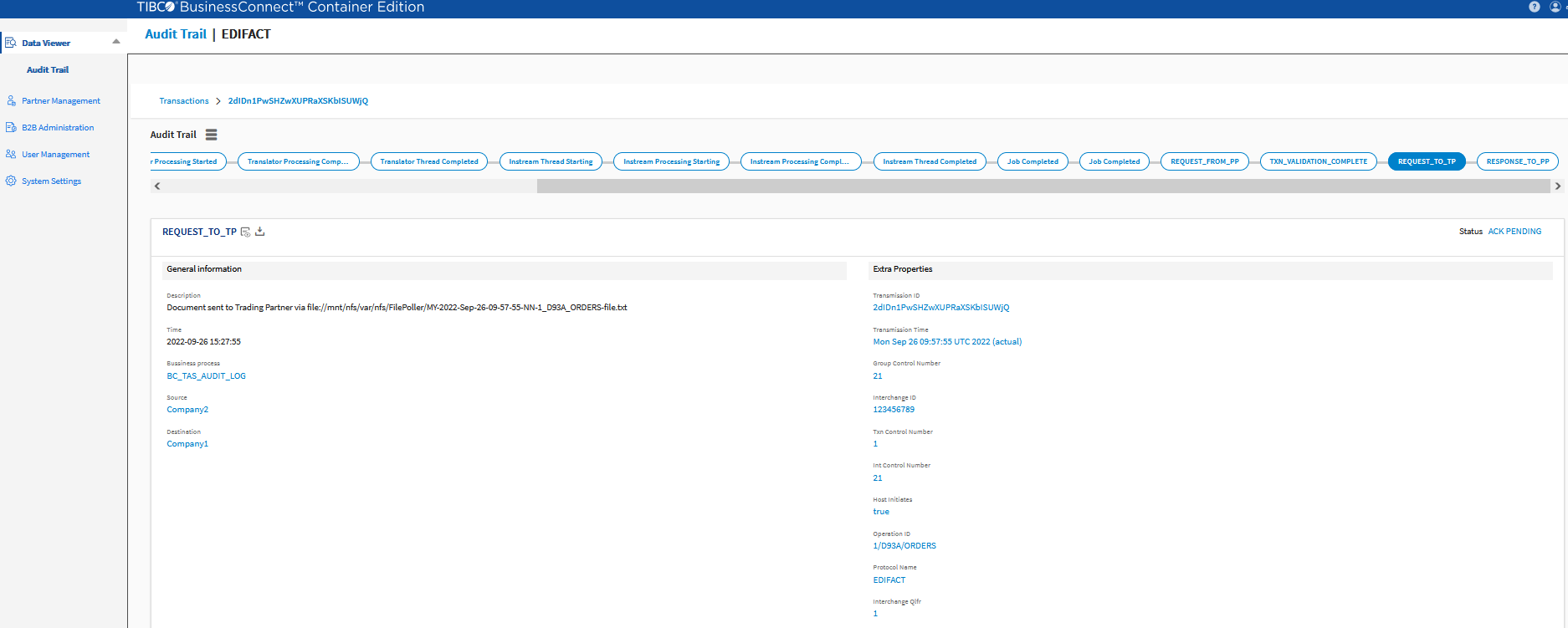
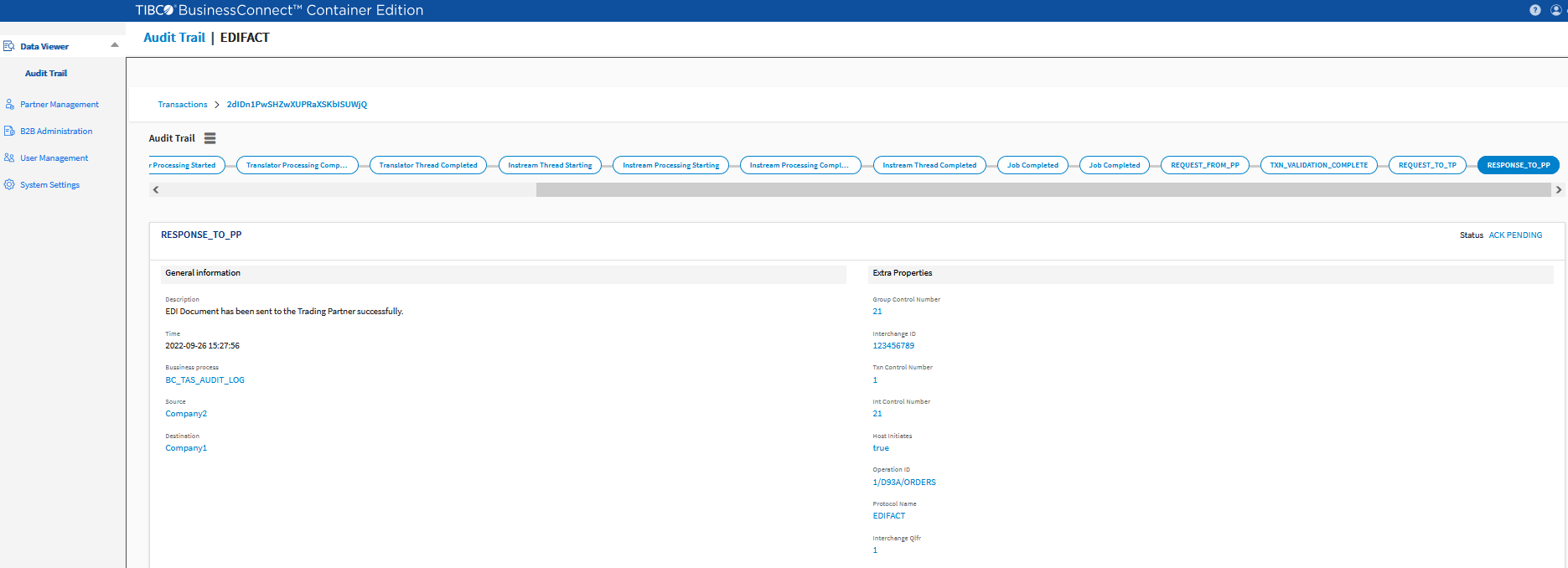
Click the transaction link and click View Details.
Figure 75: EDIFACT Audit Log
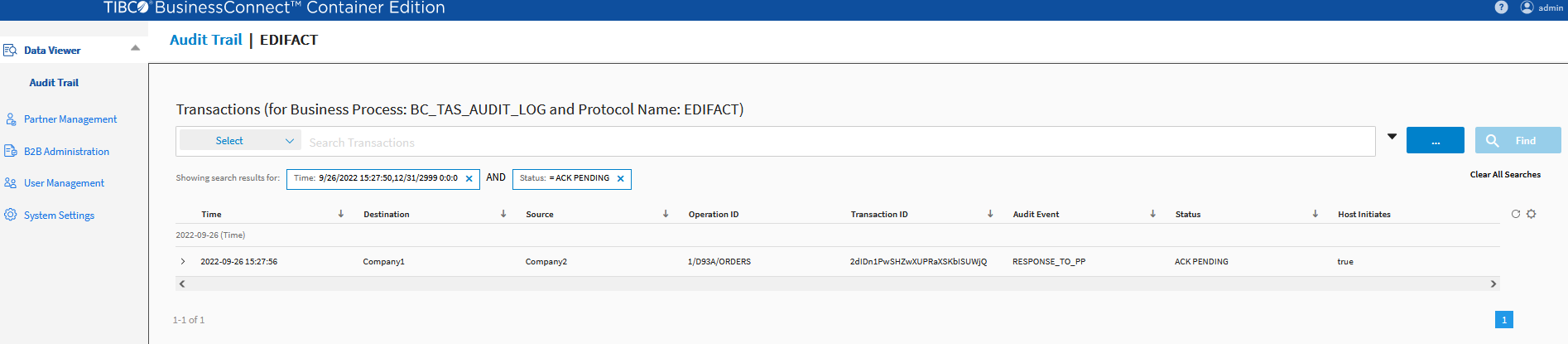
Figure 76: RECEIVED_FROM_PP
FSREST Retry Mechanism
Whenever FSREST is down or unreachable, BCCE attempts to resend the EDI transaction from IS to FSREST based on the retry count properties as configured in deployment.properties file of FSREST.
By default, the following parameters are used:
fsrest_retry_interval_duration=5000
fsrest_retry_count=3
Note: When you see "EDI Conversion Errors" on AuditSafe, check if your FSREST is up and running to receive EDI requests.