Gadgets for an Object
A gadget is a user interface aid that allows you to easily create sequence flows or other links between objects.
When an object is selected, initially one gadget of each applicable type is displayed, and if multiple gadgets of a particular type are available, these are displayed when the mouse cursor is moved over the first.
For example, if a task is selected, the Create Connection gadget is visible to the lower right of the task:
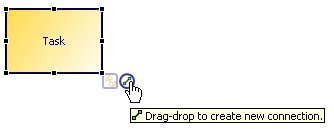
Gadgets that can be used to designate references to other objects can be used to designate a reference (drag-drop gadget onto target object) or go-to a currently referenced object.
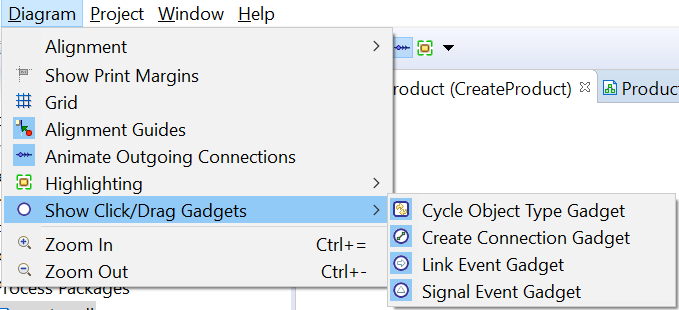
These gadgets are provided:
 Cycle Object Type Gadget - Change the activity type by cycling through the different types.
 Create Connection Gadget - Create sequence flows to existing object or create and connect to new object.
 Link Event Gadget - Designate a throw and catch link event pair.
 Signal Event Gadget - Designate a throw and catch signal event pair.


A gadget is a user interface aid that allows you to easily create sequence flows or other links between objects.
- To add an object, click the
Create Connection gadget, and drag-and-drop it in a lane content area or embedded sub-process content area.
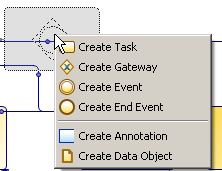
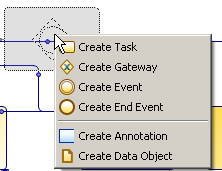
A popup menu is displayed showing a selection of applicable main object types that can be created (available types governed by the source object and drop location).
You can also drag onto an existing sequence flow, and the object is inserted onto the sequence flow. If the target flow is not to or from the selected object then a new flow is added to the new object.