Process Interfaces
You can create a process interface that describes present start and error events that any sub-process that implements the interface must conform to. In this way, a main process dynamically decides which sub-process to use at runtime as it guarantees the required parameters and known potential errors via the sub-process interface.
See Creating Dynamic Sub-Processes.
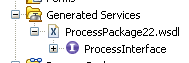
Using the Process Interface Editor, you can modify the interface to add events or parameters:
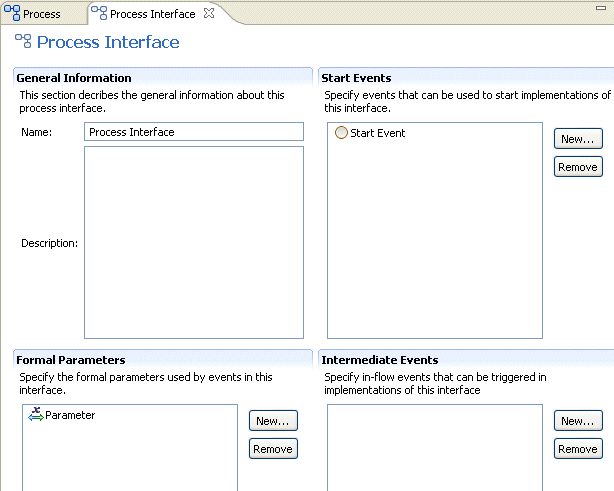
Once created, a process interface can be used by several different processes. If a process is created using a process interface, all the events and parameters specified in the interface must be present in a process that implements that interface. You can add additional events or parameters, but removing any of those required by the process interface invalidates the process.
This option is only available for processes that implement a process interface in the same package, and only for parameters that do not have problems in the Problems view.
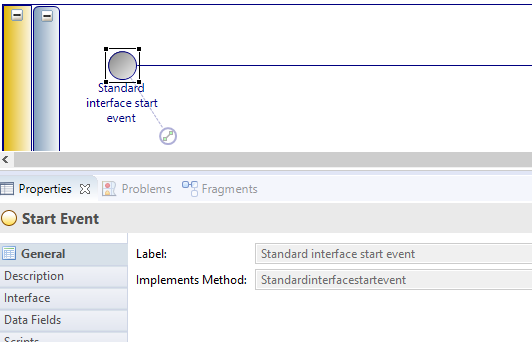
If you create a process using a process interface, the process that you create inherits the events and parameters created in the interface. For example, a start event in a process created using a process interface displays the following properties: