Using an Object’s Gadget to Connect Objects
You can connect objects in the process by creating a sequence flow using the Create Connection gadget, but a similar procedure applies to all connection types.
- Procedure
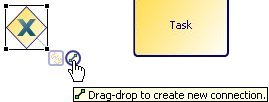
- Select the object. For example:
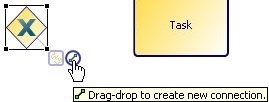
- Drag the
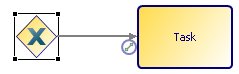
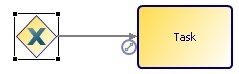
Create Connection gadget to connect to another object. For example:
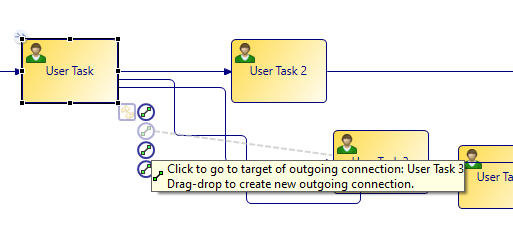
- If you add more connections or references, additional gadgets are added. These are only visible if you position the mouse over the visible gadget. For example:
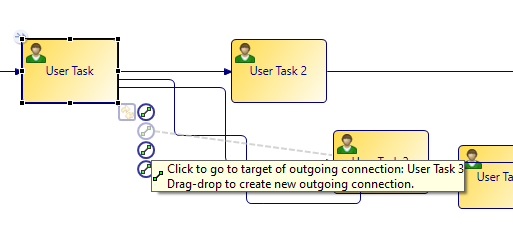
In this example, there is a Create Connection gadget for each outgoing sequence flow. Clicking a gadget selects the referenced or connected object in the Process Editor (for example, clicking the gadget attached to a reference task selects the referenced task).