Binding BusinessWorks Application to Monitoring Application on Docker
TIBCO BusinessWorks™ Container Edition application can be bound to the monitoring application by using the environment variable BW_APP_MONITORING_CONFIG.
Before you beginEnsure that the monitoring application is running on the Docker container.
- Procedure
- Create a Dockerfile to deploy
TIBCO BusinessWorks Container Edition application on docker. For more information about creating Dockerfile, see Application Development for Docker in the
Application Development guide.
FROM tibco/bwce:latest MAINTAINER Tibco ADD <application name>.ear / EXPOSE 8080
- Run the Docker terminal and navigate to the directory where the EAR and Docker file are stored.
- Run the following command to build the application image:
docker build -t <application name> . - In docker run command, set an environment variable BW_APP_MONITORING_CONFIG to enable monitoring
- Run the command in the docker terminal using docker machine IP or using link.
- Using Application Monitoring URL
docker run -d -p 18050:8080 -e BW_APP_MONITORING_CONFIG='{"url":"http://<docker-host-IP>:<port>"}'<appname>:<tag>Note:- For Docker on Windows platform use the BW_APP_MONITORING_CONFIG environment variable changes to:
'{\"url\":\"http://<docker-host-IP>:8080\"}' -
To configure batchsize and publishtimer you can pass additional parameters:
-Dbw.monitor.batchsize=10
-Dbw.monitor.publishtimer=15000
batchsize: This property specifies batchsize for the data. Process Monitoring data is published in batchespublishtimer: This property specifies the time interval for publishing Process Monitoring data.
- To register with Monitoring UI applications running on HTTPS Server, the docker run command is:
docker run -d -p 18050:8080 -e
BW_APP_MONITORING_CONFIG='{"url":"https://<docker-host-IP>:<https_port>"}'<appname>:<tag>
- For Docker on Windows platform use the BW_APP_MONITORING_CONFIG environment variable changes to:
- Using Link on Same Docker Host
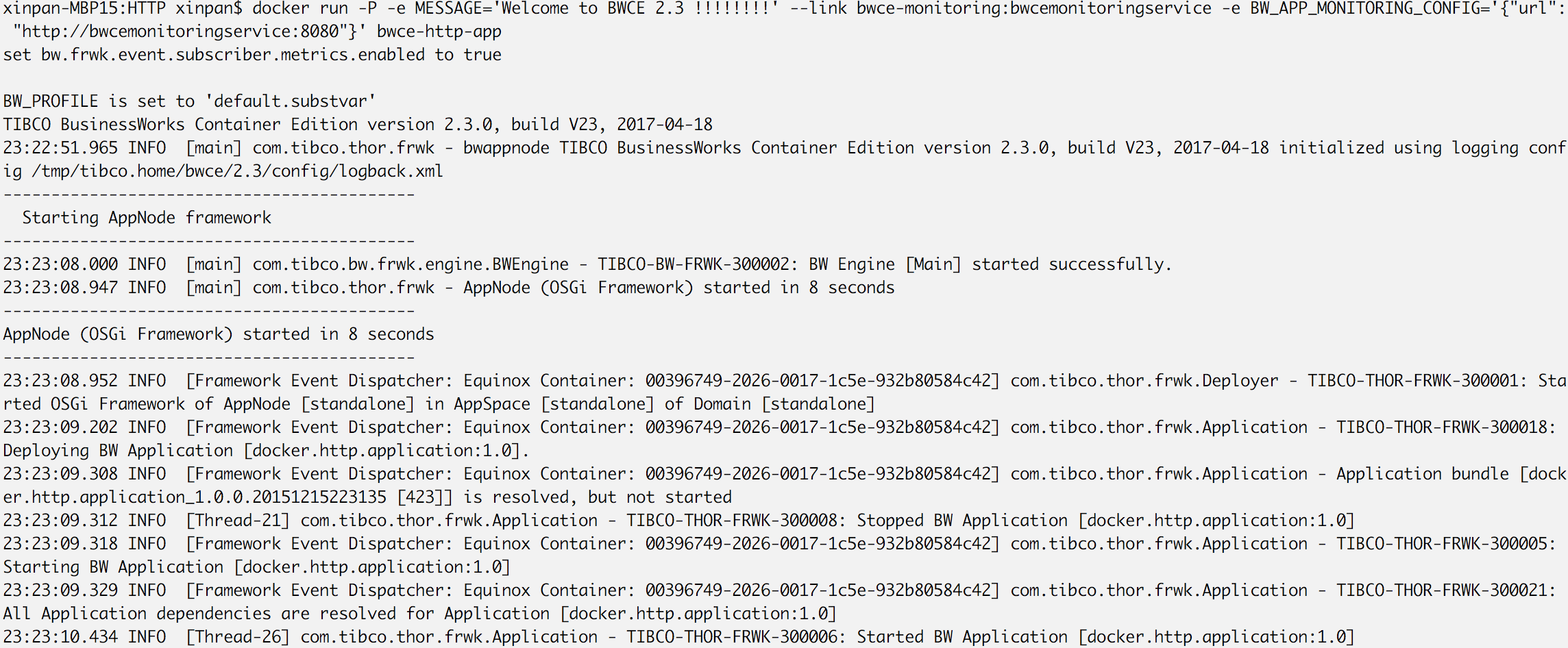
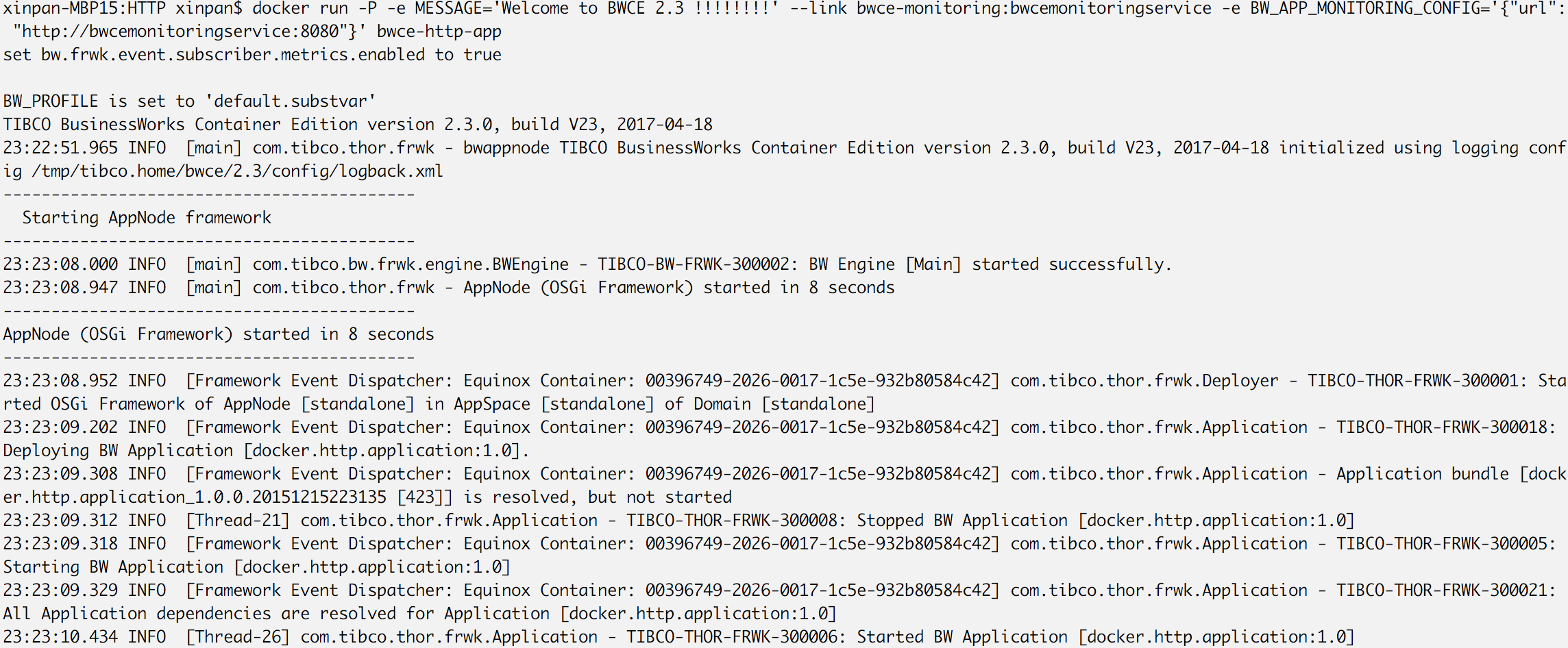
docker run --link=<name or id>:alias -p 18080:8080 -e BW_APP_MONITORING_CONFIG='{"url":"http://<alias>:8080"}' <applicationName>Note: Use of links is deprecated by Docker.Note: For Docker on Windows platform, the BW_APP_MONITORING_CONFIG environment variable changes to:'{\"url\":\"http://<alias>:8080\"}'
- Using Application Monitoring URL