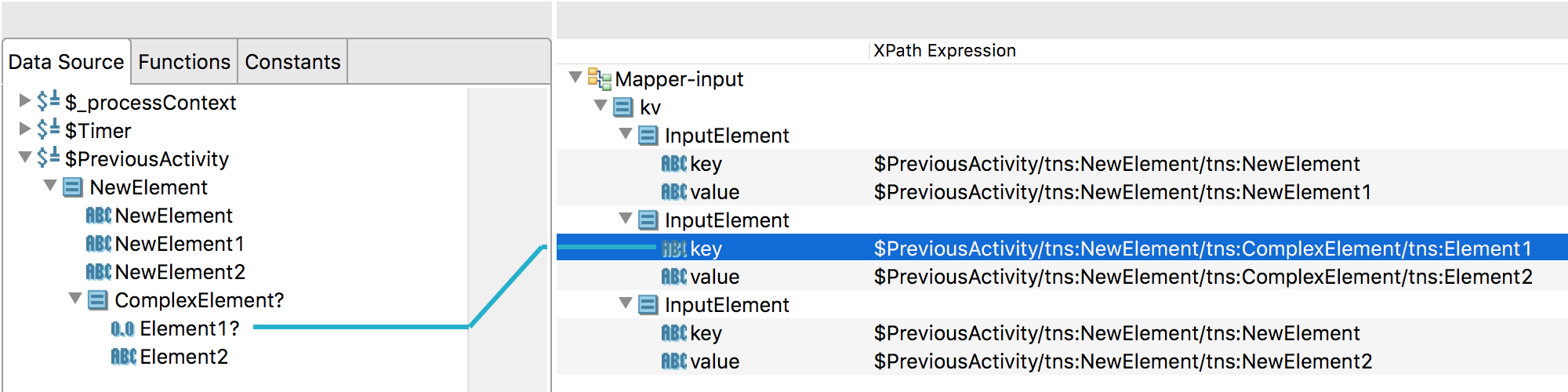
Displaying Individual Element Mappings
Select the Show mapping for selected element only check box under Preferences > Mapper to only display mappings for elements you select in the mapper.
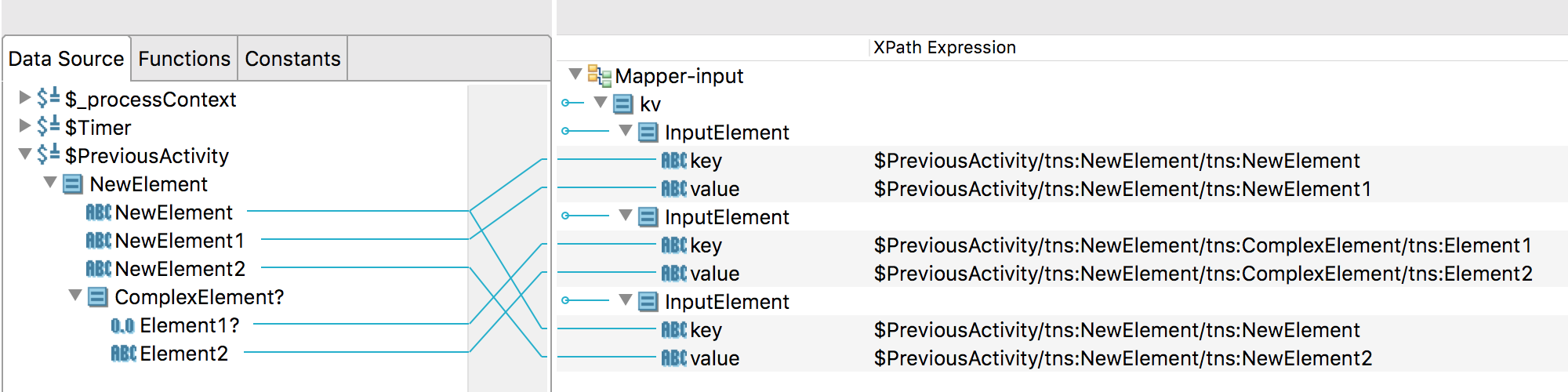
In this example, the
Show mapping for selected element only option has not been enabled. As a result, all of the input schema mappings for the
Mapper-input Mapper activity can be seen.
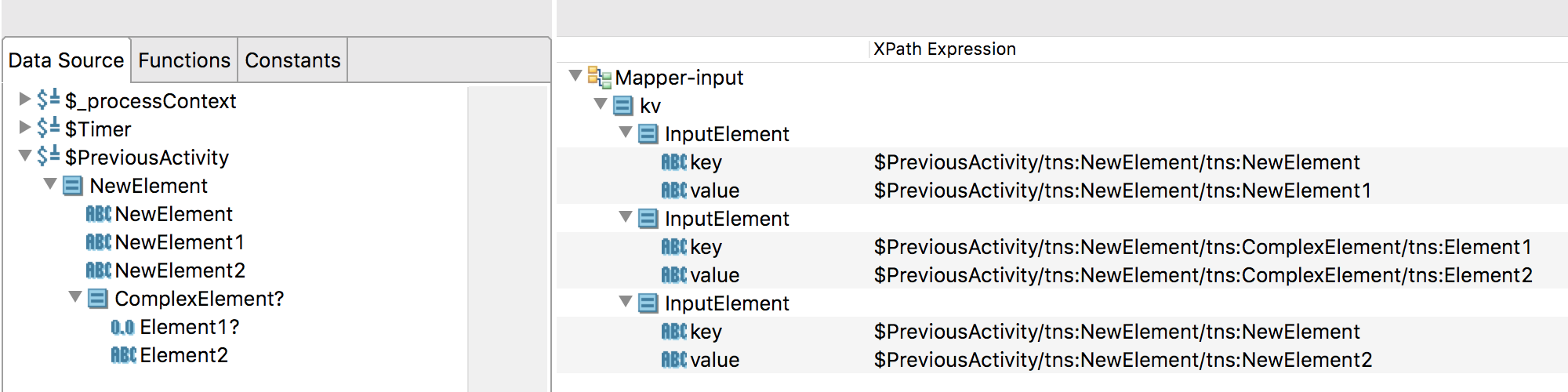
After enabling the
Show mapping for selected element only check box, no mappings display.
Clicking on an element from the
Data Source tab displays the input schema mapping for the element you selected.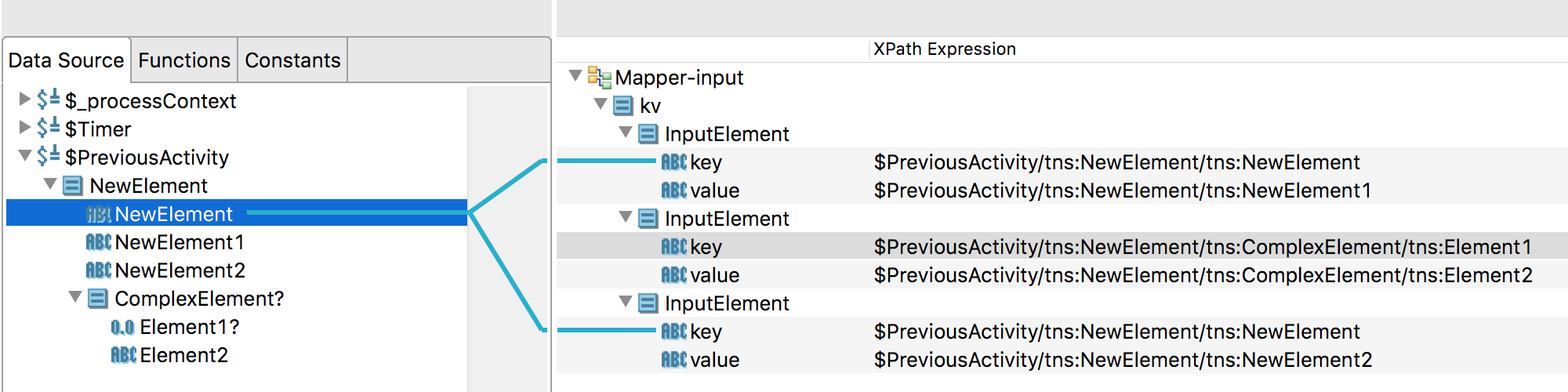
Clicking on an element on the target side shows what element it was mapped from on the source side.