Using Dependencies Tab
TIBCO recommends to import an external shared module using the Dependencies tab of an application module.
- Procedure
- In an application module, navigate to Module Descriptors section .
- Double-click on the
Dependencies option.
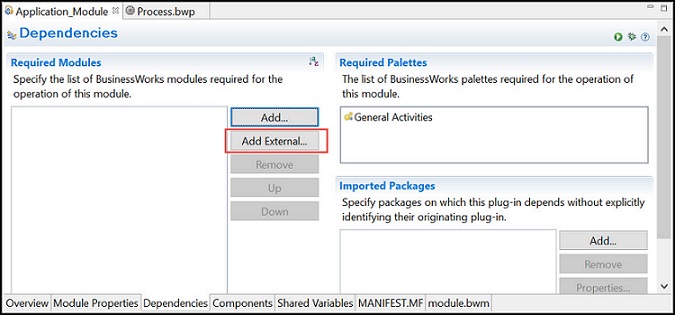
The Dependencies pane is displayed.
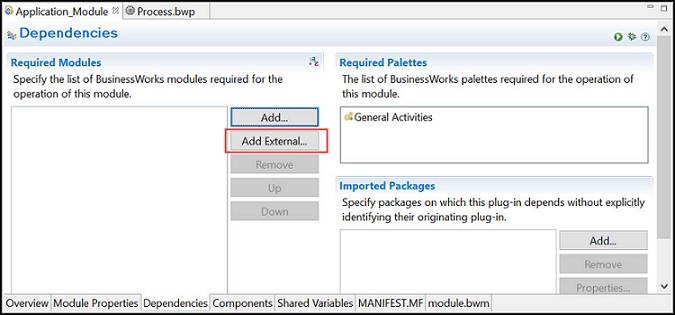
- Click the Add External button.
- Navigate to the archive location of shared module and select a shared module archive file to open.
- Click
Open.
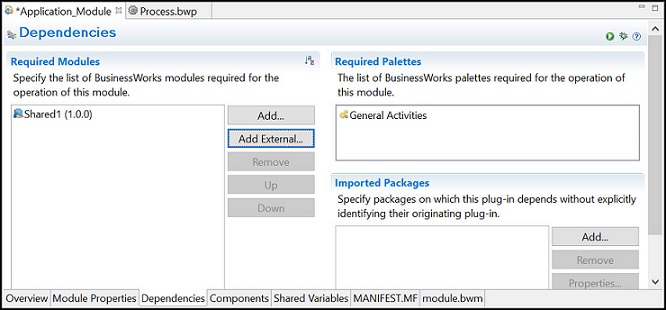
A shared module is imported and it is listed in the
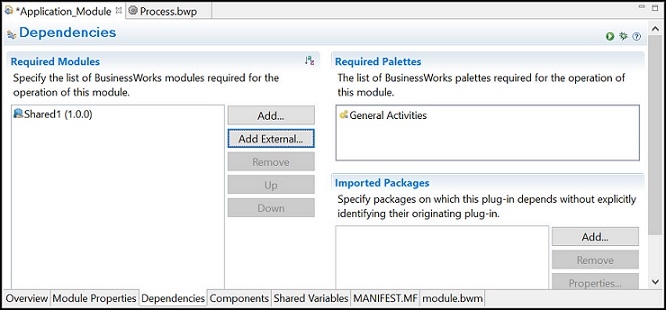
- Click Save button.
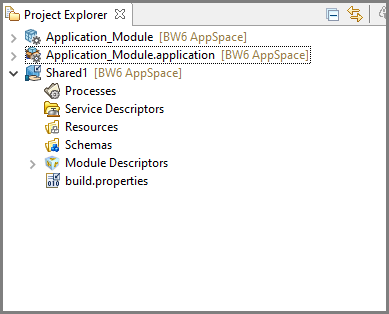
The shared module is displayed in the Project Explorer view.
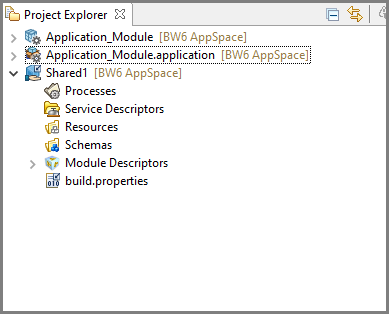 Note: Processes, module properties, shared resources, and other artifacts in a shared module are read-only.
You can not add dependencies in the external shared module.