Updating Custom Icons
The following steps show how to update a custom icon for the Call Process activity. Perform the same steps to update custom icon for the Java Invoke activity.
- Procedure
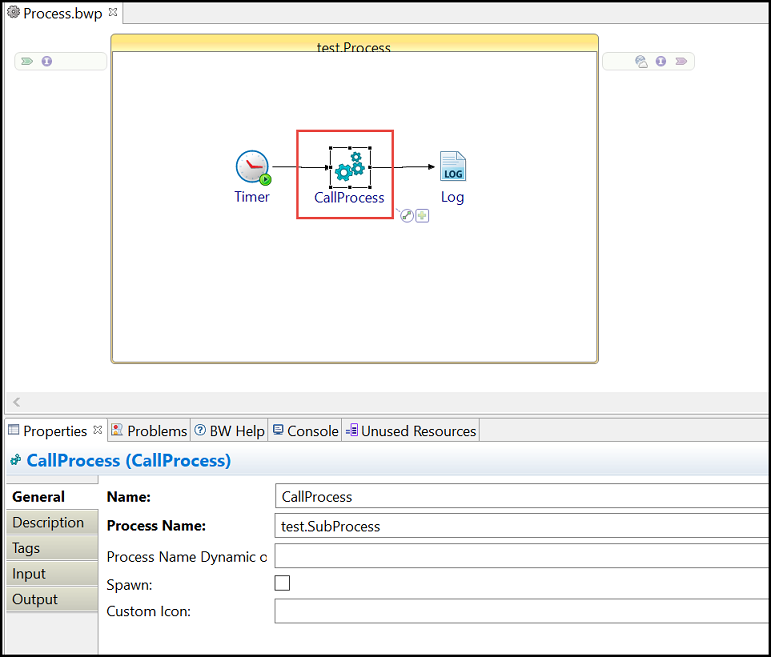
- Select the Call Process activity.
- Provide the
Custom Icon path on the
General tab of the activity.
For more information, see Adding Custom Icons.
- Optionally, to search for the icon file in your workspace, select the
Choose a custom icon button
 .
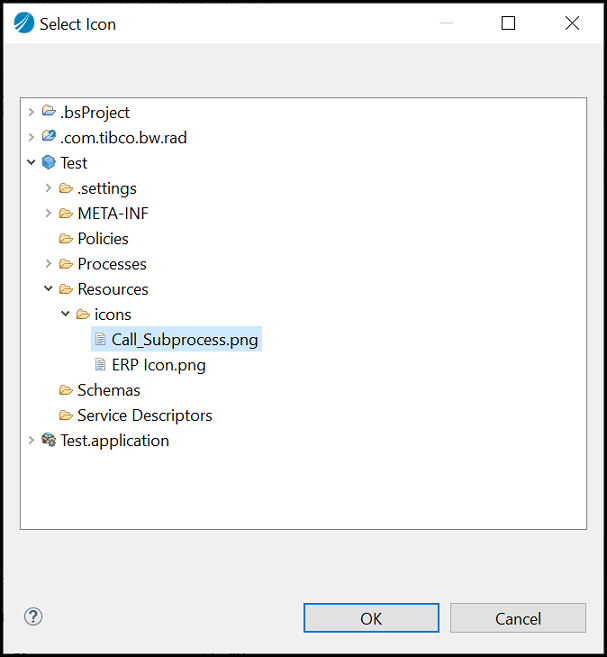
The Select Icon dialog box is displayed.
.
The Select Icon dialog box is displayed.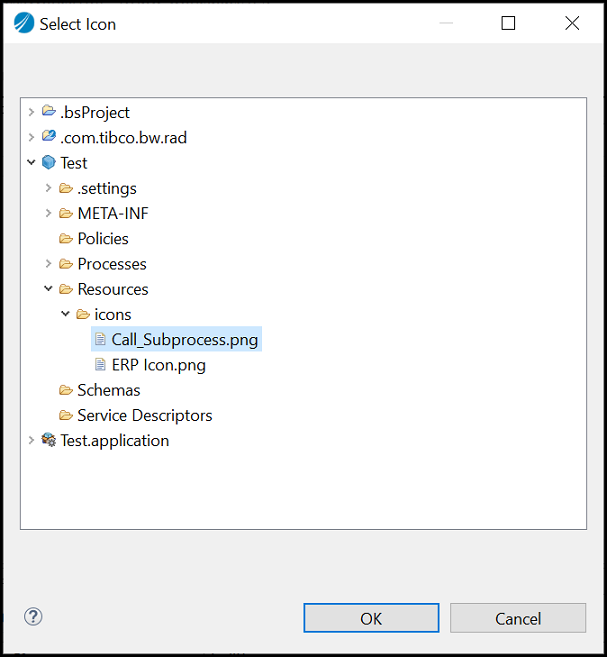
- Select an icon image from any of the modules in the workspace and click
Ok.
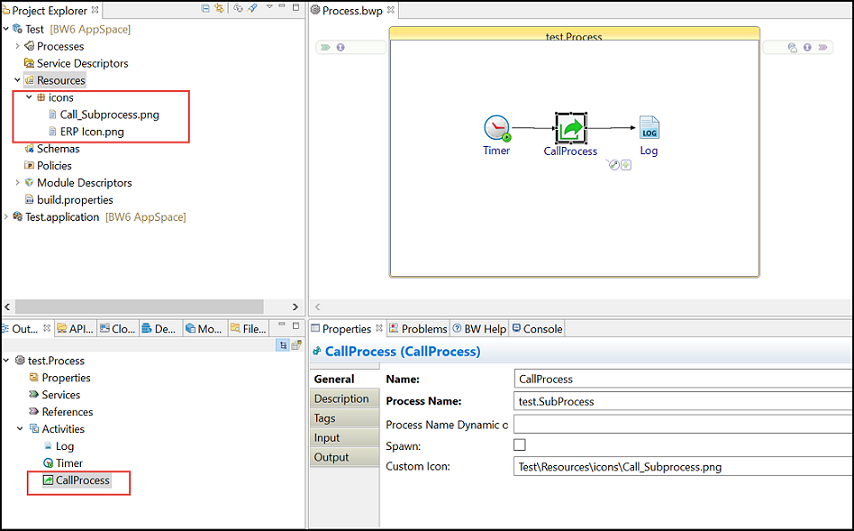
The new icon is set to the activity in a process as well as in the Outline view. The icon is added at
<Module>\Resources\Icons
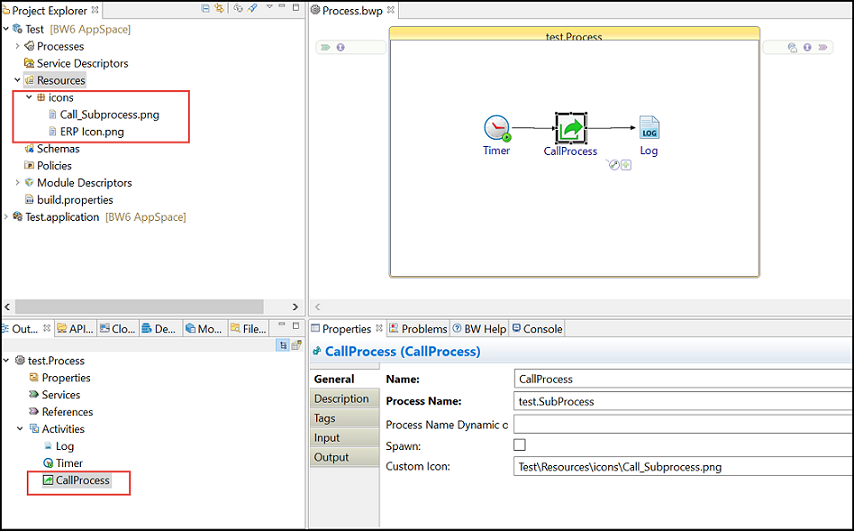 Note: Whenever you set a new custom icon, the previous icon persists in your workspace.
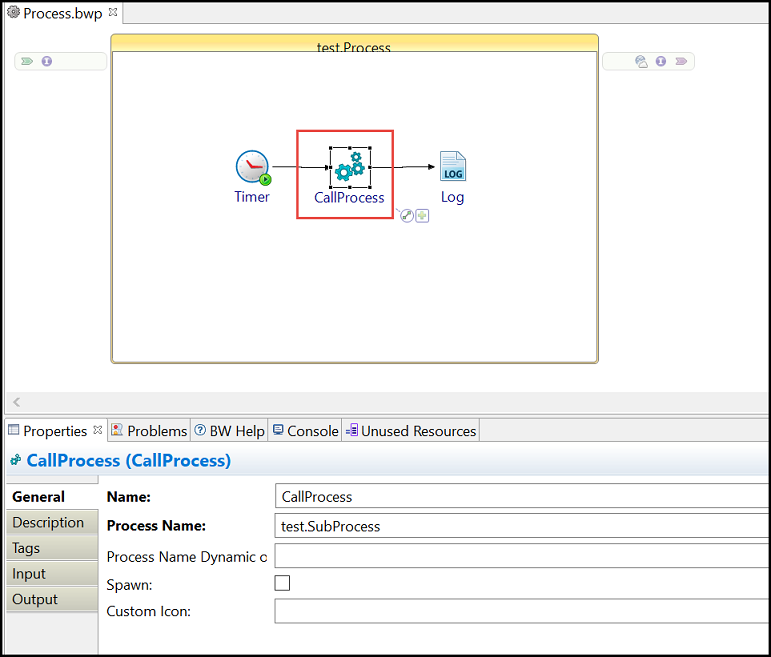
 - If you select the
Clear Value
 button or delete the
Custom Icon field value, then the default icon provided by TIBCO for the
Call Process activity is set. The icon is also updated in the
Outline view.
button or delete the
Custom Icon field value, then the default icon provided by TIBCO for the
Call Process activity is set. The icon is also updated in the
Outline view.