Using Demo Projects
To open a demo project in
TIBCO Business Studio for BusinessWorks, follow these steps:
- Procedure
- Open TIBCO Business Studio for BusinessWorks and create a new Workspace.
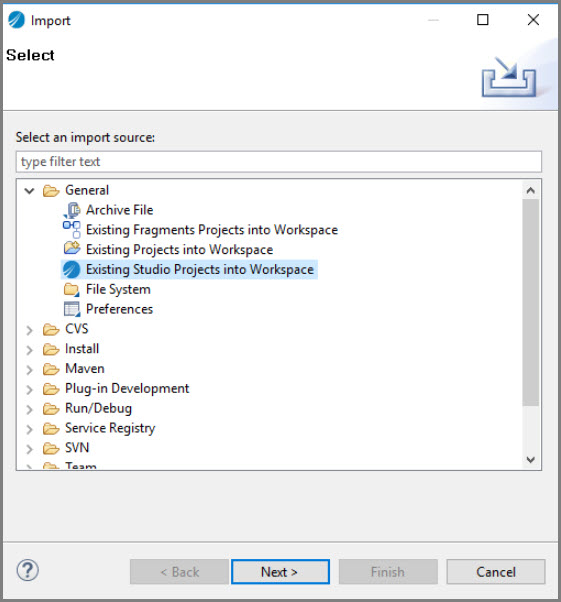
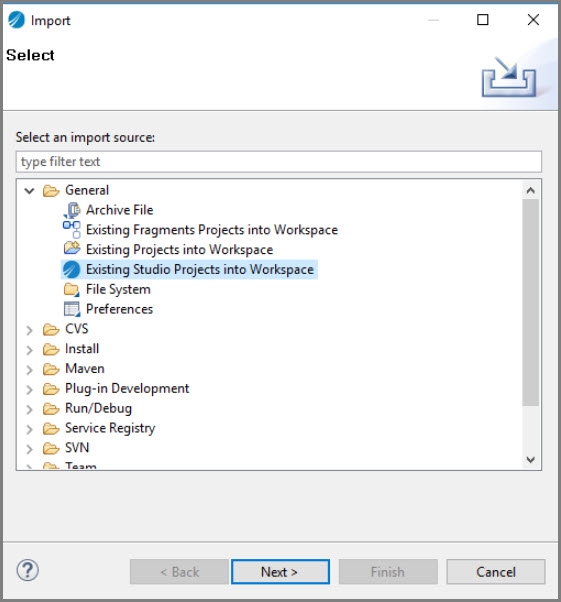
- From the main menu, select and click
Next.
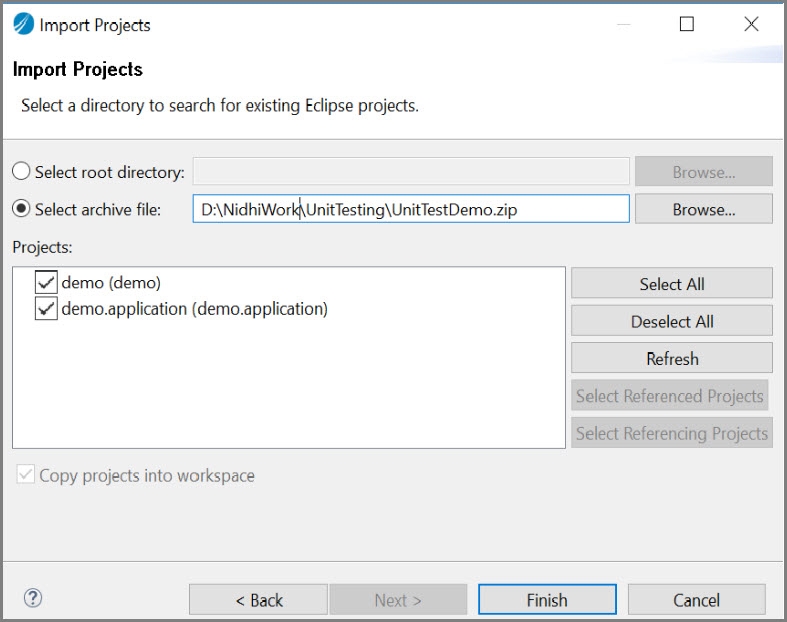
- Select the Select archive file: option to import the projects in .zip file where the required project is stored.
- Click the browse button next to the
Select archive file: option to import the projects in a .zip file or copy paste the path of the required
.zip file in the
Select archive file: input field and click
Finish.
- In Project explorer, select the
UnitService.bwp process from the demo project.
This is a top level process which offers two REST calls to retrieve the distance and temperature units.