Running Unit Tests in TIBCO Business Studio for BusinessWorks
Follow the steps to run unit tests in
TIBCO Business Studio for BusinessWorks
- Procedure
- In
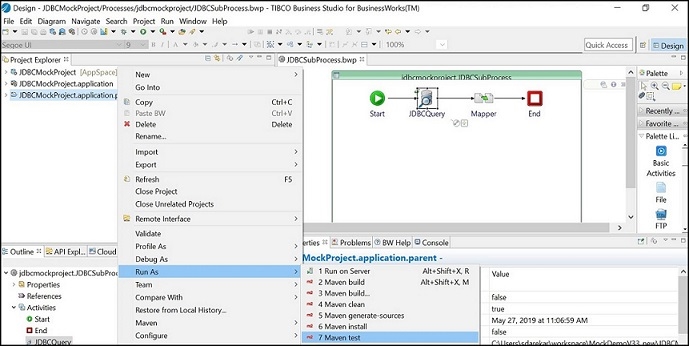
TIBCO Business Studio for BusinessWorks, right-click on
.application file and select the
Generate POM for Application option.
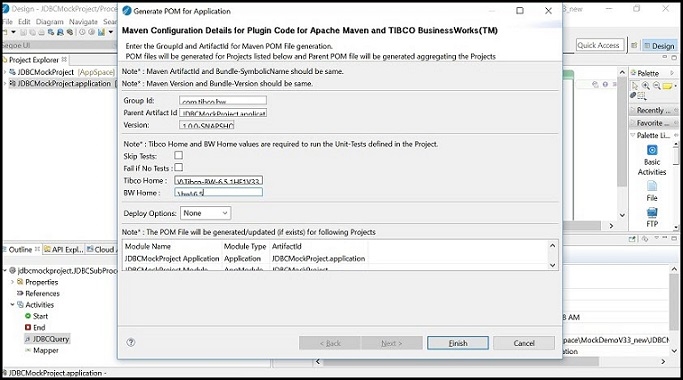
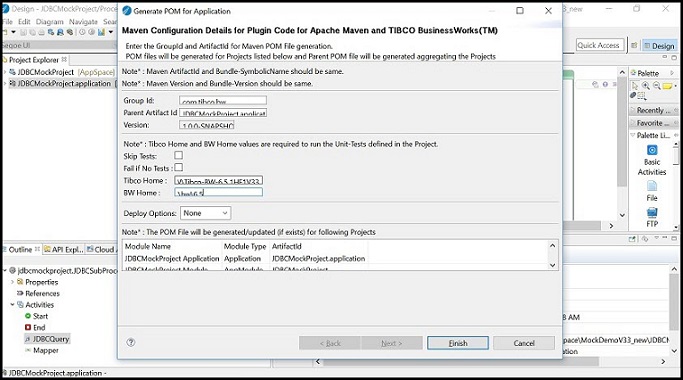
- Set
Tibco Home as the TIBCO Home for your
TIBCO BusinessWorks Container Edition installation with no trailing slash, and click
Finish.
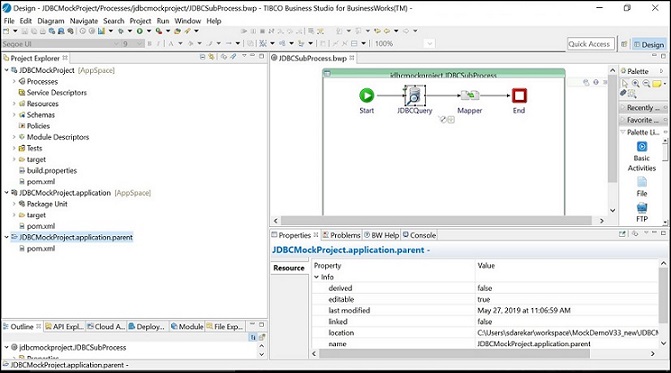
for example, C:\tibco\bw651 for Windows. Set BW Home as the relative path to the version-specific BW folder under TIBCO Home (with a leading slash and no trailing slash), for example \bw\6.5 for Windows.It converts the existing projects to Maven type and add a new project called *.application.parent and create pom.xml files in all projects.
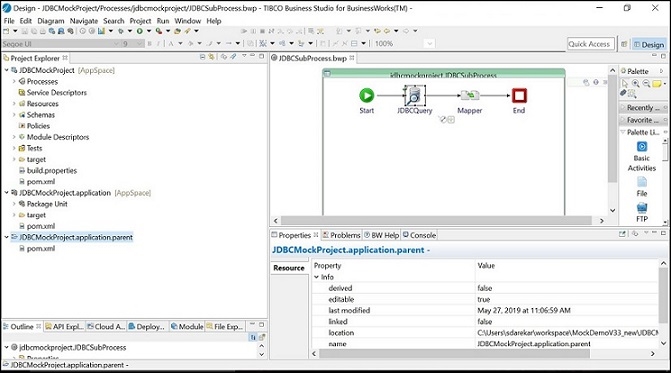
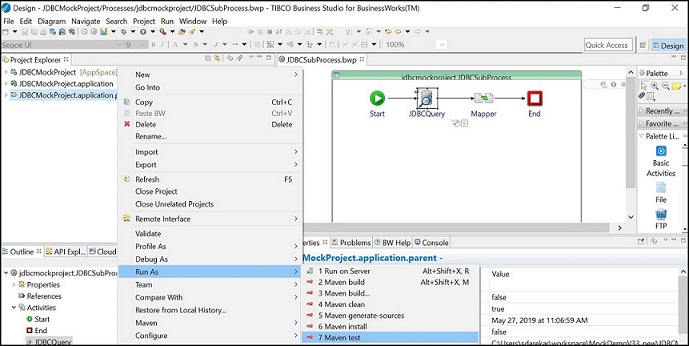
- Right-click the parent project and run "test" goal