Copyright © Cloud Software Group, Inc. All Rights Reserved

Chapter 3 Sample ActiveMatrix BusinessWorks Projects : Downloading the Sample Project

Downloading the Sample Project
The Plug-in contains a sample ActiveMatrix BusinessWorks project, which is located in the directory TIBCO_HOME\bw\plugins\bwcp\samples\bwCicsSample.zip.
To open the sample project in TIBCO Designer, do the following:
1.
Copy the file bwCicsSample.zip to the directory TIBCO_HOME\bw\plugins\bwcp\samples.
2.
3.
Start TIBCO Designer and click Open existing project.
4.
In the Project Directory file chooser, navigate to TIBCO_HOME\bw\plugins\bwcp\samples\bwCicsSample\BWCPSample.
5.
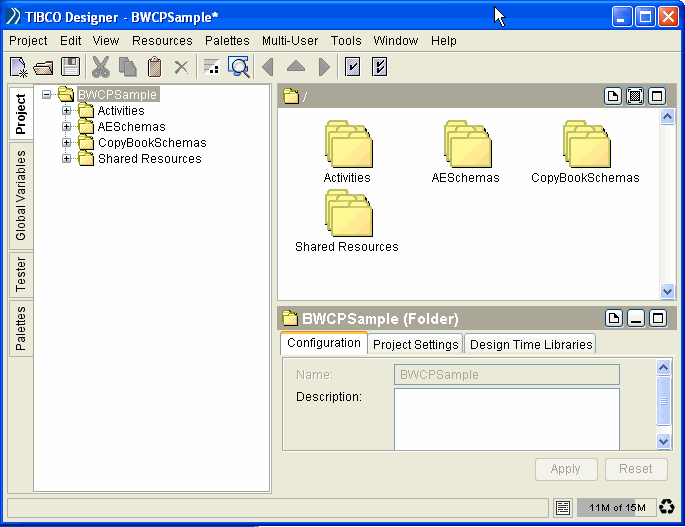
The sample project is displayed in Figure 1.
Figure 1 ActiveMatrix BusinessWorks Project
 

Copyright © Cloud Software Group, Inc. All Rights Reserved