
Creating a Data Grid Connection
In the Getting Started tutorial, the second task you must do using the plug-in is to create a datagrid connection.
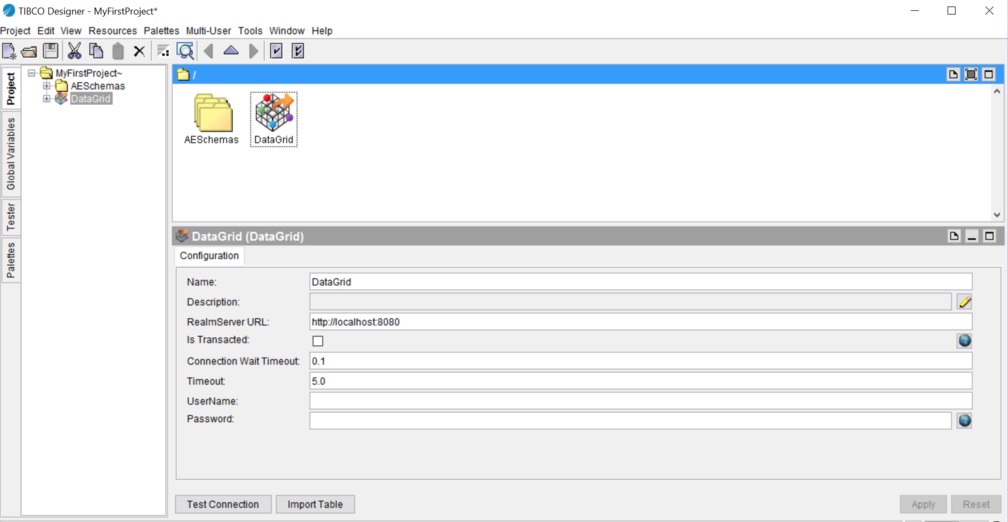
In the plug-in, a DataGrid shared resource represents a distributed database. The DataGrid shared resource is available at the Resources level. To use ActiveSpaces DataGrid activities, you must create a data grid connection and then add a table to the data grid.
Procedure
- Click the ActiveSpaces DataGrid palette icon in the Palettes panel, and drag the DataGrid icon to the Design panel. Or, right-click and select from the drop-down menu.
What to do next
After you have created a data grid, the next task is to add a table. See the Getting Started tutorial.
Copyright © Cloud Software Group, Inc. All rights reserved.