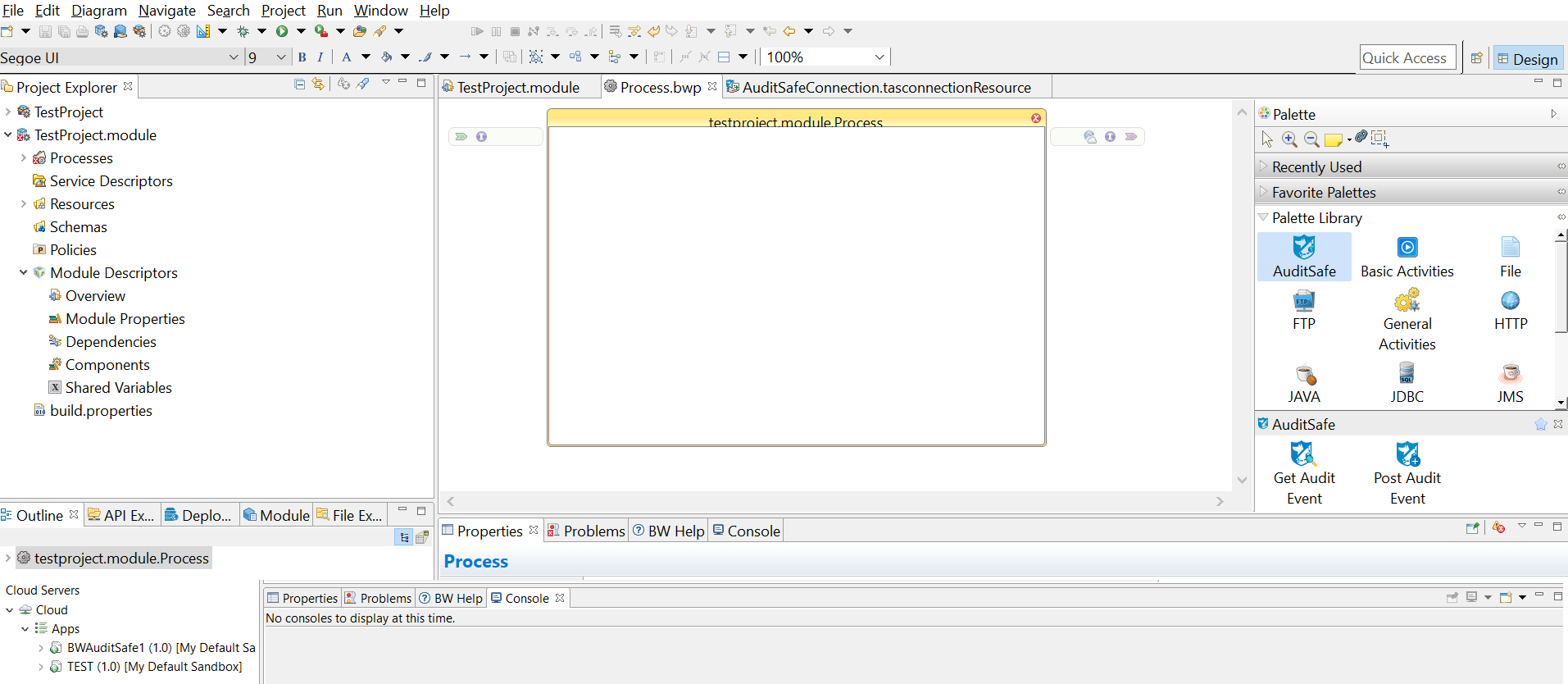
Projects are BusinessWorks application modules that are created in TIBCO Business Studio. A project contains various resources.
Procedure
Start TIBCO Business Studio.
Click
File > New > Project.
Select
BusinessWorks > BusinessWorks Application and click
Next in the
New Project
dialog box.
Note: There are several ways to open the
New BusinessWorks Application Module dialog box and create a new project in TIBCO Business Studio. See the TIBCO ActiveMatrix BusinessWorks documentation for more information.
Type a name for the project that you are creating in the
Project name field.
Keep the
Use default location,
TIBCO Cloud, and
Create Application Module check boxes selected. Click
Finish.
Result
A project and an application are created and displayed in the Project Explorer view. The Process editor opens automatically.