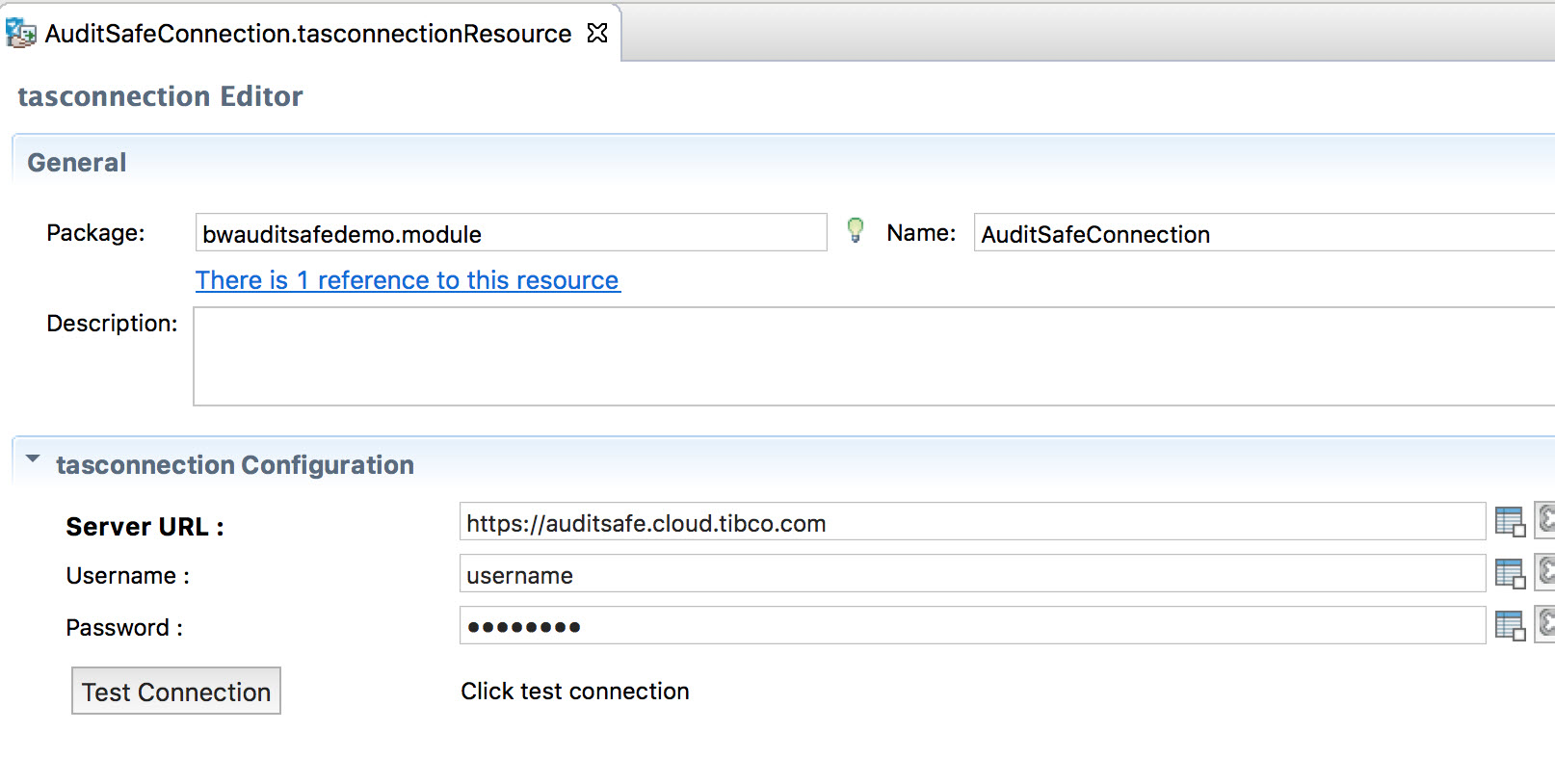
Creating a TIBCO Cloud AuditSafe Shared Resource Connection
To create a connection:
Procedure
Expand the created project folder
projectname.module in the Project Explorer view.
Right-click the
Resources folder and select
New > AuditSafe Connection.
You can see a default name of the resource connection in the
Resource Name field in the
tasconnection dialog box. Click
Finish to open the
tasconnection Editor.