Before running the project, you must import the sample project to TIBCO Business Studio. To import the data and view your transactions or events, you must first configure and map your application schema to the TIBCO Cloud AuditSafe fields. You must have an active subscription to
TIBCO Cloud™ AuditSafe before you can do this.
Prerequisites
You must download the BWAuditSafeDemo sample project from the Connectors page of the TIBCO Cloud AuditSafe UI.
Procedure
-
Start TIBCO Business Studio.
-
Click
.
-
In the
Import dialog box, expand the
General folder and select the
Existing Studio Projects into Workspace item. Click
Next.
-
Click
Browse next to the
Select root directory field to locate the samples. Click
Finish.
The sample project BWAuditSafeDemo.zip is located in the
TIBCO_Home\bw\palettes\auditsafe\6.x\samples directory. You must extract the files before using them.
Result
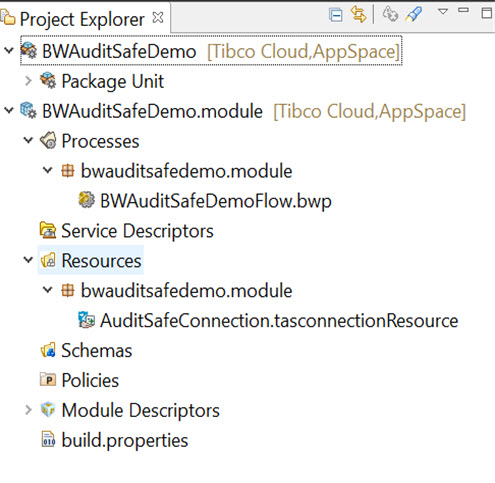
The sample project is imported to TIBCO Business Studio.
Copyright © Cloud Software Group, Inc. All rights reserved.