Schemas
The type of service and the associated entities to generate XSD schema are defined on the Schemas page.
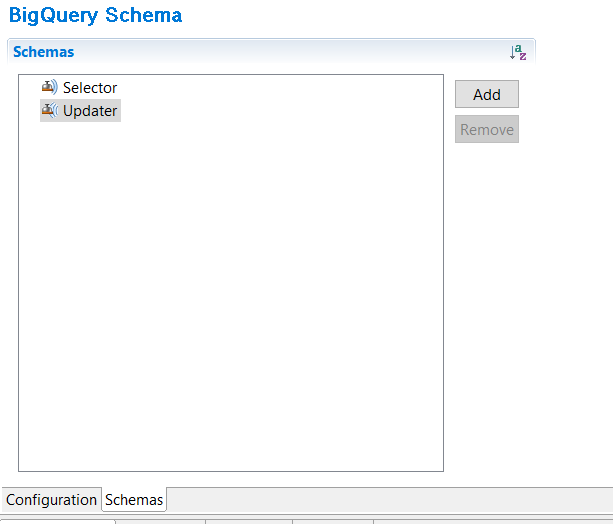
The Schemas section on the left lists the schema type. You can add or remove schemas. You can add the following schema types:
- Selector
- Updater
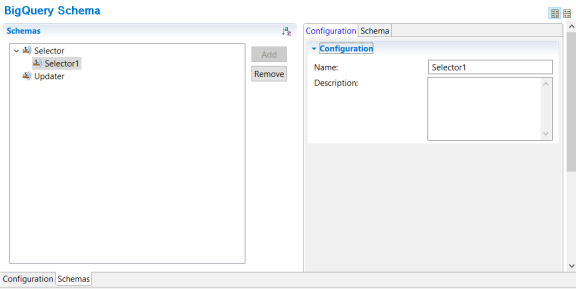
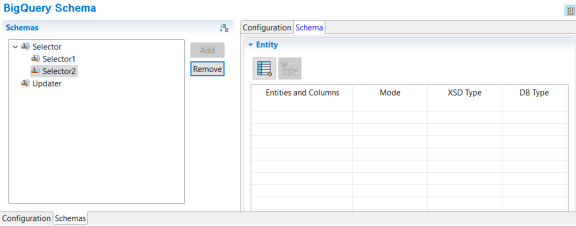
When a new Selector or Updater schema is added, a corresponding section is displayed on the right and consists of different tabs corresponding to the activity. The following sections describe the fields on these tabs for each activity:
- Selector Schema
- Updater Schema
Selector Schema
Updater Schema
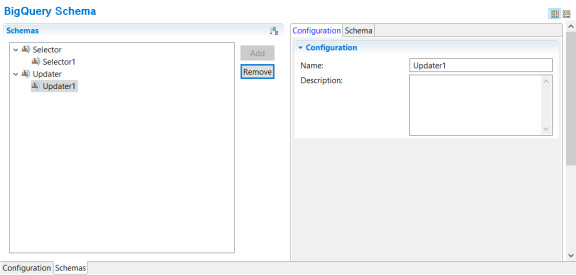
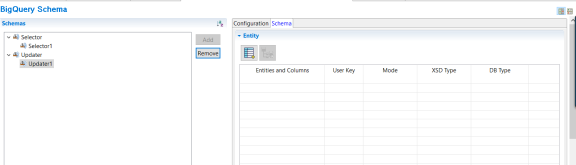
The descriptions of the fields in the above tabs is as follows:
Shared Resource > Schemas Page > Configuration Fields
| Field | Module Property? | Description |
|---|---|---|
| Name | No | You can update the schema name. For more information, see Entity Naming Conventions. |
| Description | No | A short description for the schema |
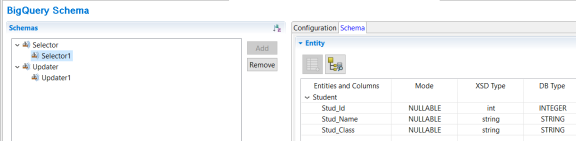
| Field | Module Property? | Description |
|---|---|---|
| Entities and Columns | No | Displays the selected entity and its columns. |
| Mode | No | Displays the mode of the columns of the entity. This is a read-only column. If the Mode field is populated as Required, the activity input for that column is mandatory. |
| XSD Type | No | Displays the XSD type of the column. This is a read-only column. |
| DB Type | No | Displays the data type of the database column. This is a read-only column. |

|
You can add new entity by clicking on this icon. | |

|
You can refresh the schema by clicking this icon. |
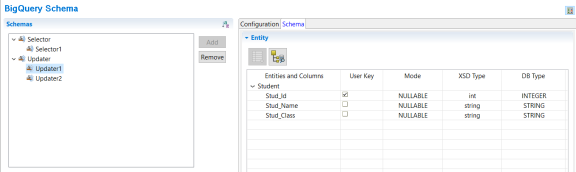
| Field | Module Property? | Description |
|---|---|---|
| Entities and Columns | No | Displays the selected entity and its columns. |
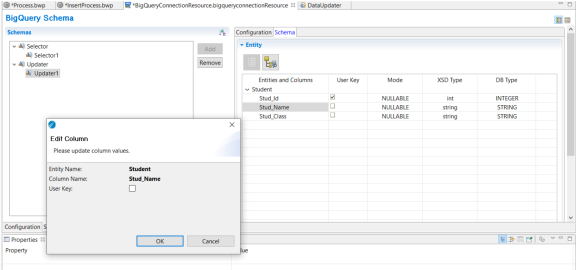
| User Key | No | This property is mandatory for Update operation and optional for Insert operation. |
| Mode | No | Displays the mode of the columns of the entity. This is a read-only column. If the
Mode field is populated as
Required, the activity input for that column is mandatory. If the Mode field is populated as Repeated, the activity input for that column is in the form of an array. |
| XSD Type | No | Displays the XSD type of the column. This is a read-only column. |
| DB Type | No | Displays the data type of the database column. This is a read-only column. |
|
|
You can add new entity by clicking on this icon. | |
|
|
You can refresh the schema by clicking this icon. |
User Key