Creating a Project
The first task for using the plug-in is creating a project. After creating a project, you can add resources and processes.
An Eclipse project is an application module configured for TIBCO ActiveMatrix BusinessWorks™. An application module is the smallest unit of resources that is named, versioned, and packaged as part of an application.
- Procedure
- From the menu, click File > New > BusinessWorks Resources to open the BusinessWorks Resource Wizard.
- In the Select a wizard dialog, click BusinessWorks Application Module and click Next to open the New BusinessWorks Application Module wizard.
- In the Project dialog, configure the project that you want to create:
- In the Project name field, enter a project name.
- If you do not want to use the default location (current workspace) for the project, clear the Use default location checkbox and click Browse to select a new location.
- Use the default version of the application module, or enter a new version in the Version field.
- Keep the Create empty process and Create Application checkboxes selected to automatically create an empty process and an application when creating the project.
- Optional: Select the Use Java configuration checkbox if you want to create a Java module. A Java module provides the Java tool capabilities.
- Click Finish to create the project.
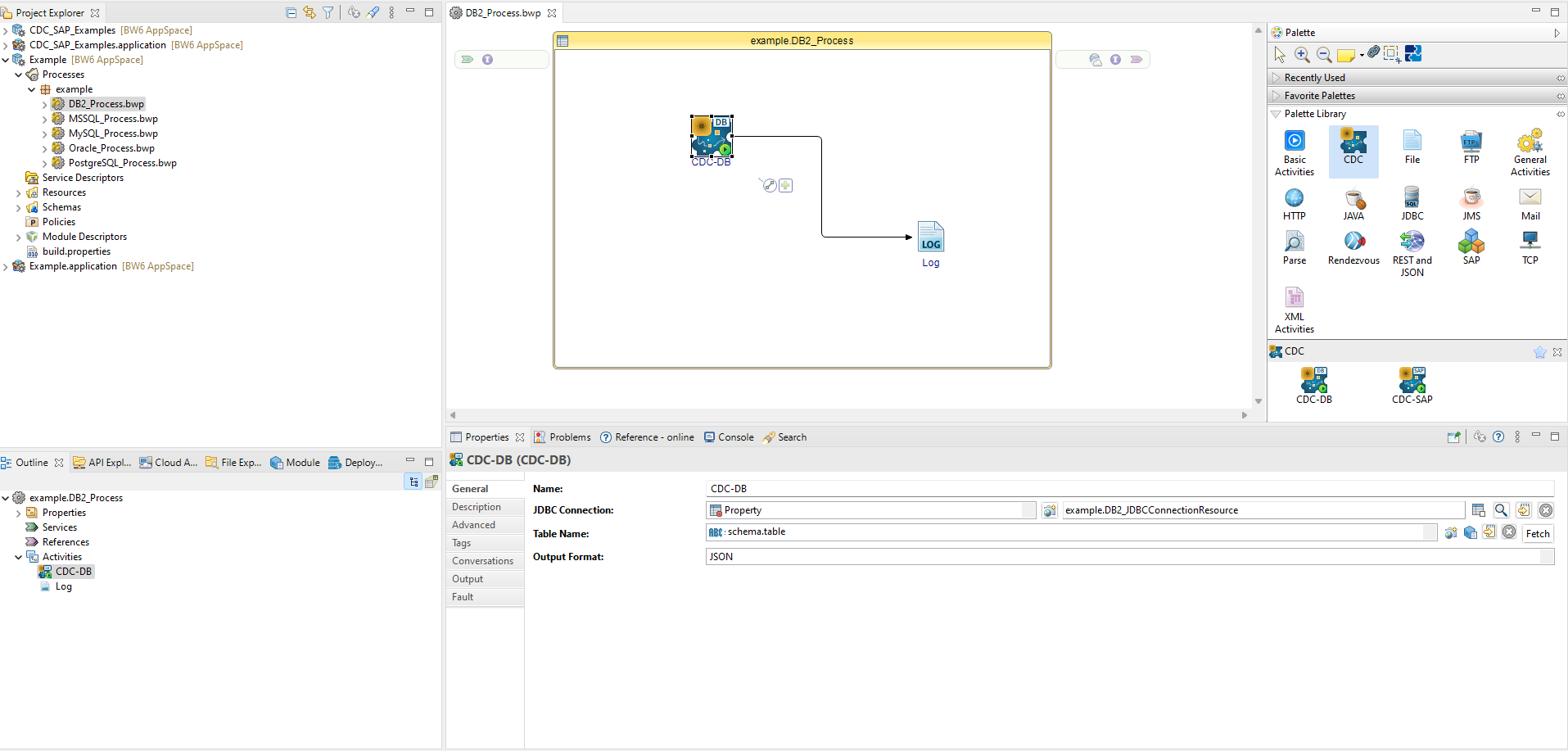
ResultThe project with the specified settings is displayed in the Project Explorer view.