Build Batch Request
The Build Batch Request is to build a batch request. This helps to choose the operation and select the entity in the Batch activity.
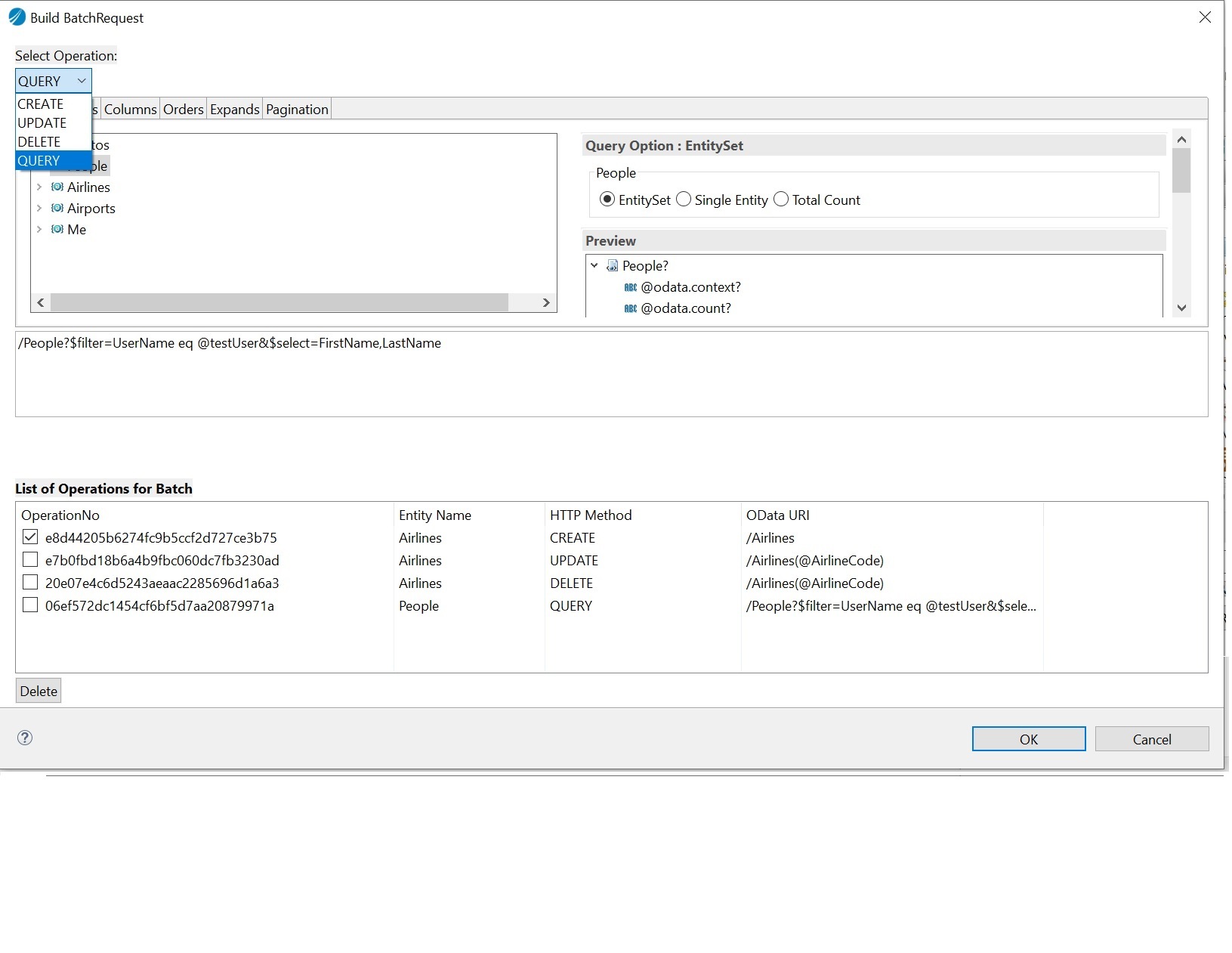
To build a batch request:
-
Click the Build Batch Request button.
-
In the Batch Request Builder dialog that opens, from the Select Operation drop-down list, select the required operation.
-
In the Object list, select the entity on which you want to perform the operation.
-
Click Add.
The operation is added as an entry (batch item) in the list of operations for the Batch table.
-
After adding all the operations that you want to perform in the batch, click OK to generate the input and output schema for the batch items.
-
Click Save.
Note: If you want to delete an entry (batch item) in the list of operations of the Batch table, select the required entry, and then click the Delete button. You can select multiple entries and delete them at a time.