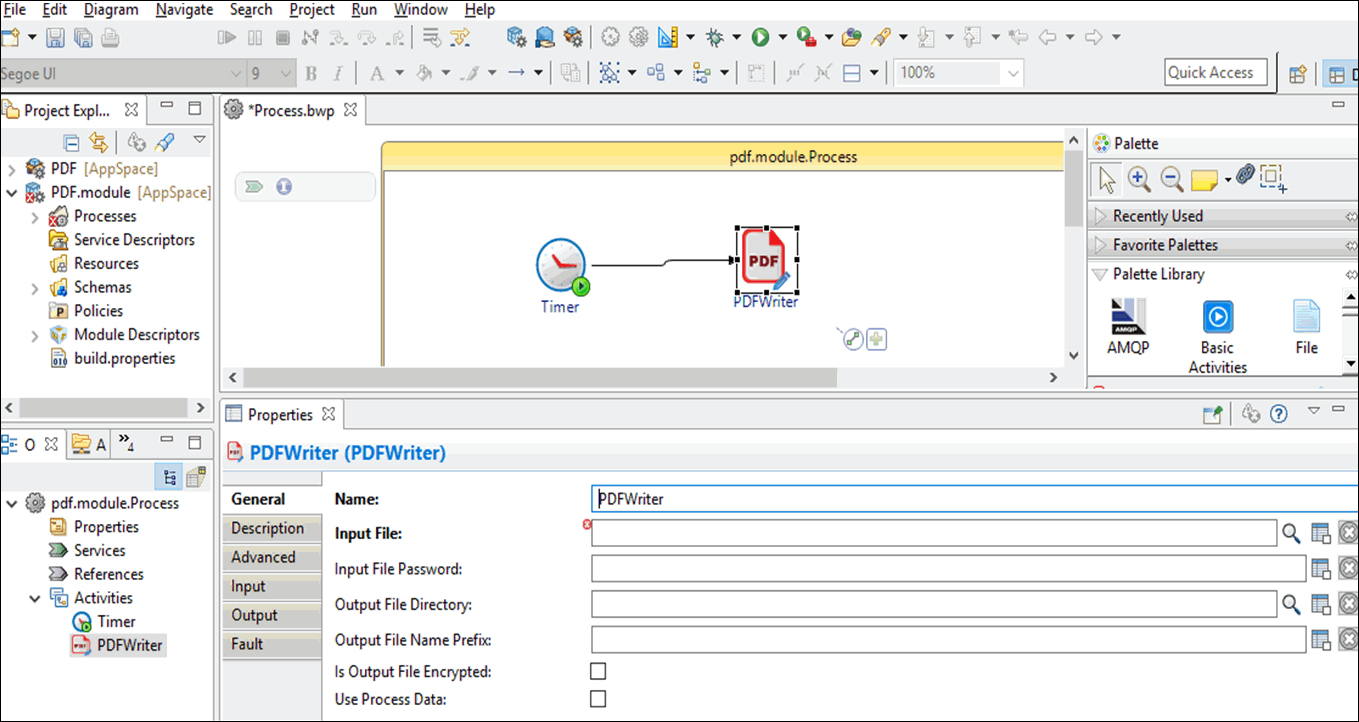
In the Project Explorer view, click the created project and open the empty process from the
Process folder.
Select activities from the palette library and drop them in the Process editor.
For example, select and drop the Timer activity from the General Activities palette, and the PDFWriter activity from the PDF palette.
Click an activity in the Process editor and drag the icon to create a transition between the activities.
Configure the added activities, as described in
PDF Palette.

 icon to create a transition between the activities.