Grant Permissions for the Required Component Interfaces
To grant permissions for the component interfaces, complete the following steps.
- Procedure
- Log in to PIA and navigate to > Permissions & Roles > Permission Lists.
- Find the permission list which includes the required component interfaces and open it.
- Click the Component Interfaces tab and find the desired component interfaces. For example, if you want to work with the Country component interface, make sure it is in the list.
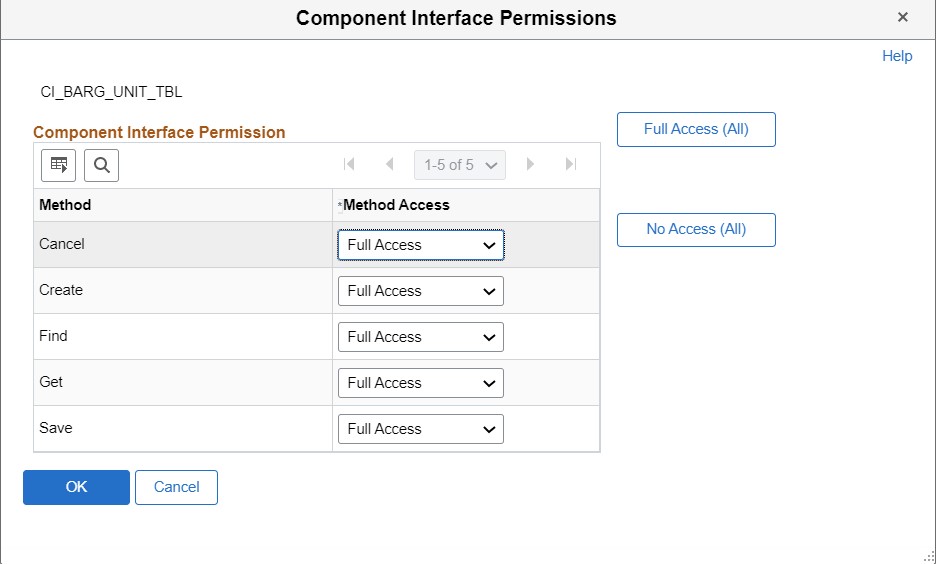
- Edit each component interface and grant Full Access permissions to all its methods.