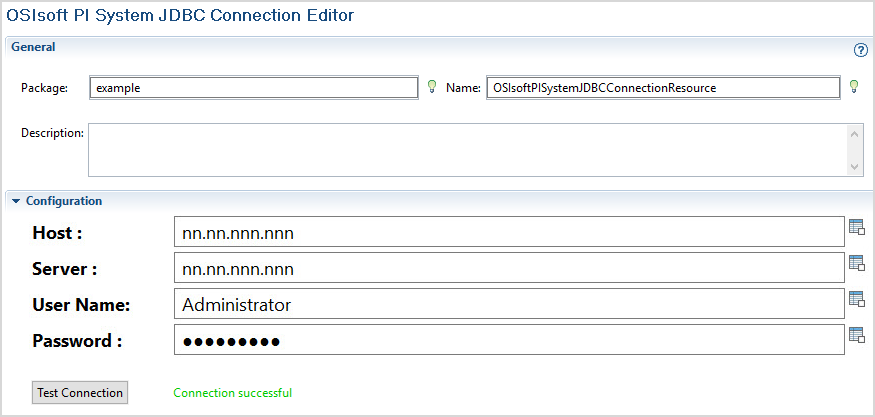
After creating a project, add an OSIsoft PI System Connection shared resource to create a connection between the plug-in and the PI Data Archive server or PI AF server or both.
According to the type of the activity, create one of the following connections:
- For the JDBC Query activity and JDBC Tag Definition activity create an OSIsoft PI System JDBC connection.
- For the AF type activities, such as the AF TagDefinition, AF TagEventListener, AF TagValues, and AF AssetsHierarchy activities, create an OSIsoft PI System AF connection.
Note: The OSIsoft PI System AF Connection shared resource is available only in the Windows operating system.
In this tutorial, the JDBC Query activity is used as the example, therefore, an OSIsoft PI System JDBC connection must be created. The OSIsoft PI System AF connection can be created in the same way.