User Interface Elements in the Siebel Objects Editor
The user interface elements, and their description, in the Siebel Objects Editor are as follows:
Configuration Tab
Siebel Objects Editor - Configuration Tab
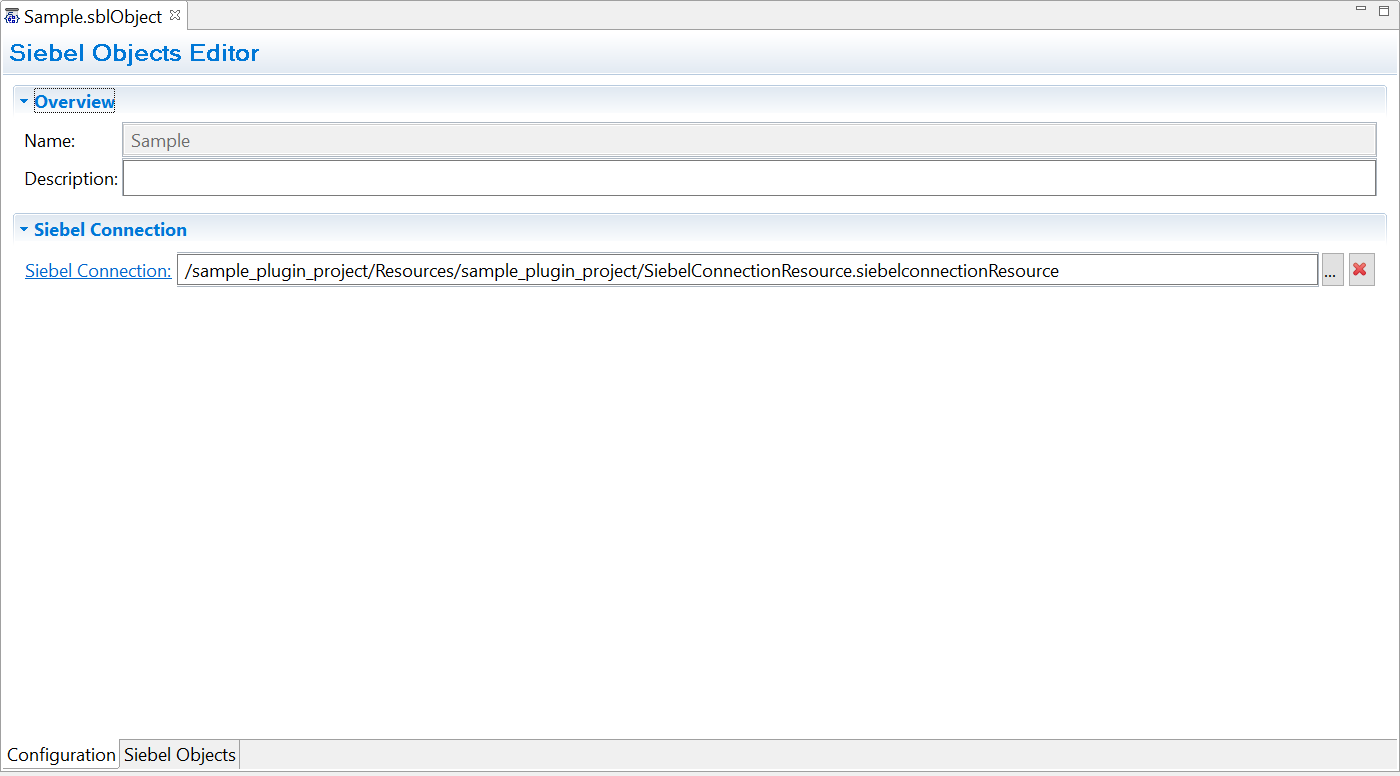
| Field | Description |
|---|---|
| Name |
Name of the Siebel schema object. Note: This field is read-only. You can rename the schema object by right-clicking the Siebel Objects Editor resource in the Project Explorer.
|
| Description | Add a description for the Siebel schema object. |
| Siebel Connection | Mandatory Field.
Select a Siebel connection from the available list. To create a Siebel connection see the topic Creating a Siebel Connection using the Siebel Connection Resource for more details. |
Siebel Objects Tab
Siebel Objects Editor - Siebel Objects Tab
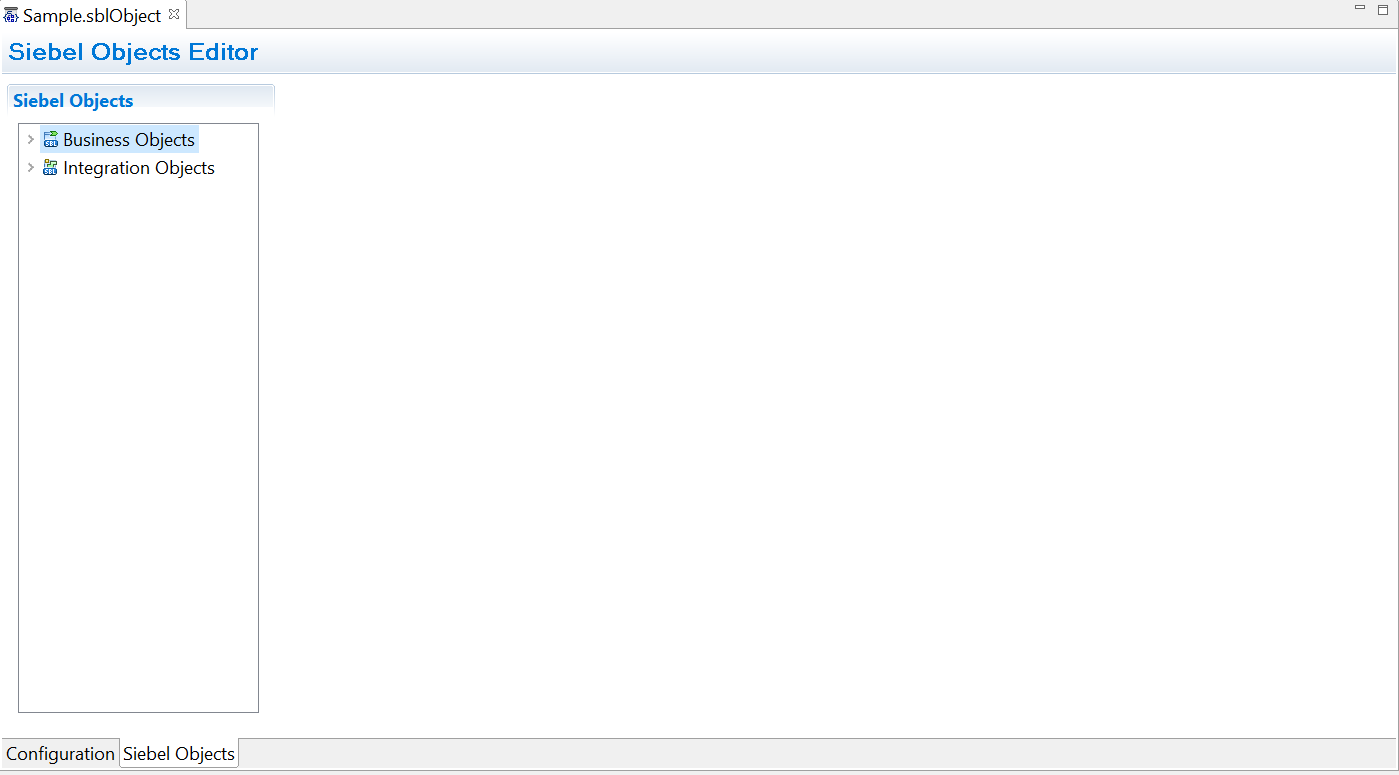
| Field | Description |
|---|---|
| Business Objects | Use this component to add Business objects. For more details on adding Business objects see the topic Creating a Siebel Schema using the Siebel Objects Editor. |
| Integration Objects | Use this component to add Integration objects. For more details on adding Integration objects see the topic Creating a Siebel Schema using the Siebel Objects Editor. |