Invoking a Siebel Workflow
This chapter describes the method to import the Workflow process at Siebel server. You can invoke the Workflow through the given sample examples.
Workflow with Integration Object
These workflows are used to Insert and Delete the data into Siebel Integration Objects on Siebel Server.
SIEBEL_HOME\samples\workflow\7TIBCOSampleWorkflowInvocationfromSubscriberforIntegrationObjects_Insert.xml
SIEBEL_HOME\samples\workflow\7TIBCOSampleWorkflowInvocationfromSubscriberforIntegrationObjects_Delete.xml
These workflows are used in the sample plug-in project for Invoke Workflow Activity. For more information, seeSample Plugin Project for Invoke Workflow Activity.
Workflow with Non Integration Object
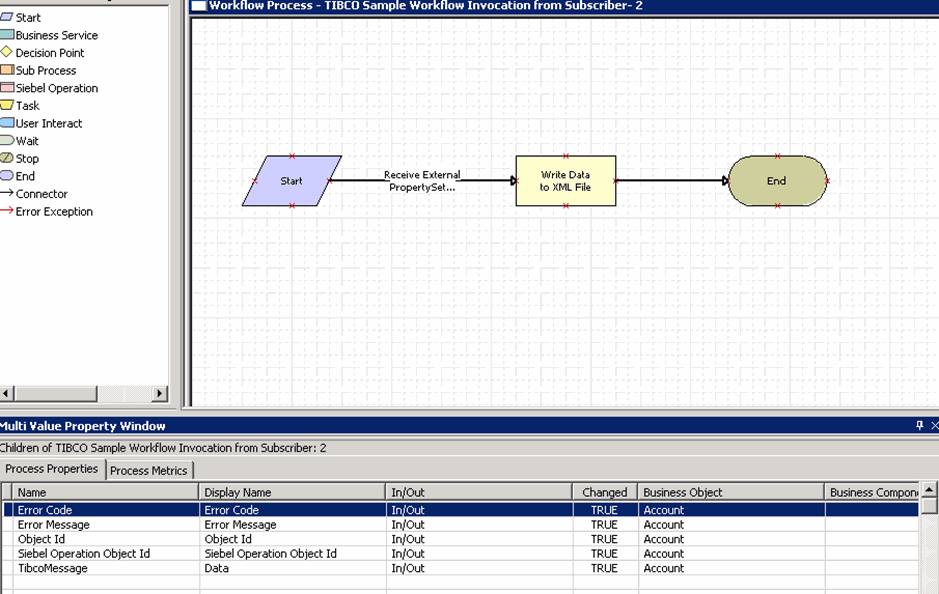
This workflow is used to create the XML file at Siebel server by using the EAI XML Write to File Business Service.
SIEBEL_HOME\samples\workflow\TIBSiebelAdapterWorkflowSubInvoke.xml
These workflows are used in the sample plug-in project for Invoke Workflow Activity. For more information, see Sample Project for Non-Integration Invoke Workflow Activity.
Importing the Workflow Process
Perform the following steps to import the workflow process on the Siebel Server:- Procedure
- Start the Siebel Tools and log in.
- Click Workflow Process.
- Right click in the Workflow Processes window and click Import Workflow Process in the menu.
- Go to the
SIEBEL_HOME\samples\workflow\ and select
TIBSiebelAdapterWorkflowSubInvoke.xml. - Right click the TIBCO sample workflow Invocation from Subscriber from the list of Workflow Processes and select Edit Workflow Process in the menu.
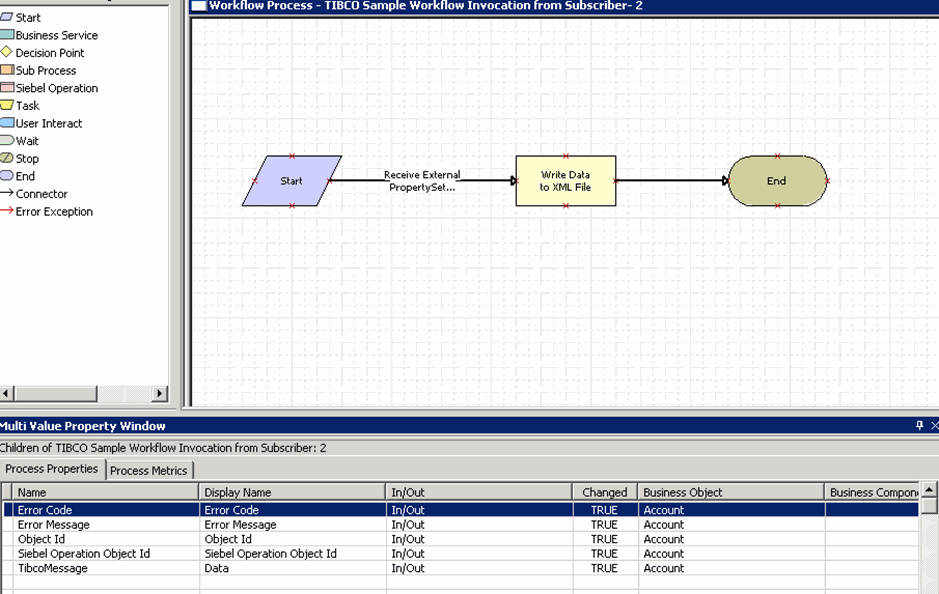
- Double click the workflow step
Write Data to XMLFile.