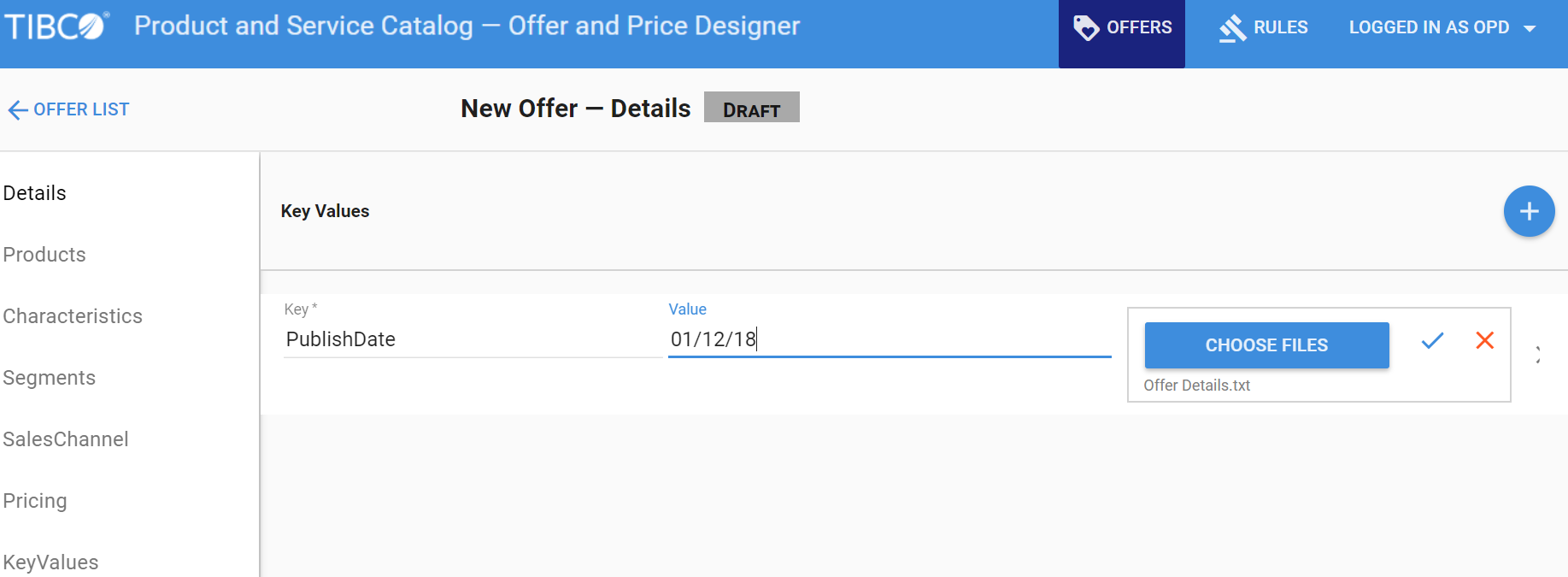
In an offer, the KeyValue repository is used to store extra information related to an offer in a key-value pair. To add KeyValues to an offer perform the following steps:
Procedure
On the
Offer List page, click
Create a new offer icon .
After setting the Offer ID and Name of the offer, click the
KeyValues tab.
Click the
icon. Enter the key name and value of the key. You can add multiple KeyValues by clicking the
icon.
Click
Choose Files and select the file containing information related to the offer and then click
Open.