
Designing Simple Rule Criteria
Simple rule criteria have a single criterion. To create simple rule criteria, perform the following steps:
Procedure
-
To add characteristic to the rule click
Add Characteristic
 .
.
-
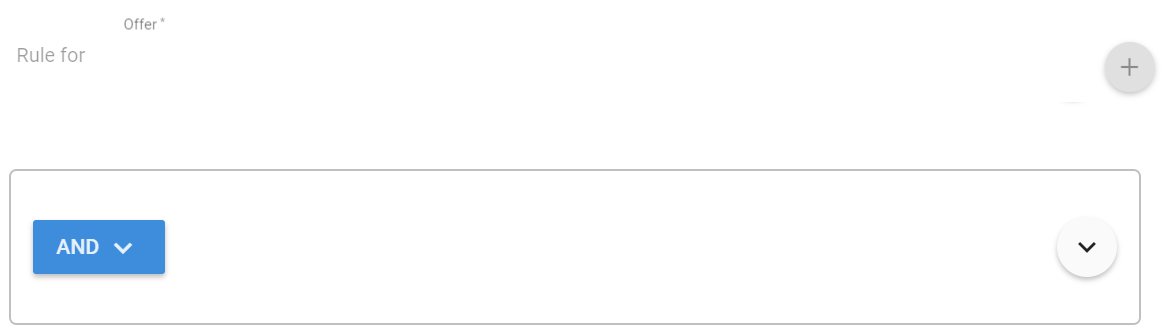
Click
 to select the operator
And or
Or.
to select the operator
And or
Or.
-
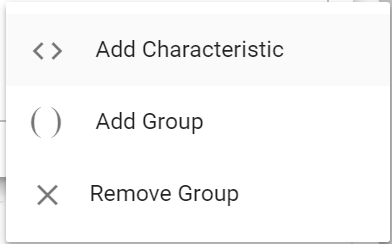
Click drop down arrow icon
 to
< > Add Characteristic,
( ) Add Group, or
X Remove Group from the criterion.
to
< > Add Characteristic,
( ) Add Group, or
X Remove Group from the criterion.
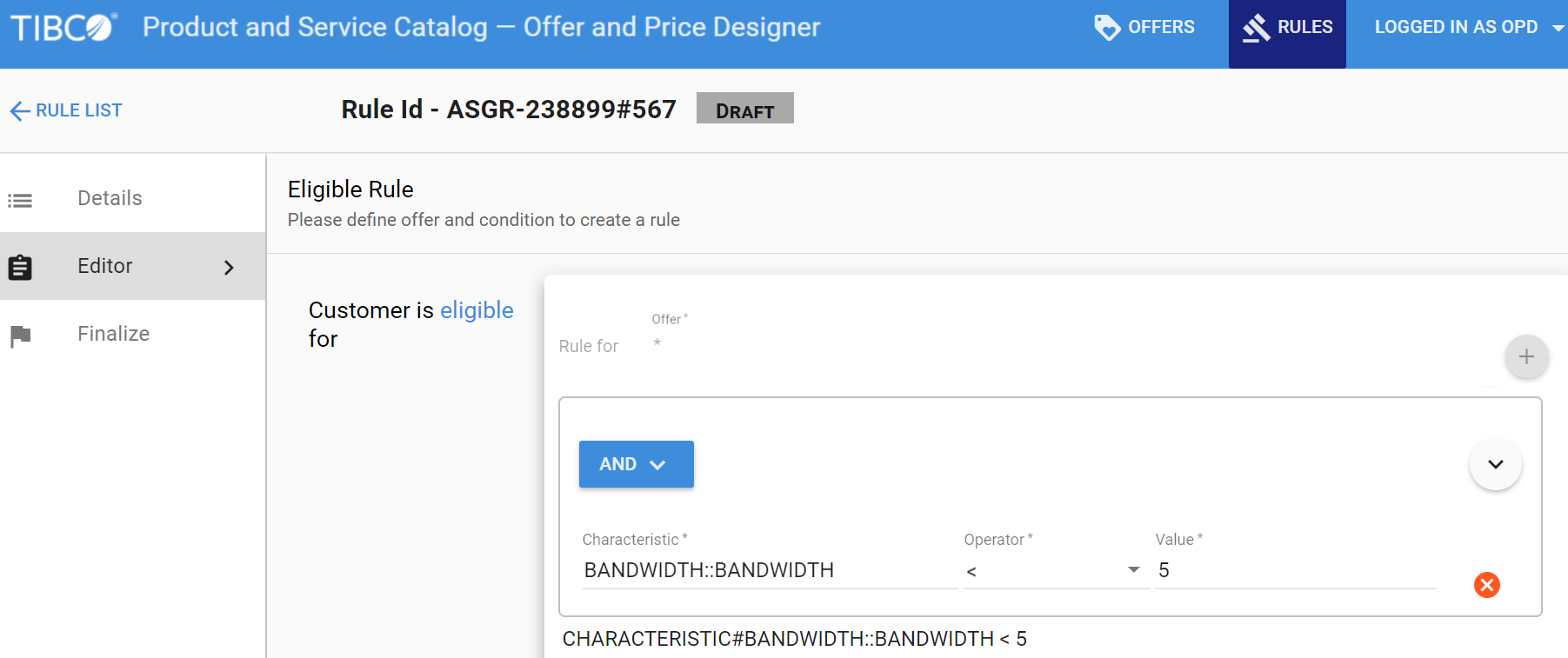
- Click ( ) Add characteristic. Enter the values for Characteristic, Operator, and Value.
-
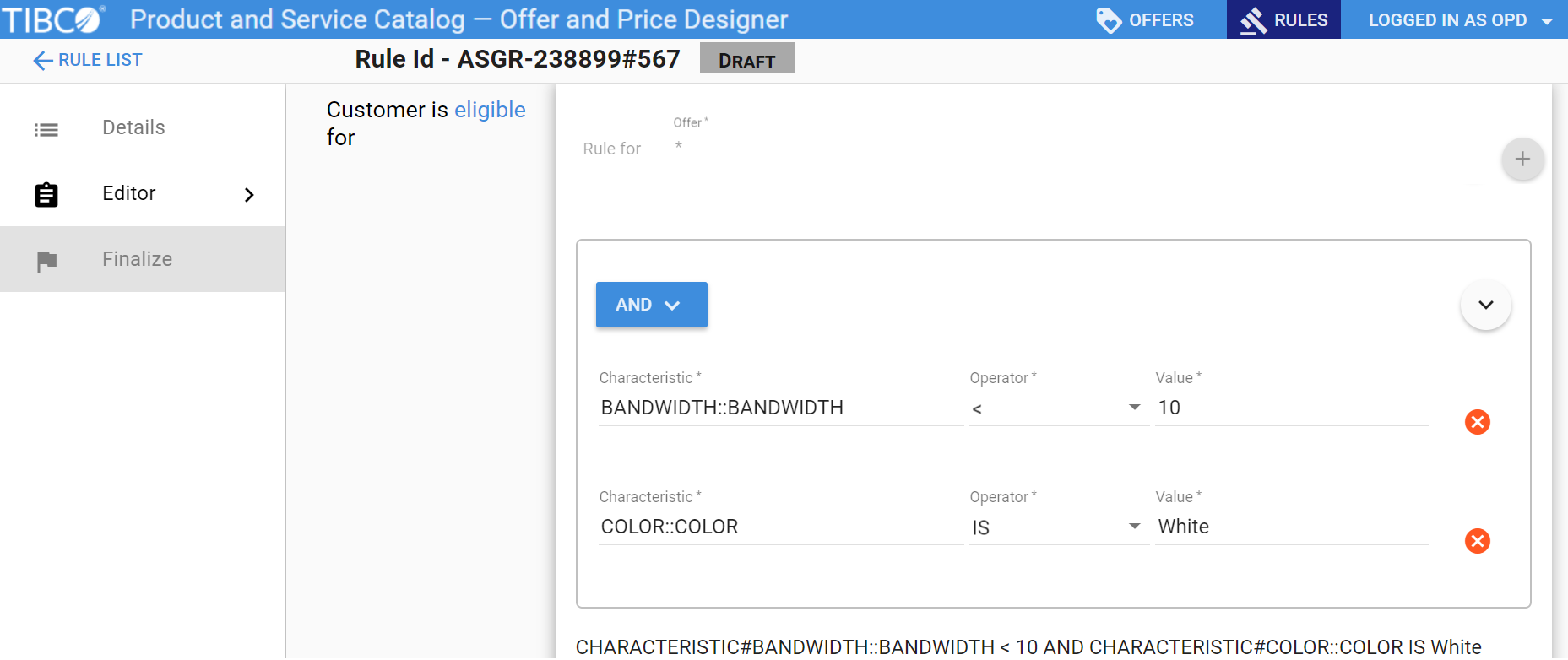
To add more characteristics, click
 and click
( ) Add Characteristic.
and click
( ) Add Characteristic.
- Enter the values for Characteristic, Operator, and Value. You can keep adding the characteristics according to the criterion that you want to create.
Copyright © Cloud Software Group, Inc. All rights reserved.