Uploading Data from Salesforce
You can upload data from Salesforce to TIBCO Clarity.
- Procedure
- On the "Get data from" page, click Salesforce.
- In the Import from Salesforce dialog, if you want to use an existing connection, select a connection from the Saved connections list.
- If you want to create a connection to Salesforce, select
Create new connection from the
Saved connections list.
- Enter the user name and password to connect to Salesforce.
- In the Security tag field, enter a security tag.
- In the
Login timeout (sec) field, enter a timeout interval in seconds.
The default value is 30.
- If you want to save the connection, keep the Remember me check box selected. Otherwise, clear this check box.
- Click Connect.
- From the
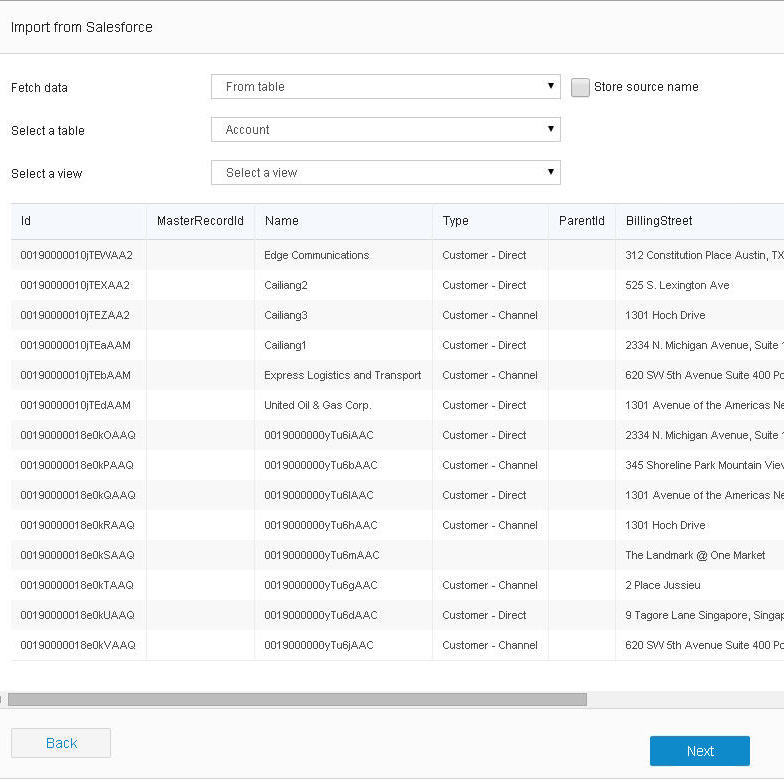
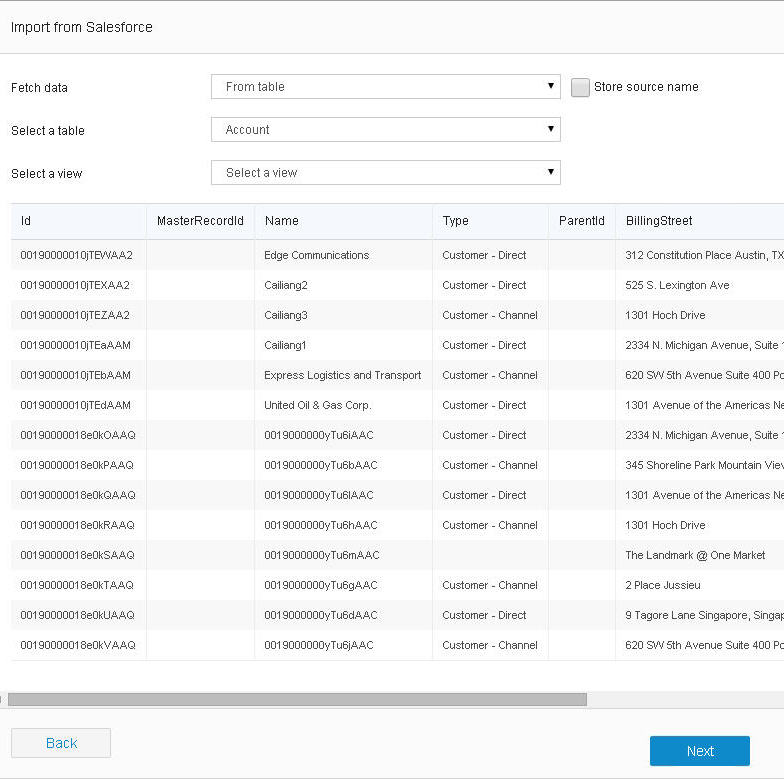
Fetch data list, select a method to retrieve data from Salesforce:
From table
From the Select a table list, select a table.
 Use SOQL
In the Enter SOQL field, enter a SOQL (Salesforce Object Query Language) statement to query data from Salesforce.
- To upload the source name, select the Store source name check box.
- Click Preview to preview the retrieved data.
- Click Next.
What to do next