Validating the Email Addresses of a Column
Use this function to validate whether the email addresses are valid.
Take project 1 in the Sample-customer dataset as an example, and validate the email addresses in the Email column.
- Procedure
- From the Email column menu, click
.
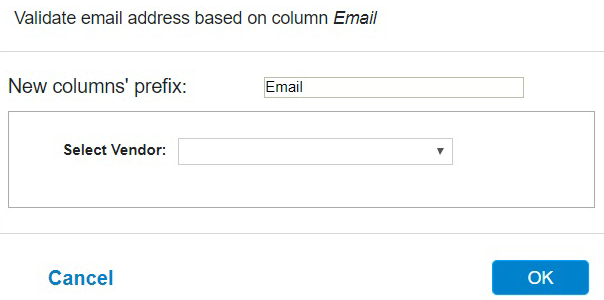
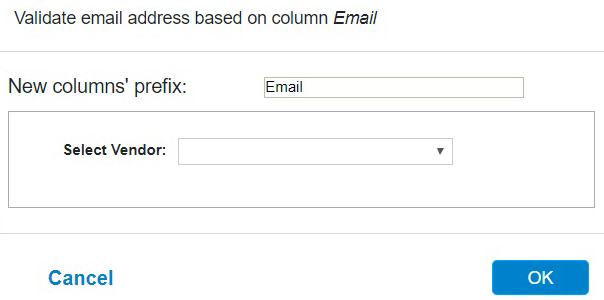
- In the New columns' prefix field, enter a prefix of column name or accept the default value for the new column.
- From the
Select Vendor list, select
Byteplant.
You must specify the API key in the "Byteplant phone validate configuration" dialog.
- Click
OK.
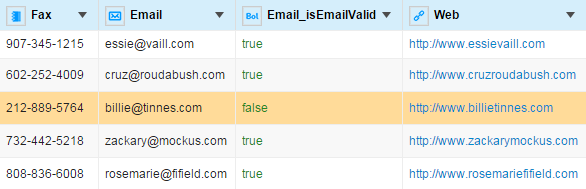
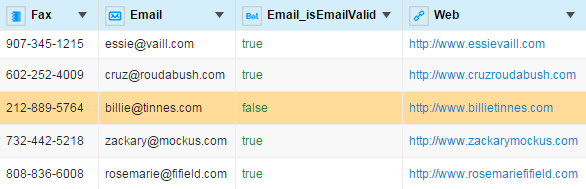
A new column Email_isEmailValid is created.