|
| Copyright © Cloud Software Group, Inc. All Rights Reserved |
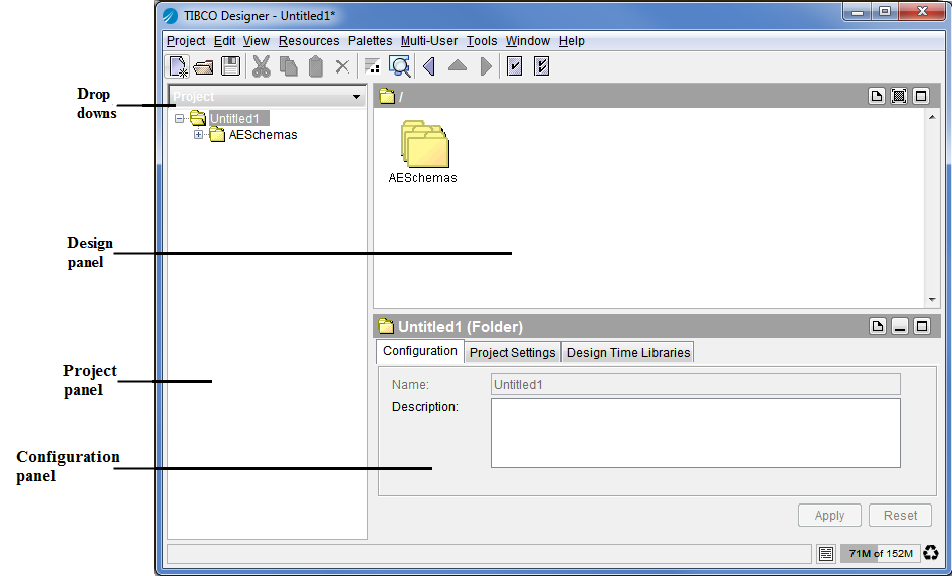
If you prefer to view either the project tree or the palette panel, but not both in the left panel, you can set TIBCO Designer to display the three-panel view shown in Figure 12. The view also uses drop downs, rather then tabs to access the project, global variables or palettes.Figure 12 Three-Panel View
1. Choose Edit > Preferences > View.
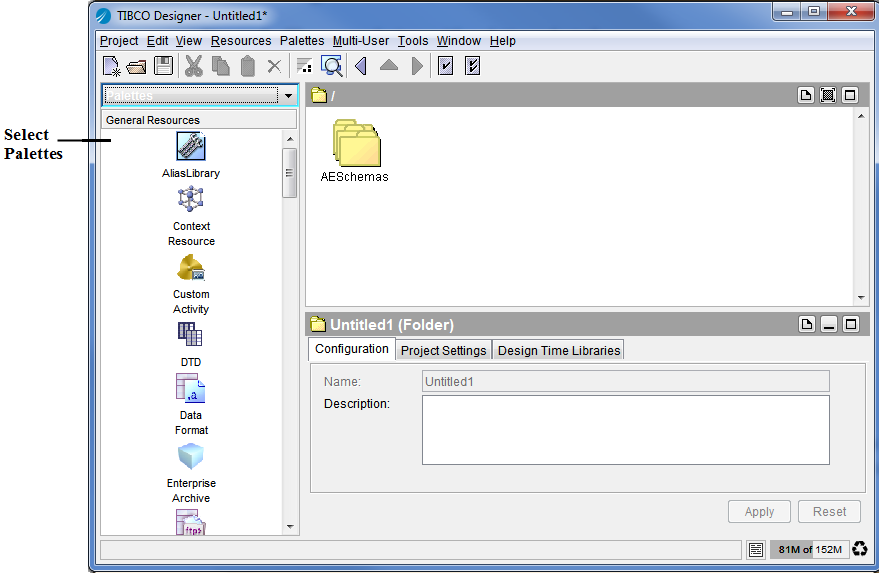
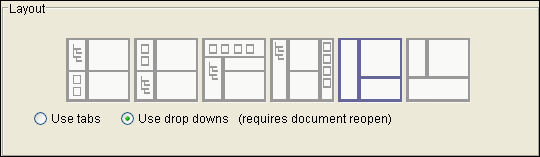
2. To navigate to palettes in this view, click the Palettes tab on the left (see Figure 13. The next diagram shows the results of this action.Figure 13 Three-Panel View with Palettes SelectedAdditional layout options are available when you choose Edit > Preferences > View. If you select the Use tabs or Use drop downs option, you must close and reopen your project to make the change visible.Figure 14 Layout Options
|
| Copyright © Cloud Software Group, Inc. All Rights Reserved |