|
| Copyright © Cloud Software Group, Inc. All Rights Reserved |
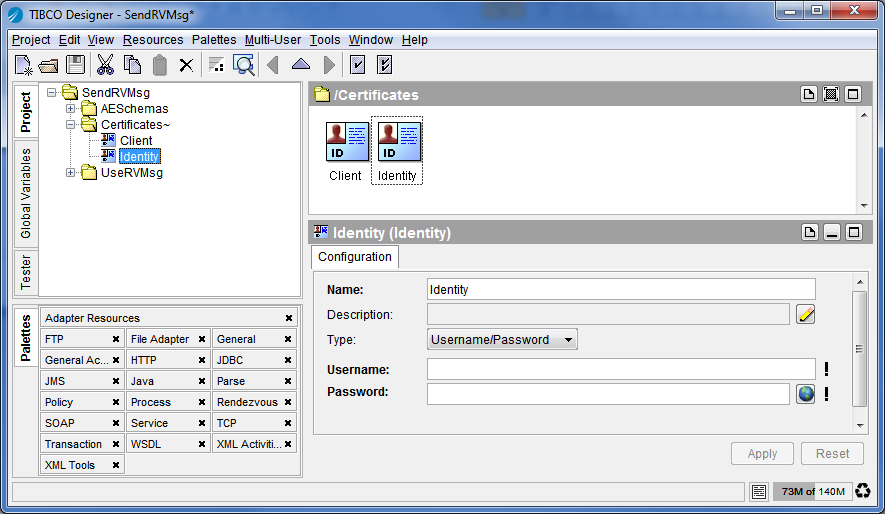
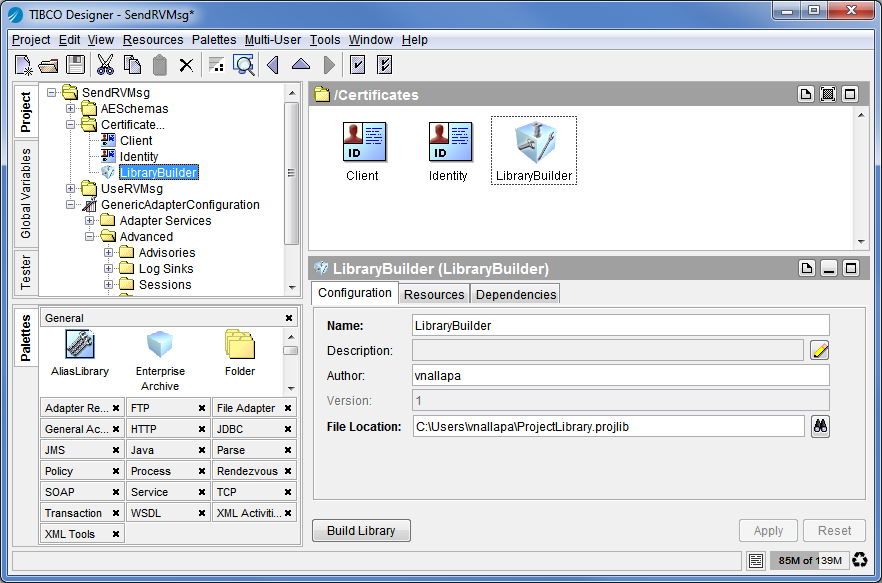
In the following diagram, a certificate has been added to the Certificates folder by clicking Tools > Trusted Certificates > Import into PEM Format. An Identity resource has been dropped in the design panel from the General Resources palette.Figure 40 Import PEM Format
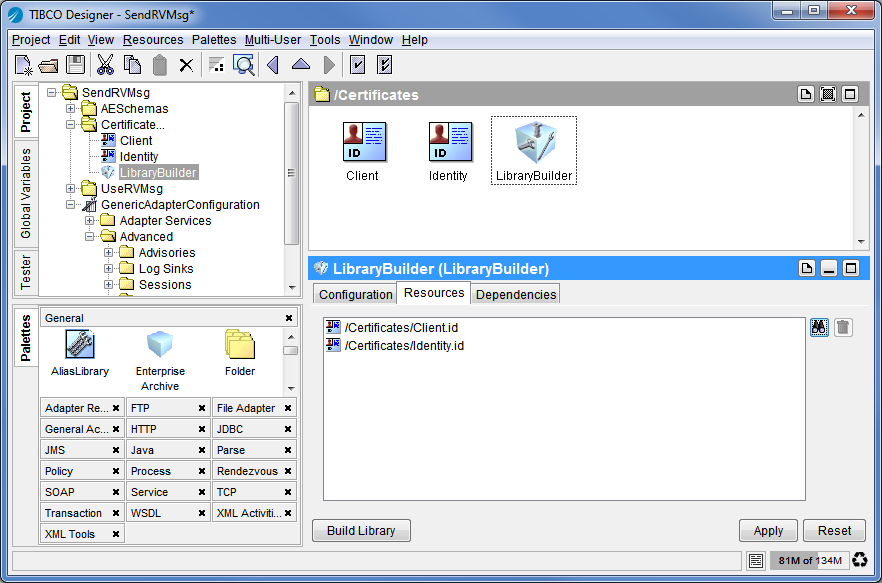
3. Click the Resources tab and select the certificates to export. All resources contained in the referenced folder are included. Click Project > Save and then click Build Library.Figure 42 .Build Library
4. Click Edit > Preferences and then click the File Alias tab. Click New to create an alias for the design-time library you just built. (See Creating an Alias for details.) Export your alias by clicking Export and saving the alias to a common directory.
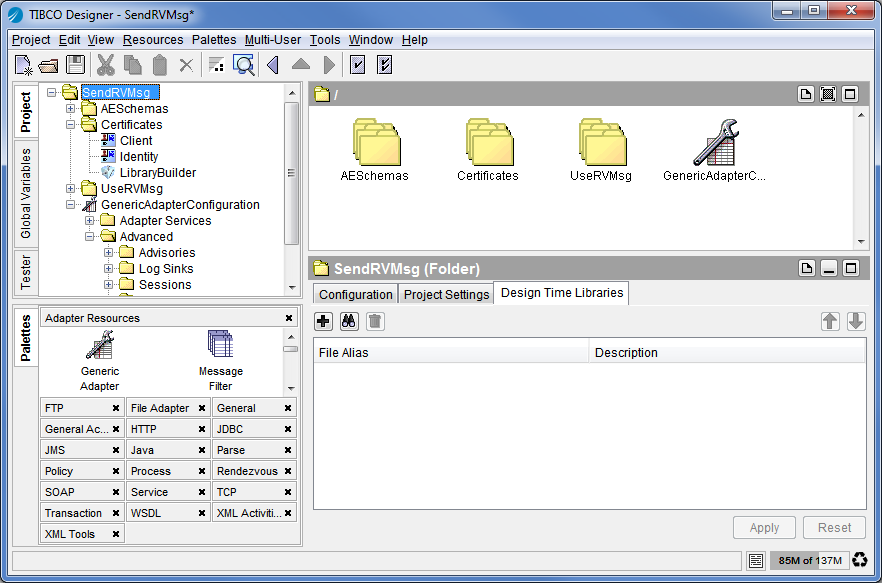
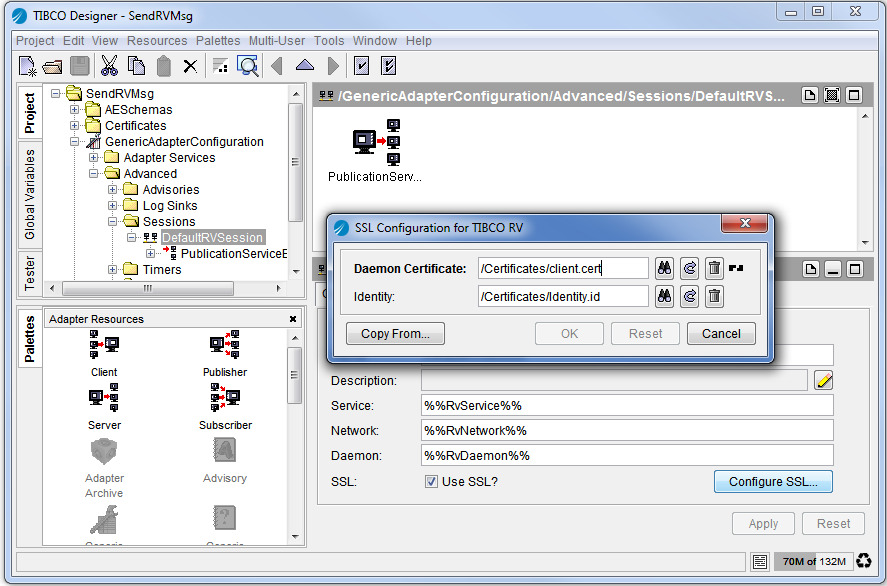
5. Configure another TIBCO Designer project to use the design-time library. Select the root folder, and then select the Design Time Libraries tab. Click the Add button to select the design-time library location. After saving the project, the library contents become visible.Figure 43 Select Design Time LibraryClicking File > Save As imports the contents of the library into the project.Figure 44 Configure Resource
|
| Copyright © Cloud Software Group, Inc. All Rights Reserved |