Copyright © Cloud Software Group, Inc. All Rights Reserved


Appendix A Menu Reference : Window Menu

Window Menu
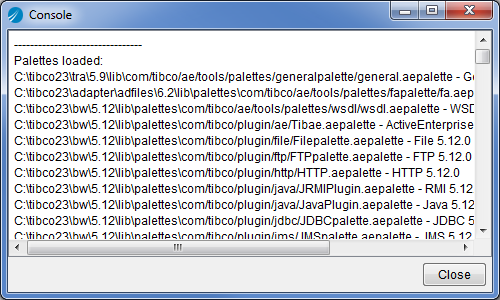
Show Console
Displays the Console window, which shows informational as well as error messages, as, for example, the following:
Figure 53 Console
 
The information becomes more detailed if you run TIBCO Designer in debug mode. To do so, choose the Administration tab in the startup panel and select Configure Runtime, then type -d into the Command Line Argument field.
<Project> Window
If more than one project is open at the same time, TIBCO Designer displays each in a separate window. For each window, a menu choice is added to the Window menu.

Copyright © Cloud Software Group, Inc. All Rights Reserved