
Logging into the TIBCO Enterprise Administrator Server Using the Web UI
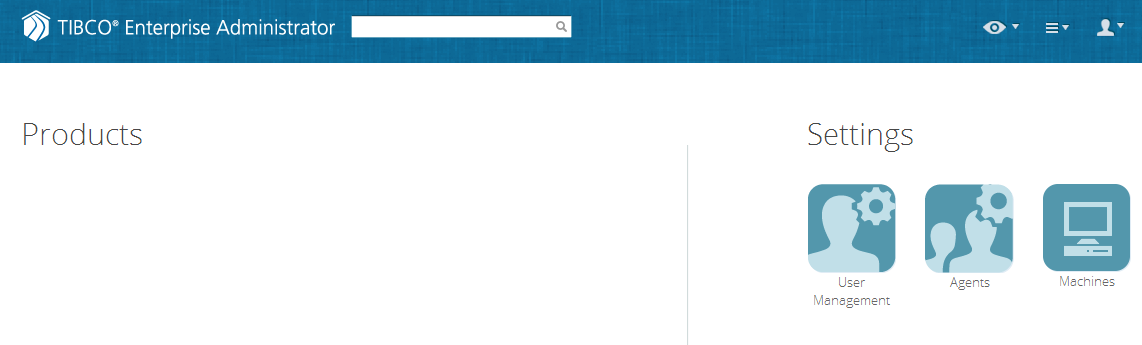
You can use the Web UI to connect to the Enterprise Administrator server.
Password Policies
Following are the constraints on creating a password:
- The length of the password should be between 1 and 128 characters.
- You cannot reuse the past 5 passwords.
- Your account gets locked after 10 failed attempts.The admin account is the only exception to this rule, but the admin account experiences a lag of 1 second on every login after 10 failed attempts.
- You must reset a password after a lockout because it cannot be changed.
Procedure
Copyright © Cloud Software Group, Inc. All Rights Reserved.