Deleting a Branch
You can delete a branch at any time after creating it.
To delete a branch:
- Procedure
- Hover your mouse cursor to the end of the branch until you see a button with three dots placed horizontally.
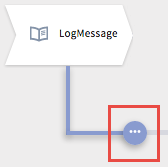
- Click the button to expose the following options:

- Click (
 ).
).
If the branch to be deleted contains a sub-task located under branches or sub-branches, the following confirmation dialog is displayed.
- On the confirmation dialog, click Delete branch.
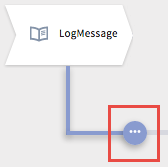


ResultThe selected branch is deleted.