Switching Between Flows in an App
If an app has multiple flows, you can switch between the flows within an app.
When you have one flow open, to switch to another flow within the app, do the following:
- Procedure
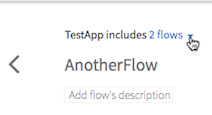
- Click the down arrow to the right of the flow name and select the flow page you want to open from the drop down list.
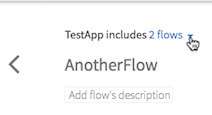
The Select to view other flows in <appname> panel opens with all the flows in the app listed and the currently open flow selected.
- Click the flow to which you want to switch.