Creating a Flow Attached to Other Triggers
This section applies to triggers that are not REST, gRPC or GraphQL triggers.
To create a flow with such a trigger:
- Procedure
- Click an app name in the Apps page in Flogo Enterprise to open its page.
- If this is the first flow in the app, click the
Create link, or if another flow exists in the app, click the
Create button.
The Add triggers and flows dialog box opens.
- Enter a name for the flow in the
Name text box.
Flow names within an app must be unique. An app cannot contain two flows with the same name.
- Optionally, enter a brief description of what the flow does in the Description text box and click Create.
- Select
Start with a trigger.
The triggers catalog opens. If there are existing triggers in the app, they are displayed in the Select existing trigger tab.
- To create a new trigger, click Add new trigger.
- Click the trigger that you want to add.
The flow details page is displayed with the trigger.
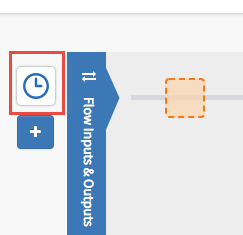
- Click the trigger to display its properties. For example, the image below shows the Timer trigger.
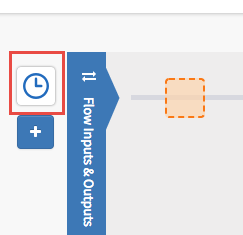
- Configure the properties for the trigger. See the respective trigger section in TIBCO Flogo® Enterprise Activities, Triggers, and Connections for details.
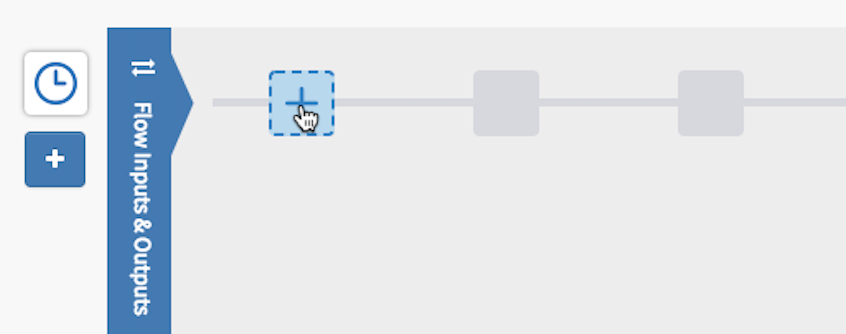
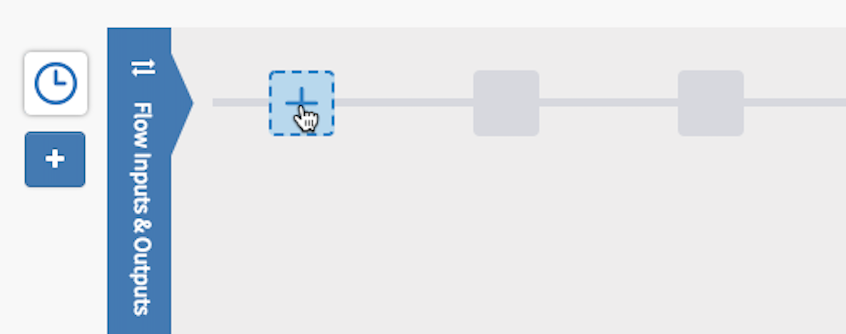
- Add activities to the flow by clicking the + icon next to the
Flow Inputs & Outputs tab: