FLOGO_LOG_LEVEL
This environment variable is used to set a log level for an app.
- Supported values are: INFO, DEBUG, WARN, and ERROR.
- Default: INFO
You can increase or decrease logging of the app using this environment variable. To increase the logging of the app to debug, change FLOGO_LOG_LEVEL to DEBUG. To skip detailed logging and to just log an error, set FLOGO_LOG_LEVEL to ERROR. Changes to the log level are reflected after restarting the Flogo app in your environment and by pushing the Flogo app again to the cloud environment.
Deploying the app to your environment
Set the variable value as follows:
FLOGO_LOG_LEVEL=ERROR ./<app_binary>
docker run -it -e FLOGO_LOG_LEVEL=ERROR <docker-image>
Figure 15: Log level - ERROR
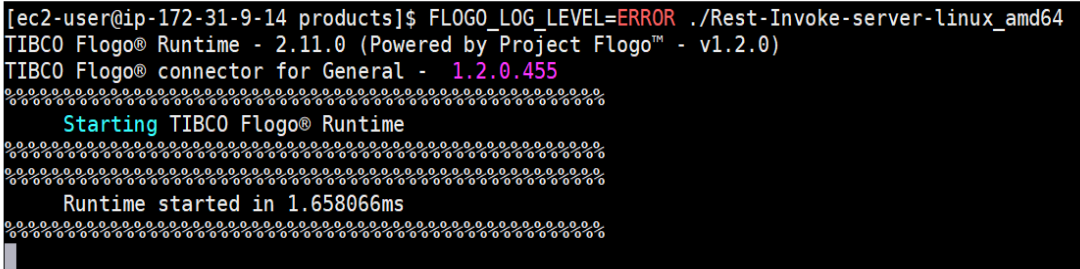
Figure 16: Log level - INFO
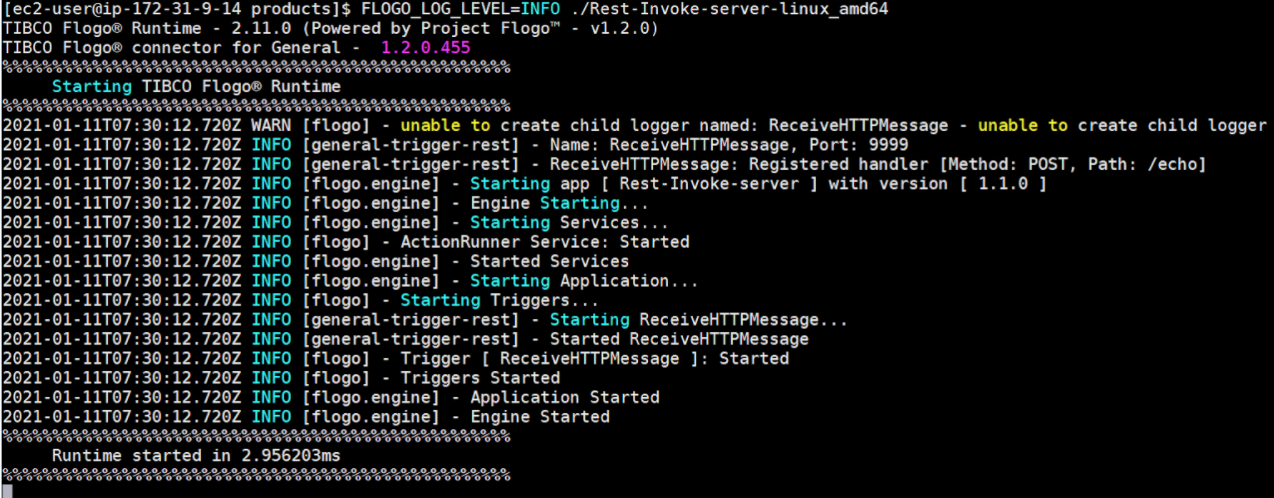
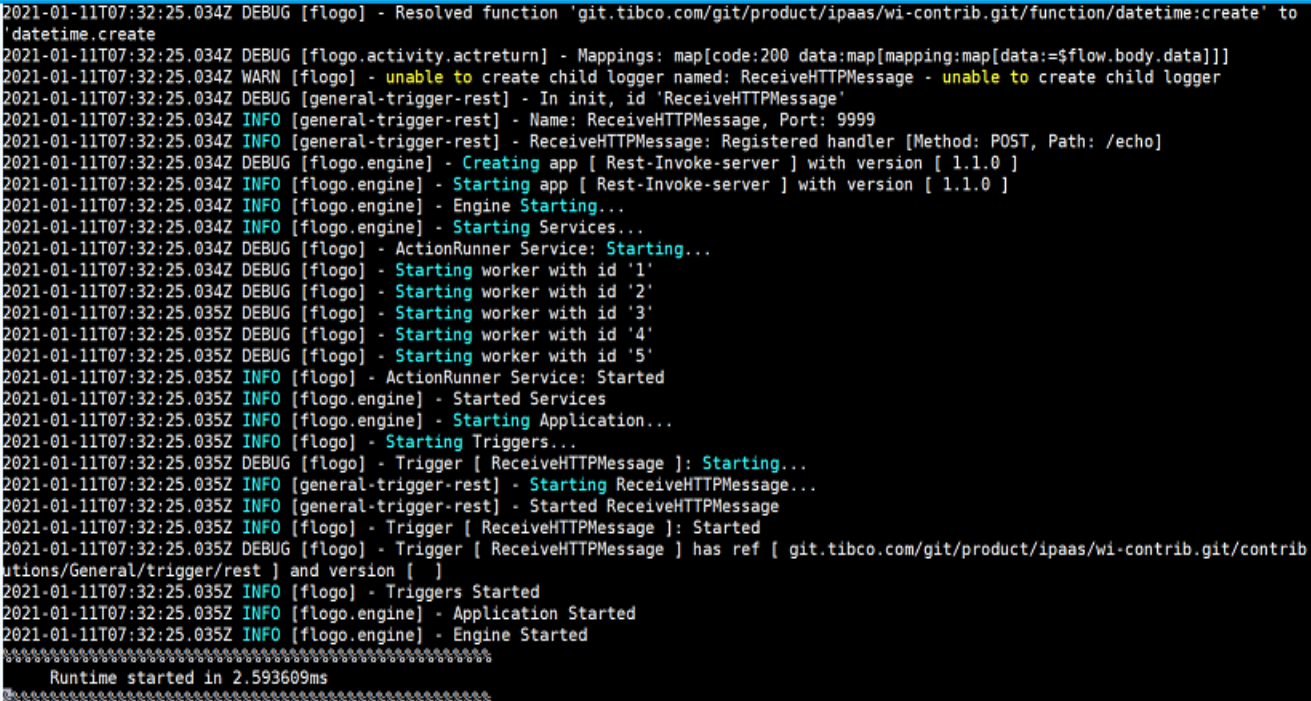
Figure 17: Log level - DEBUG
Case Study
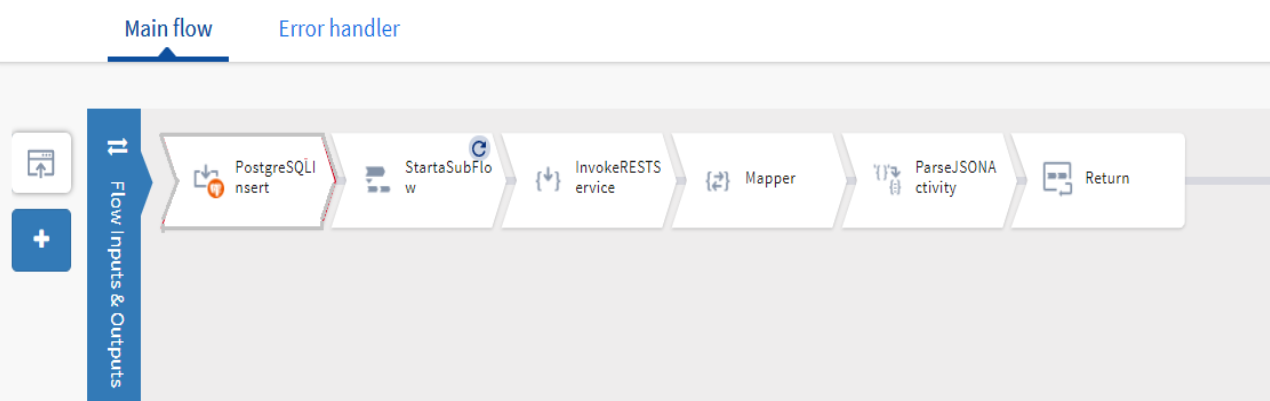
This use case illustrates the app logging impact on performance of the app.
Figure 18: App under test - for FLOGO-LOG-LEVEL
Performance lab results have shown that the performance of the app depends on the app log level that is set, request payload, and app latency. Set the log level to DEBUG to debug functional issues and to ERROR for performance scenarios because setting the logging to DEBUG might impact the performance of the app.
Maximum throughput was achieved with a Log Level set as ERROR.