Creating a Flogo App in TIBCO Cloud™ Integration
You can create a Flogo® app from the Apps page.
- Procedure
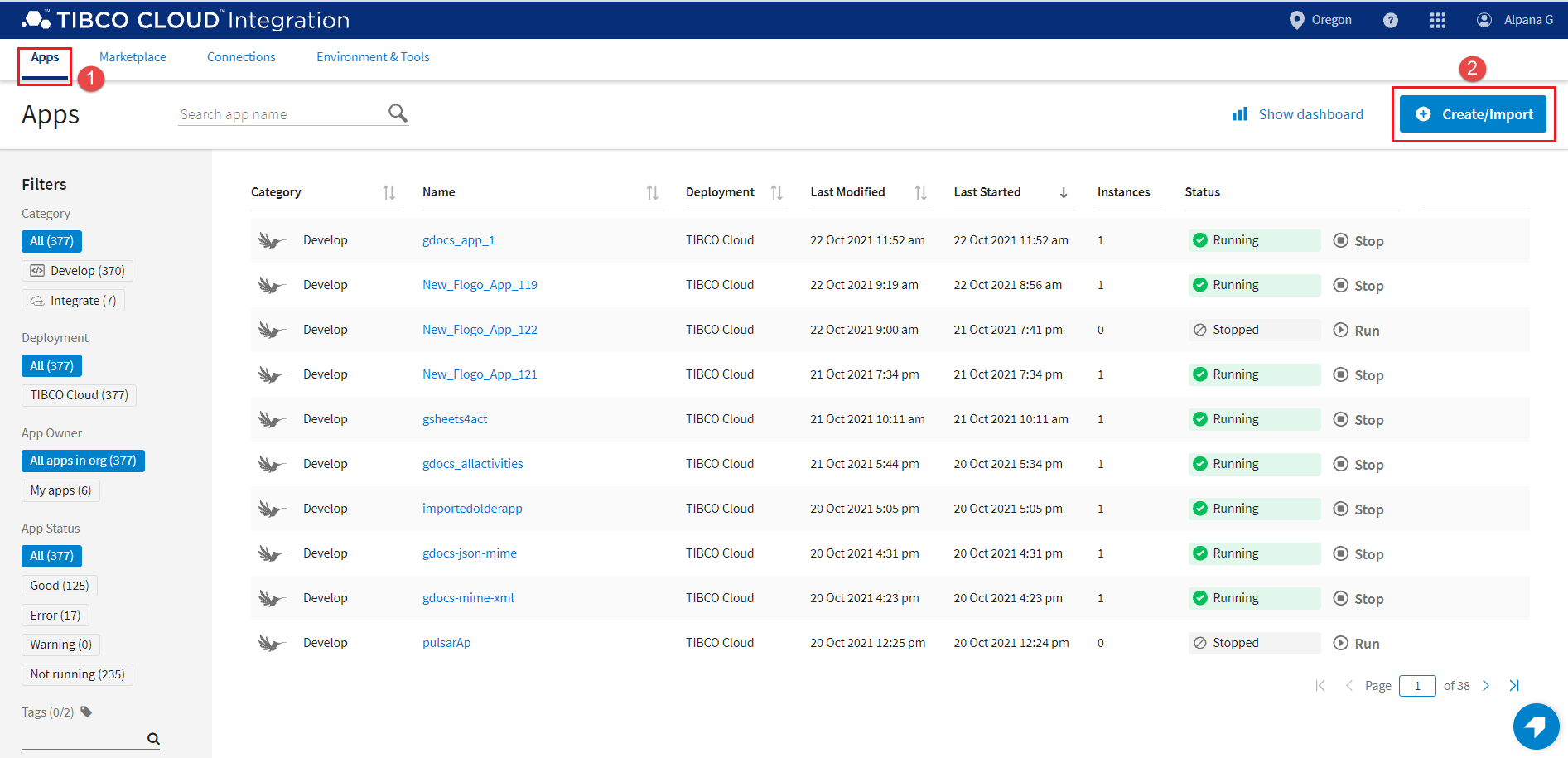
- Open the
Apps page.
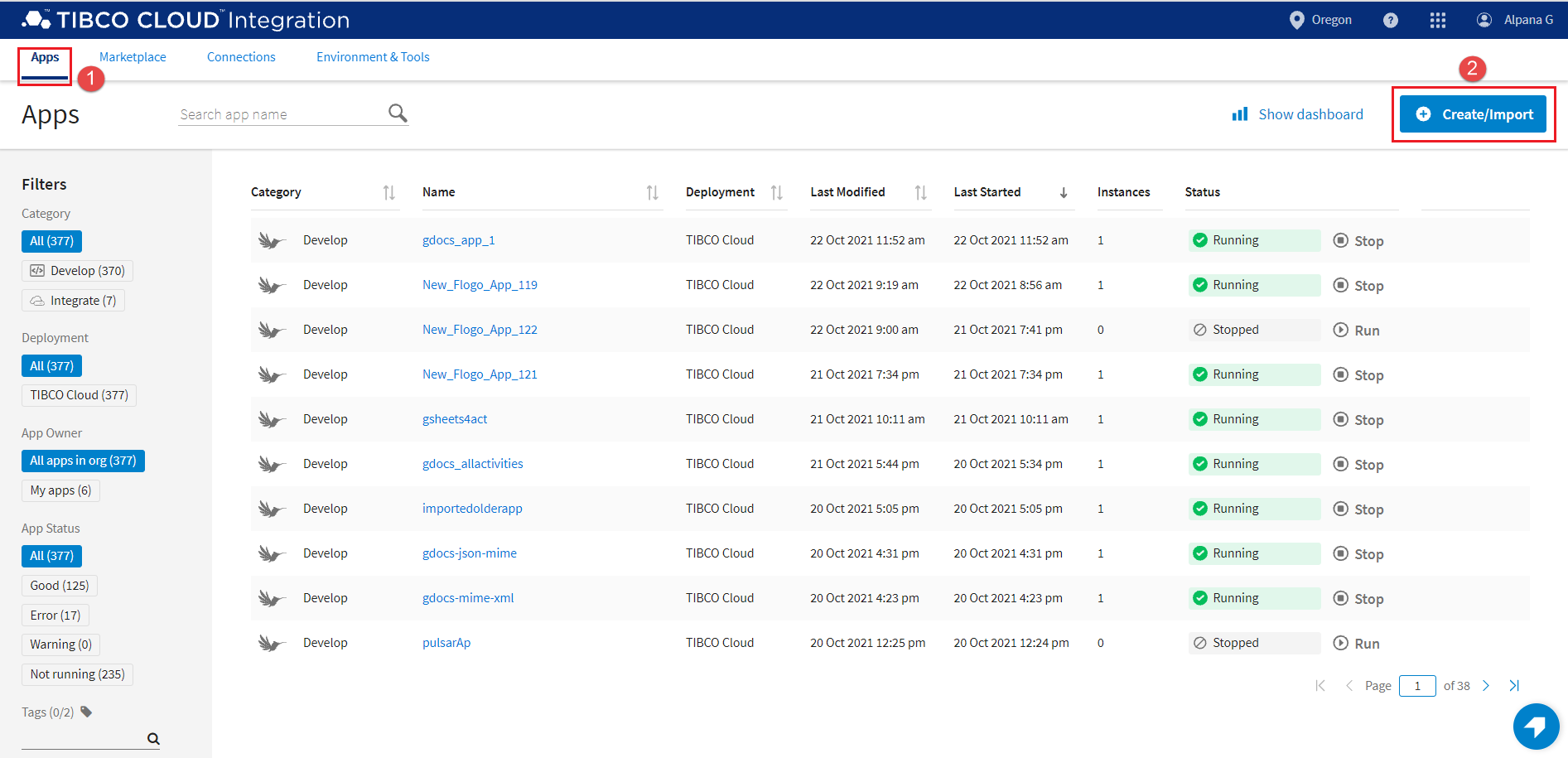
- Click
Create/Import.
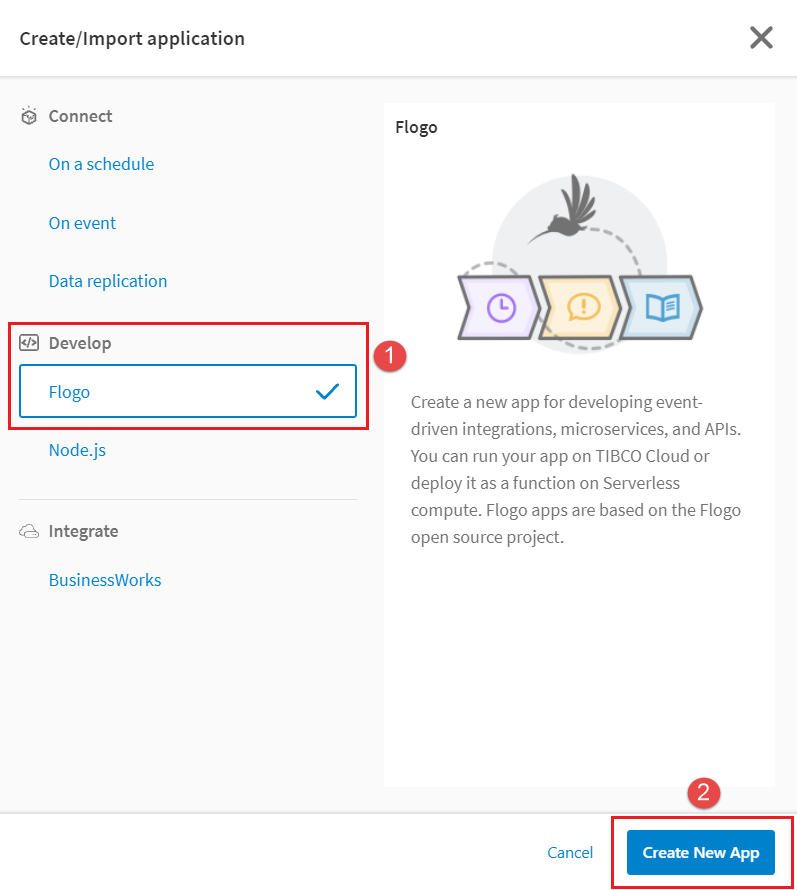
The Create/Import application dialog opens.
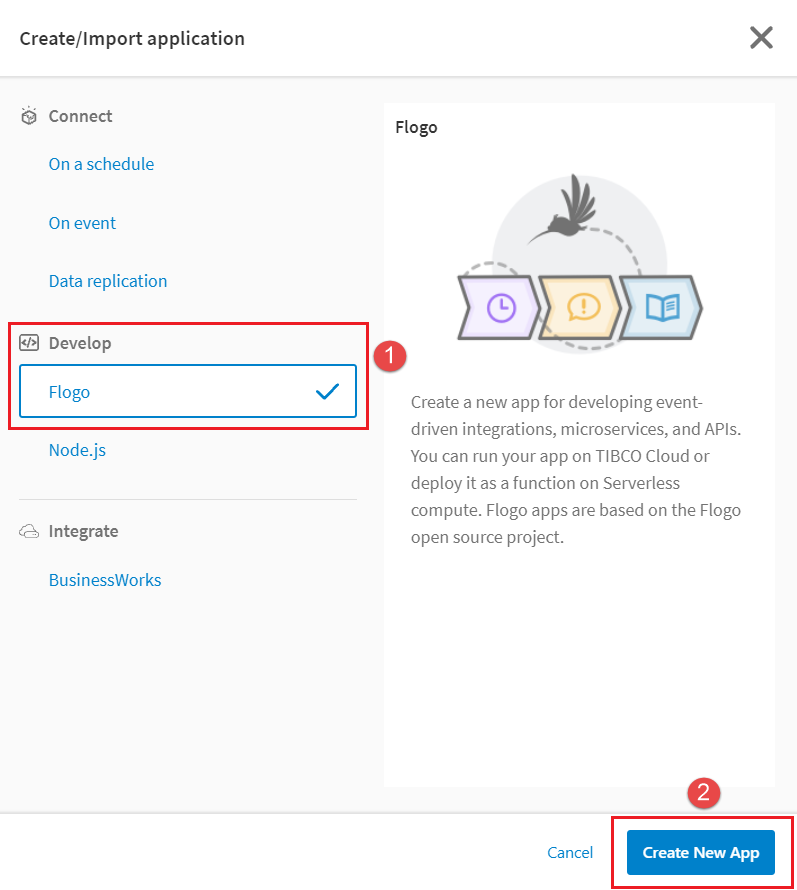
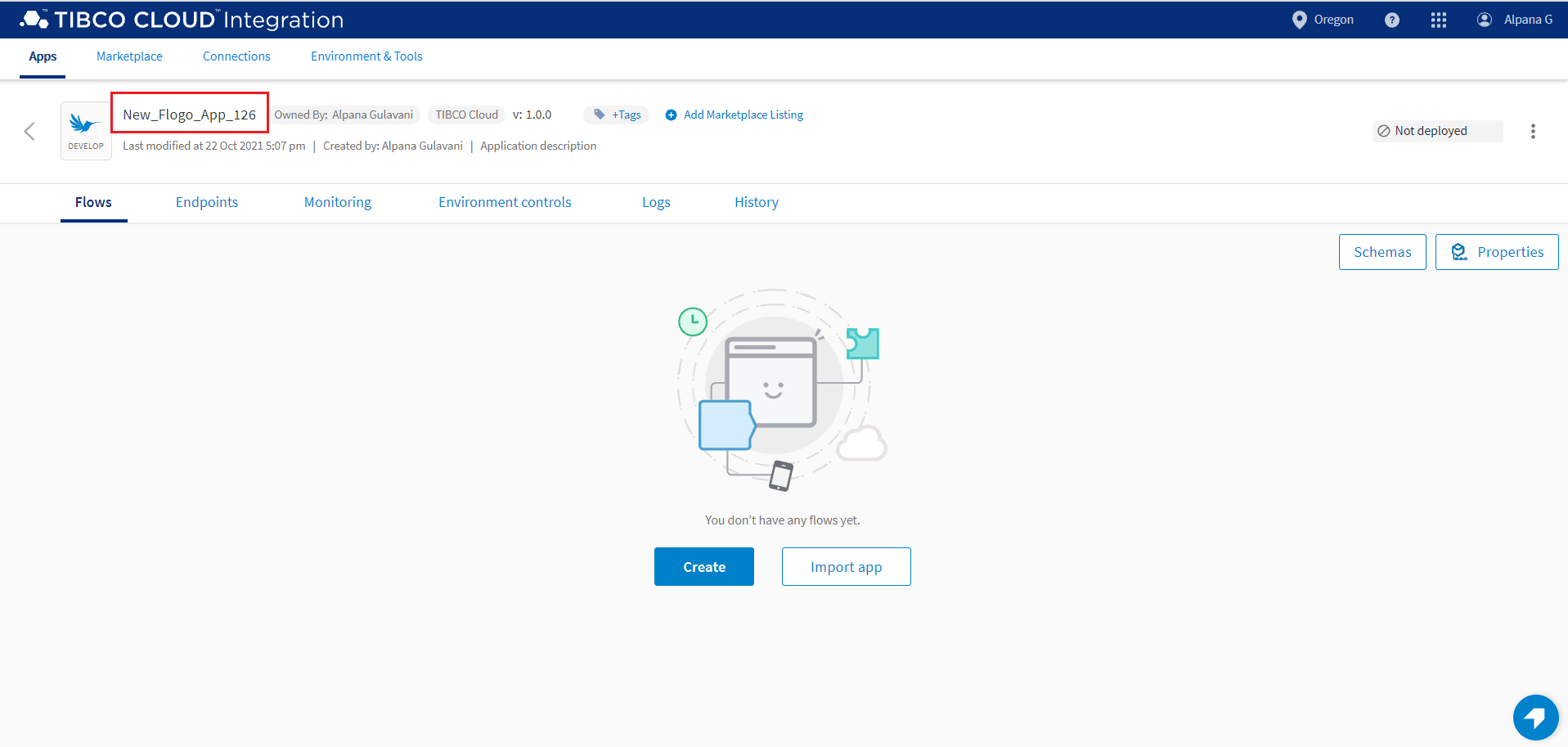
- Under Develop, click Flogo and then click Create New App. The app details page opens.
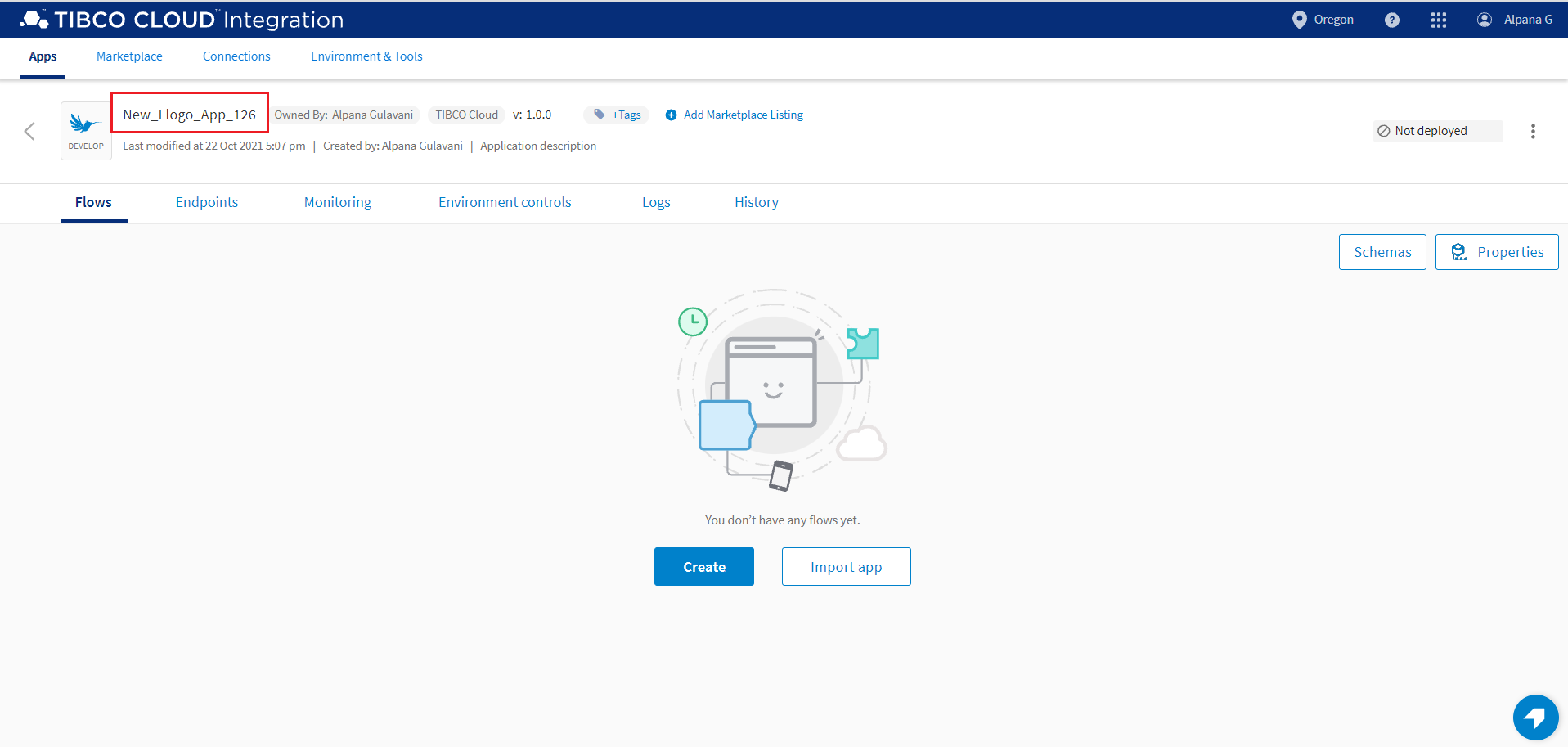
By default, the app is named in a sequential order in the format
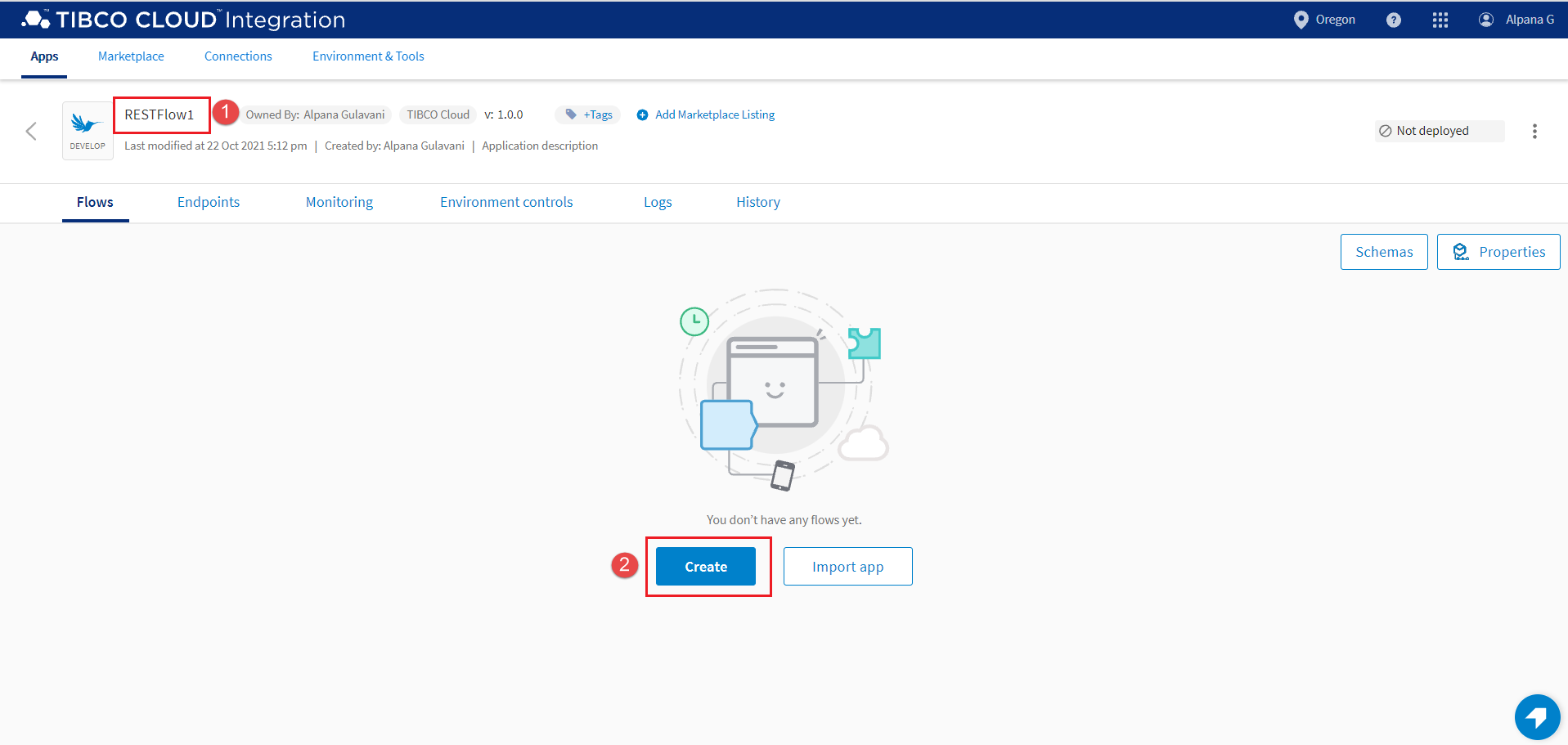
New_Flogo_App_<sequential_number>. For example, if you created three apps without renaming them, then the first one has a default name ofNew_Flogo_App_1, the second one is calledNew_Flogo_App_2and the third one is calledNew_Flogo_App_3. The version of a newly-created app is 1.0.0 and is displayed asv: 1.0.0beside the name of the app. You can also edit the version of the app. - Edit the app name to a meaningful string. To do so, click anywhere within the app name and edit it, then click anywhere outside the text box to persist your change.
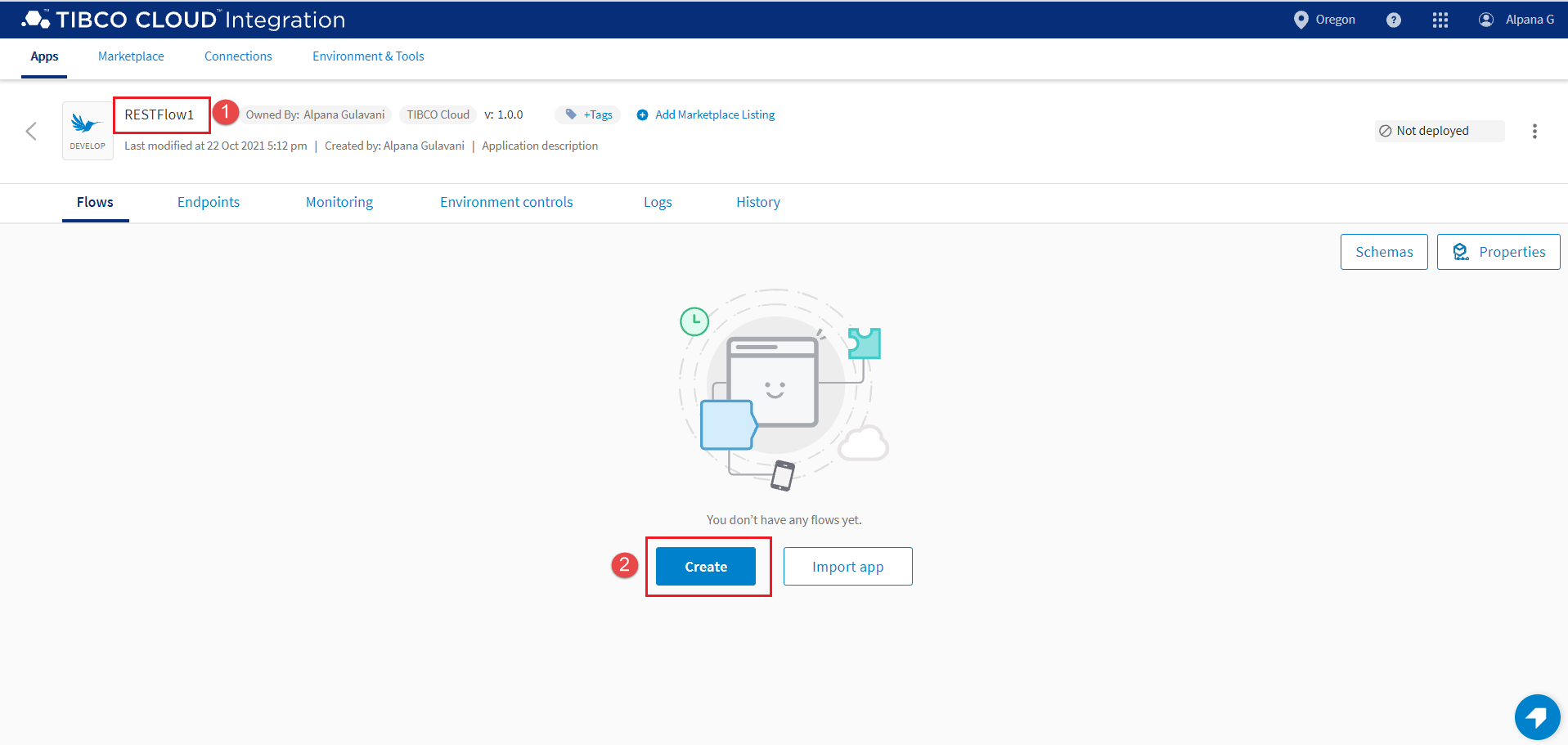
- Click Create.
-
Note: The card for an app type is disabled if the plan you purchased does not entitle you to create certain types of apps such as a Flogo app or use certain capabilities within an app type. For example, a TIBCO Cloud(TM) API Management plan may only allow the capability to create and run Mock and Node.js apps. So, if you log in with this plan you cannot create a Flogo app as the app card for Flogo apps is disabled.ResultThe app is created.What to do nextYou can now create one or more flows for the app.