Step 3: Add a trigger to the flow
Triggers receive events from external sources such as Kafka, Salesforce, and GraphQL. The handlers residing in the triggers, dispatch events to flows. Flogo provides a set of out-of-the-box triggers and connectors for receiving events from external systems. In this guide, a ReceiveHTTPMessage REST trigger will be used to listen to incoming REST requests.
Add a trigger to the flow
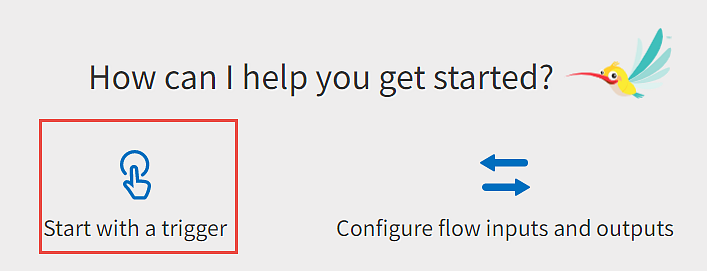
- In the dialog box that appears, click Start with a trigger.
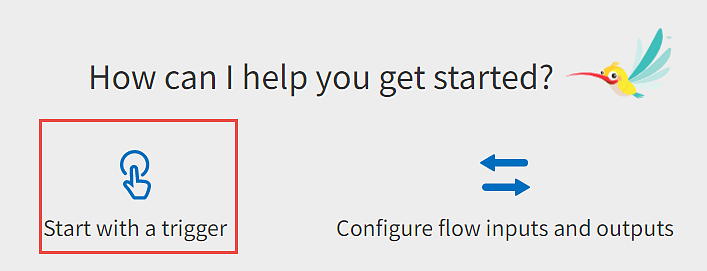
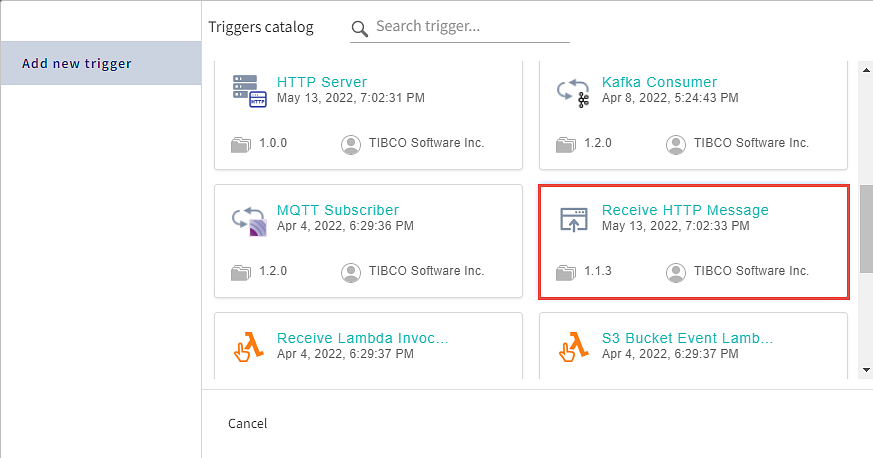
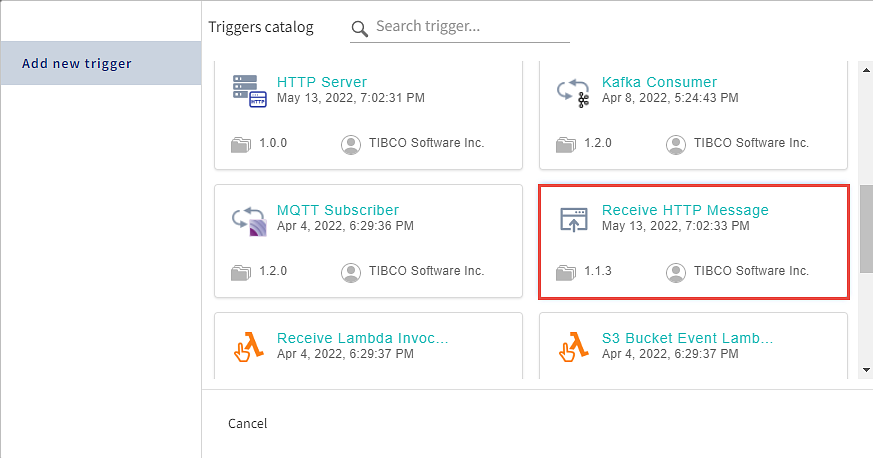
The Triggers Catalog dialog lists the triggers that serve a specific use case and each of them has a unique set of configurations.
For more information about triggers listed in the catalog, refer to Triggers.
- On the Triggers catalog page, select the Receive HTTP Message trigger.
-
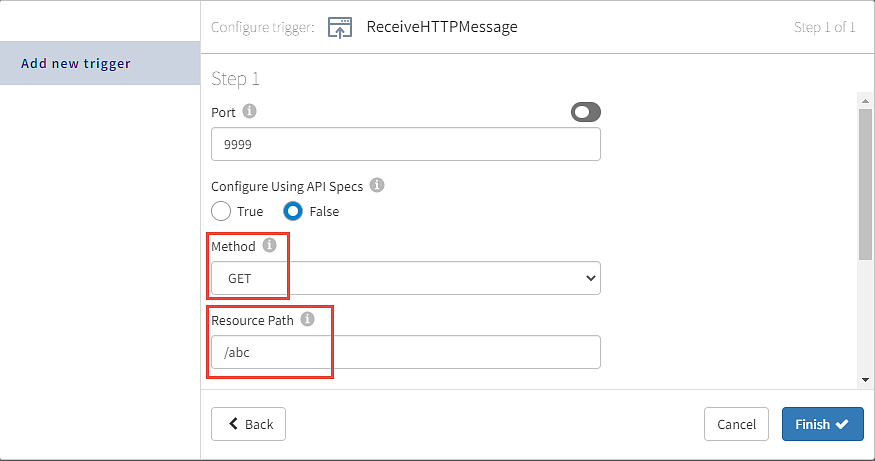
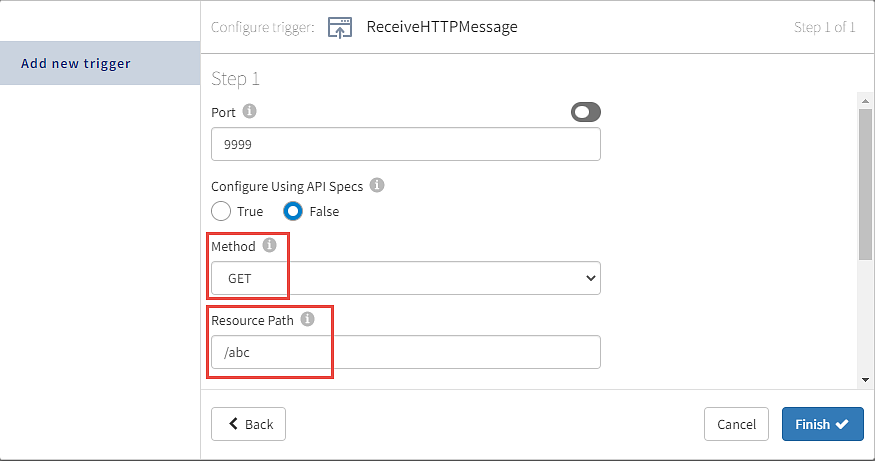
In the trigger configuration dialog of the Receive HTTP Message trigger, perform the following tasks:
- Select GET as the Method.
- Enter /abc in the Resource path field.
- Click Continue.
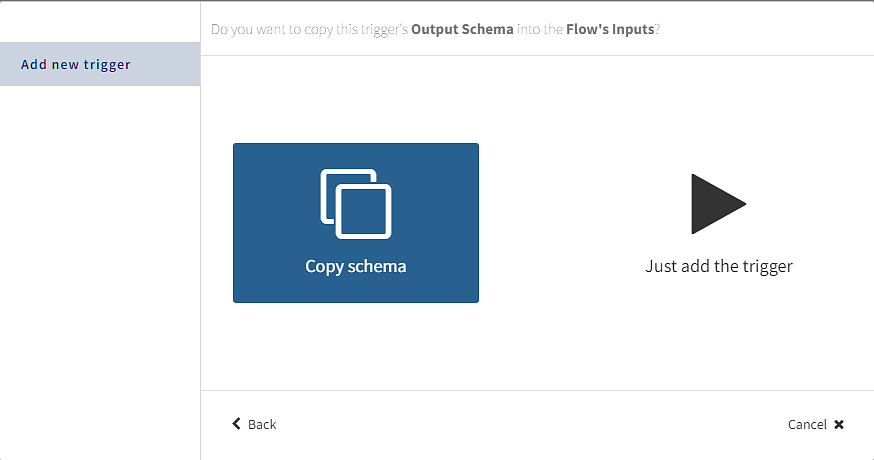
- Select Copy Schema when prompted as shown in the following image.
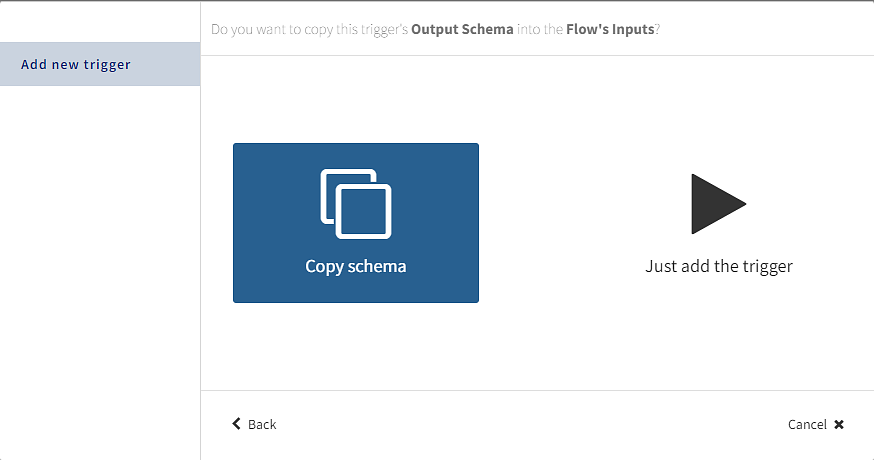 Tip: You can define a JSON or Avro schema such that it is available for reuse across an app. An app-level schema can be used in any flow, activity, or trigger configuration where a schema editor is provided. You can simply pick an existing schema from a list.
Currently, Flogo only supports the JSON and Avro types of schemas.
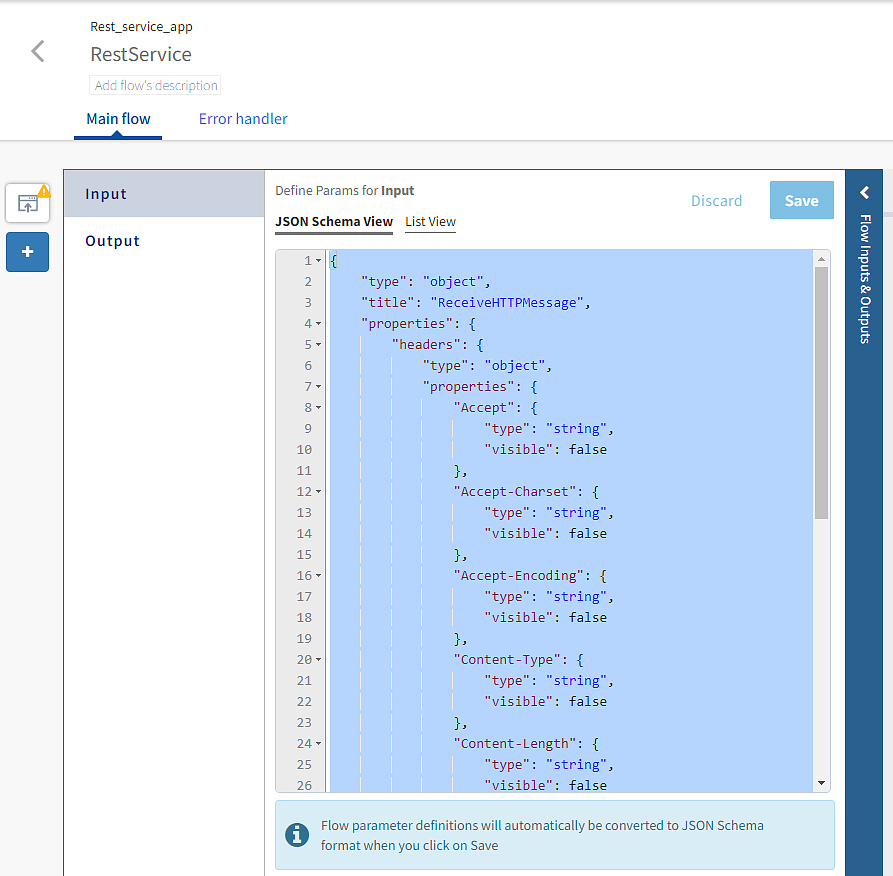
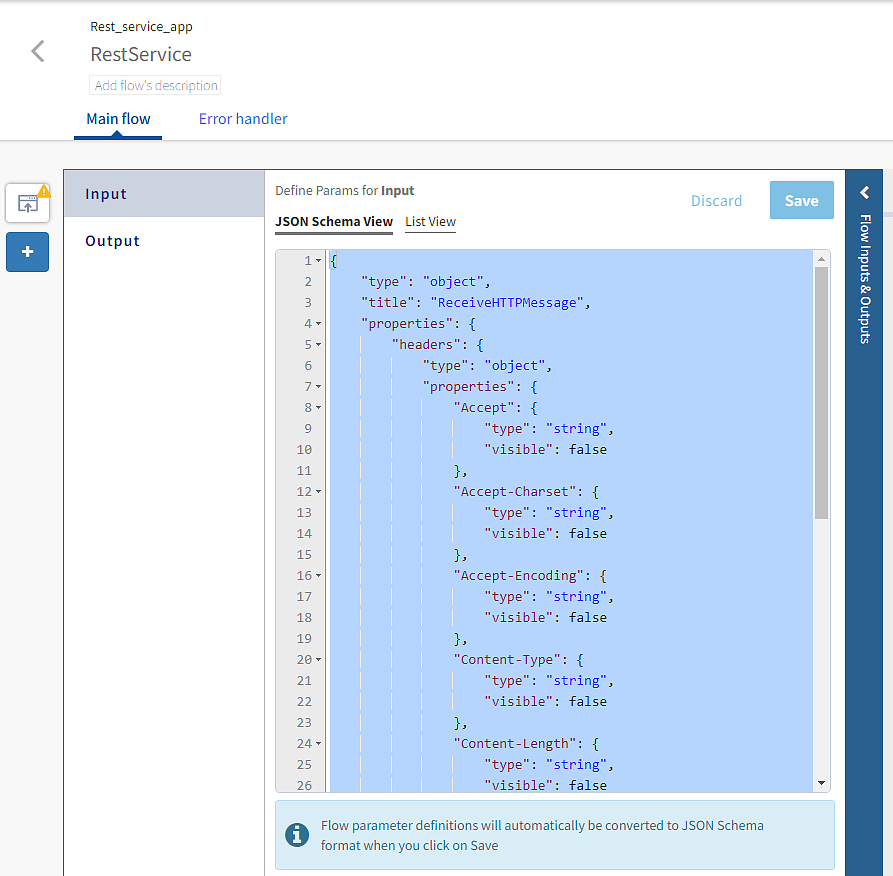
The trigger configuration dialog must automatically close to open the Flow Inputs & Outputs tab as seen in the following screen.
- Collapse the Flow Inputs and Outputs tab.
You can also create a trigger before attaching a flow to it.